




Here's how it works

01. Edit your globe life beneficiary change form online
Type text, add images, blackout confidential details, add comments, highlights and more.

02. Sign it in a few clicks
Draw your signature, type it, upload its image, or use your mobile device as a signature pad.

03. Share your form with others
Send globe life change of beneficiary form via email, link, or fax. You can also download it, export it or print it out.
How to use or fill out globe life beneficiary change form with our platform

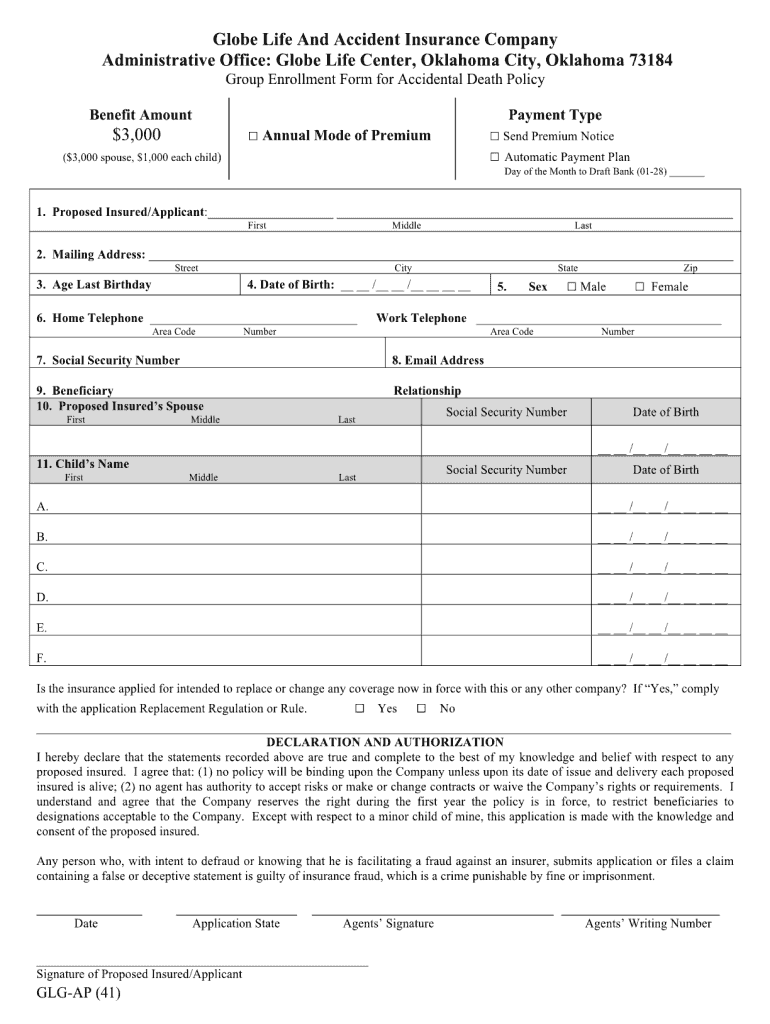
- Click ‘Get Form’ to open the globe life beneficiary change form in the editor.
- Begin by entering your policy number in the designated field. This ensures that your request is linked to the correct account.
- Next, provide your personal information, including your full name, address, and contact details. Accuracy here is crucial for processing your request smoothly.
- In the beneficiary section, specify the name of the individual or entity you wish to designate as a beneficiary. Ensure that you include their relationship to you for clarity.
- If applicable, indicate any contingent beneficiaries by filling out additional fields provided. This step is important for ensuring that your wishes are honored.
- Finally, review all entered information for accuracy before signing and dating the form at the bottom. This confirms your intent and authorizes the changes.
Start using our platform today to easily complete your globe life beneficiary change form online for free!
Fill out globe life beneficiary change form online
It's free
It's free
Security and compliance
At DocHub, your data security is our priority. We follow HIPAA, SOC2, GDPR, and other standards, so you can work on your documents with confidence.
Learn more


