




Here's how it works

01. Edit your water damage form online
Type text, add images, blackout confidential details, add comments, highlights and more.

02. Sign it in a few clicks
Draw your signature, type it, upload its image, or use your mobile device as a signature pad.

03. Share your form with others
Send water damage claim form via email, link, or fax. You can also download it, export it or print it out.
How to use or fill out water damage claim form with our platform

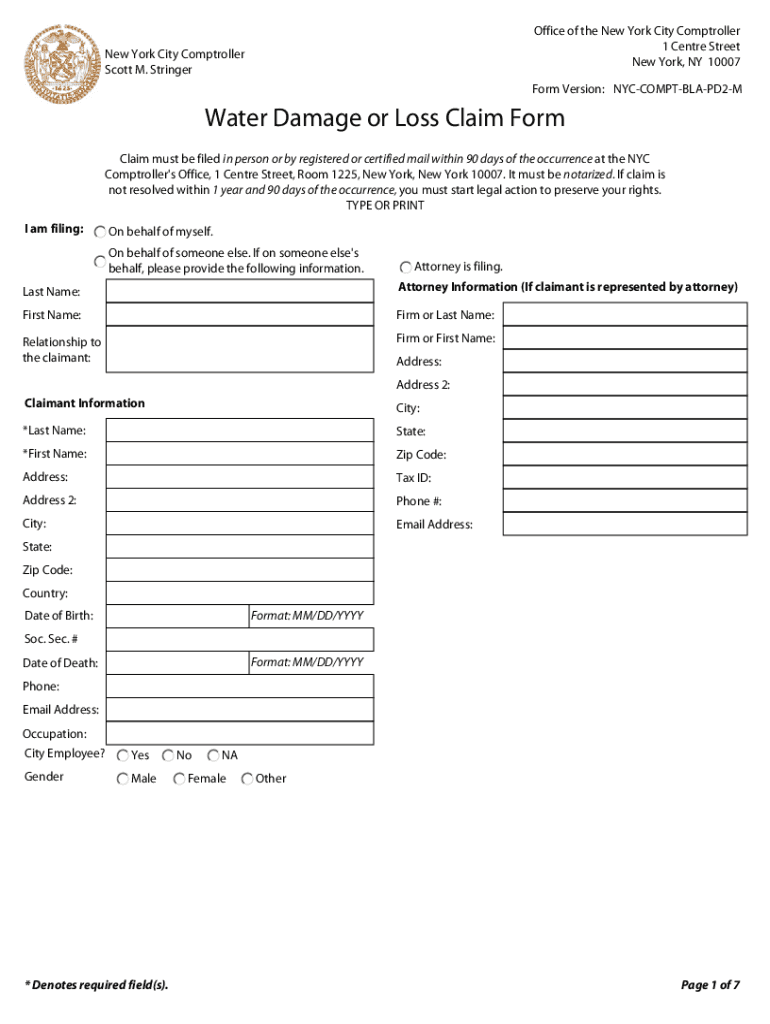
- Click ‘Get Form’ to open the water damage claim form in the editor.
- Begin by selecting whether you are filing on behalf of yourself, someone else, or an attorney. Fill in the required fields for claimant and attorney information, including names, addresses, and contact details.
- Provide details about the incident. Enter the date, time, and location of the incident. Be sure to describe how the damage occurred in the designated section.
- In the 'Detailed Description of Damaged Articles' section, list each item affected by water damage. Include purchase dates, costs at purchase time, and amounts claimed.
- Complete witness information if applicable. Fill out details for up to six witnesses who can corroborate your claim.
- Indicate how you reported the incident and provide any relevant insurance information. Ensure all required fields marked with an asterisk (*) are completed before submission.
Start filling out your water damage claim form online for free today!
Fill out water damage claim form online
It's free
It's free
Security and compliance
At DocHub, your data security is our priority. We follow HIPAA, SOC2, GDPR, and other standards, so you can work on your documents with confidence.
Learn more


