




Here's how it works



How to use or fill out kansas informacion derechos responsibilidades get with our platform

- Click ‘Get Form’ to open it in the editor.
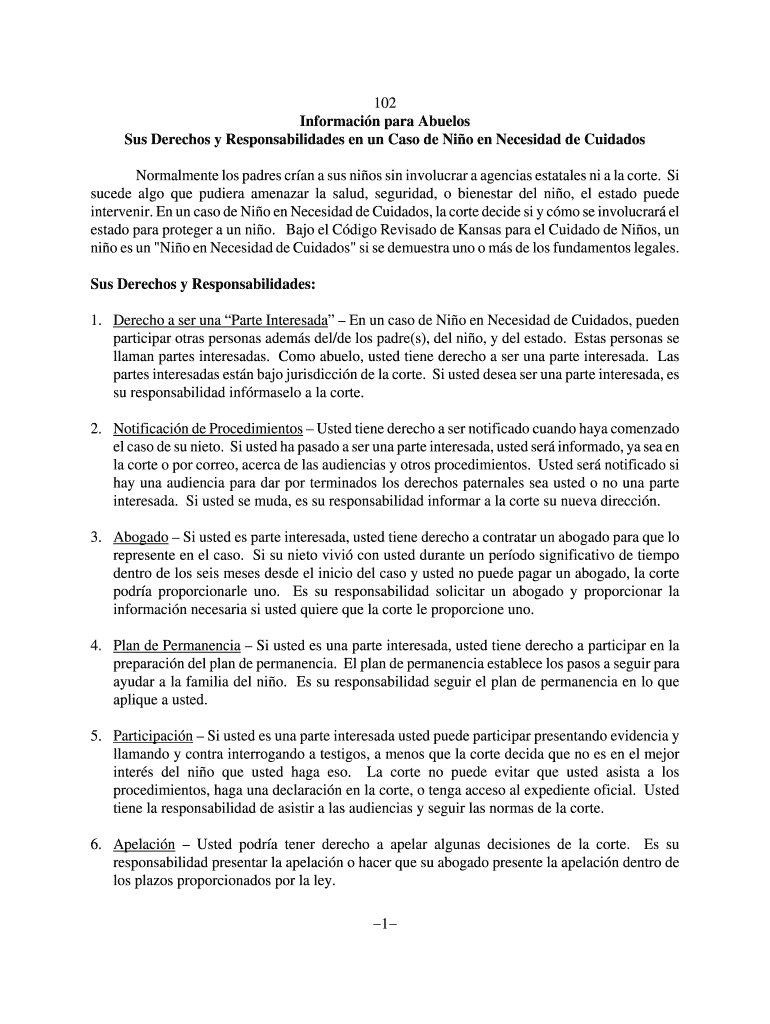
- Begin by reviewing the introductory section, which outlines the purpose of the document and your rights as a grandparent involved in a child welfare case.
- Fill out your personal information in the designated fields, ensuring accuracy to receive important notifications regarding court proceedings.
- In the section detailing your rights, carefully read each point. If you wish to assert your right as a 'Parte Interesada', indicate this clearly in the provided space.
- If applicable, provide details about any legal representation you may have or wish to request from the court.
- Review all sections for completeness and clarity before submitting. Utilize our platform’s tools for easy editing and signing if necessary.
Start using our platform today to easily fill out and manage your documents for free!
It's free
Got questions?
Can I sign my kansas abuelos responsibilidades necesidad search on a mobile?
Yes, you’ll find many different applications for this on the web. However, if you need to eSign your kansas abuelos responsibilidades necesidad search without installing additional software, DocHub is the optimum choice you can make. This robust editor works on mobile devices just as on desktops. Open our editor in your preferred internet browser, register or sign in to your account, and start processing your paperwork.
How do you create an e-signature for the informacion abuelos responsibilidades necesidad online on iOS?
In addition to an extensive toolset for editing PDFs on mobile devices, DocHub enables you to sign your informacion abuelos responsibilidades necesidad online along the way. Open our editor in your internet browser, make modifications using DocHub’s toolset, and complete your editing by eSigning the completed form.
Security and compliance
At DocHub, your data security is our priority. We follow HIPAA, SOC2, GDPR, and other standards, so you can work on your documents with confidence.
Learn more


