




01. Edit your indiana new hire online
Type text, add images, blackout confidential details, add comments, highlights and more.

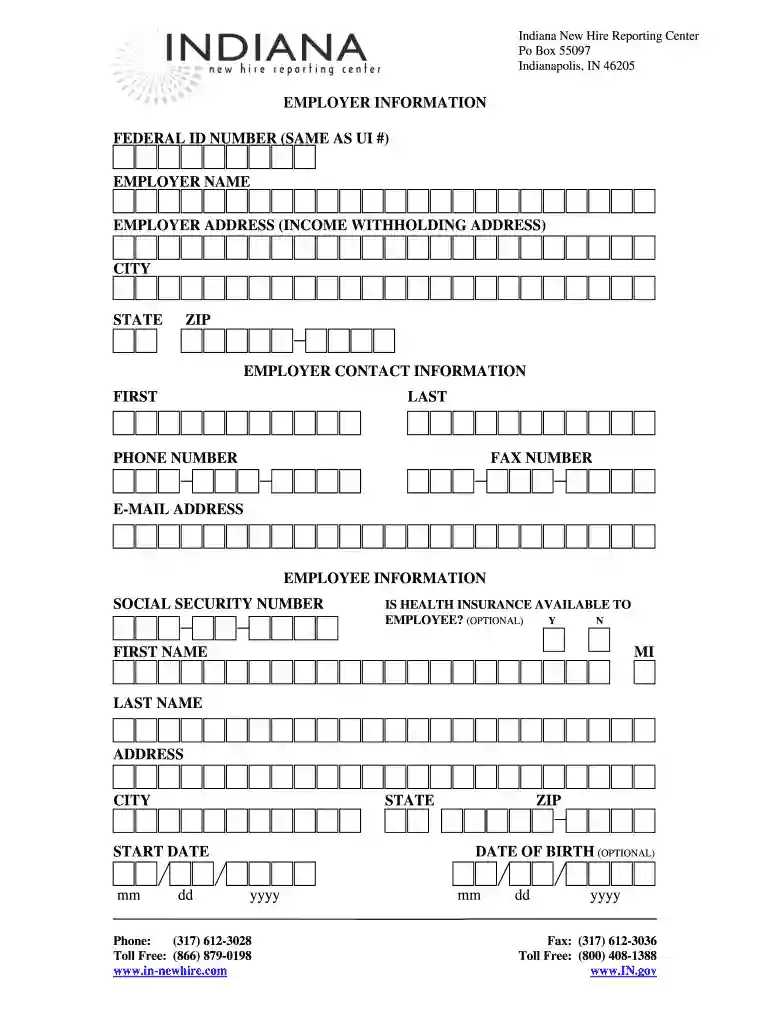
Type text, add images, blackout confidential details, add comments, highlights and more.

Draw your signature, type it, upload its image, or use your mobile device as a signature pad.

Send indiana new hire reporting via email, link, or fax. You can also download it, export it or print it out.

Start using our platform today to easily complete your Indiana Hire form online for free!
At DocHub, your data security is our priority. We follow HIPAA, SOC2, GDPR, and other standards, so you can work on your documents with confidence.
Indiana New Hire Reporting Center requires reports of newly hired and rehired employees to be reported electronically. Infographic illustrating the top 5 stepsRead more
From sustainability to jobs, you can expect more from Target. Learn about our history, values and mission.
A site for employers interested in hiring Indiana University students from any of our seven campuses.


