




01. Edit your superior court claim online
Type text, add images, blackout confidential details, add comments, highlights and more.

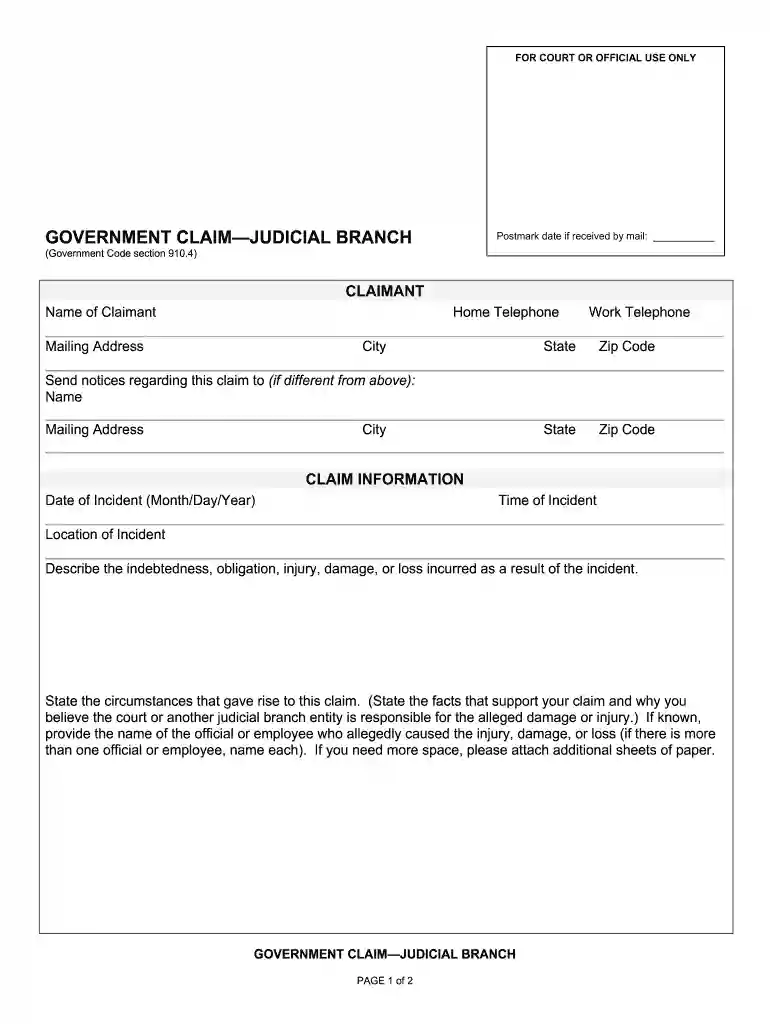
Type text, add images, blackout confidential details, add comments, highlights and more.

Draw your signature, type it, upload its image, or use your mobile device as a signature pad.

Send claim mail via email, link, or fax. You can also download it, export it or print it out.

Start using our platform today to streamline your superior court claim process for free!
At DocHub, your data security is our priority. We follow HIPAA, SOC2, GDPR, and other standards, so you can work on your documents with confidence.
View forms and instructions to file a Civil Complaint in Maricopa County Superior Court.
Clerks have authority to hear and determine an array of matters spanning substantive areas as diverse as partitions of land, appointment of guardians forRead more
What do I use this form for? Use this form to ask the court to cancel (set aside) a default judgment that is based on earning capacity or presumed income.Read more


