




01. Edit your cvs caremark brand online
Type text, add images, blackout confidential details, add comments, highlights and more.

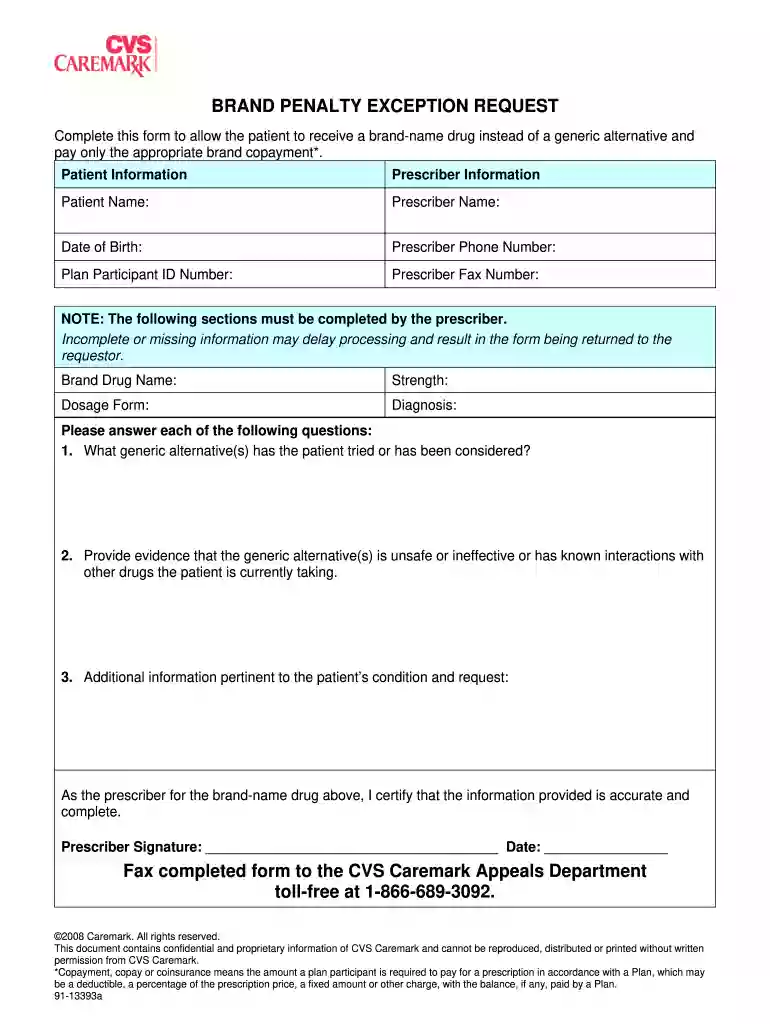
Type text, add images, blackout confidential details, add comments, highlights and more.

Draw your signature, type it, upload its image, or use your mobile device as a signature pad.

Send patients form via email, link, or fax. You can also download it, export it or print it out.

Start using our platform today to streamline your CVS Caremark form completion process for free!
At DocHub, your data security is our priority. We follow HIPAA, SOC2, GDPR, and other standards, so you can work on your documents with confidence.
CVS Caremark wants to provide you with high quality medicines at the best possible price. In order to do this, we will substitute equivalent generic medicinesRead more
This list represents brand products in CAPS and generic products in lower-case italics. If you have questions about your prescription benefits, please log on toRead more


