




01. Edit your ps form 3533 online
Type text, add images, blackout confidential details, add comments, highlights and more.

Type text, add images, blackout confidential details, add comments, highlights and more.

Draw your signature, type it, upload its image, or use your mobile device as a signature pad.

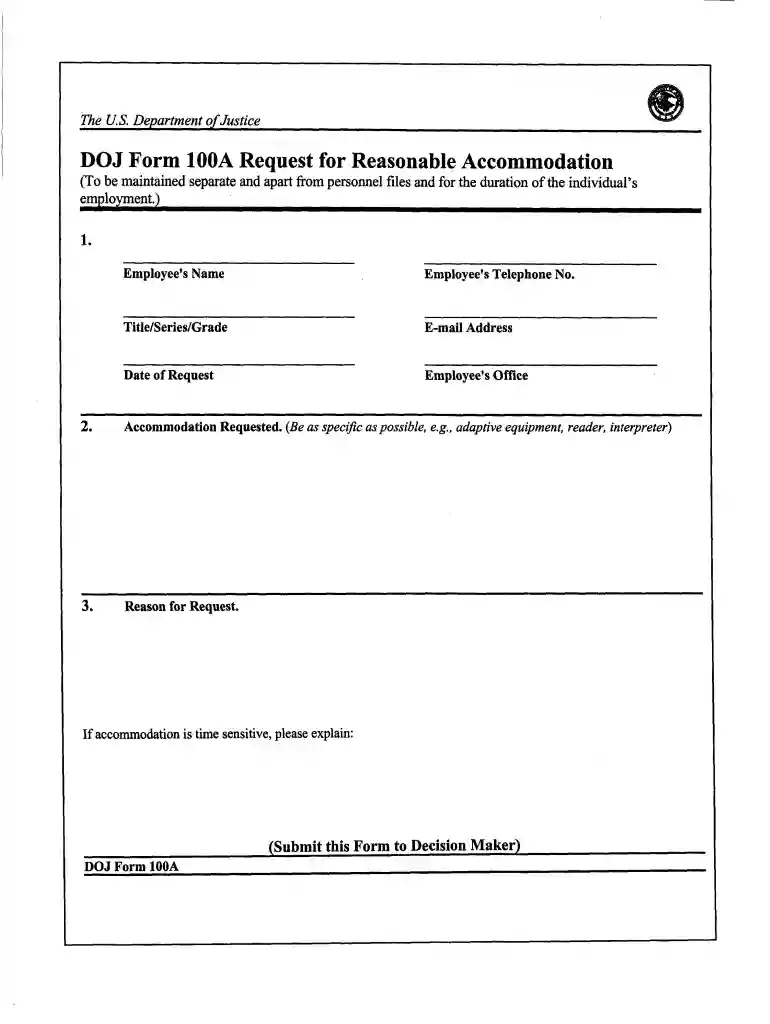
Send doj 100a via email, link, or fax. You can also download it, export it or print it out.

Start using our platform today to streamline your document editing and submission process for free!
At DocHub, your data security is our priority. We follow HIPAA, SOC2, GDPR, and other standards, so you can work on your documents with confidence.
Oct 13, 2020 Before sending a request to the Department of Justice you should determine whether DOJ is likely to have the records you are seeking.Read more
Dec 2, 2002 The formal rules for the making of FOIA requests to the Justice Department are set forth in Chapter 16 of Volume 28 of the Code of FederalRead more
This site makes FOIA requests from its members publicly available, and compiles agency information based on those requests.Read more


