




01. Edit your sick sheet online
Type text, add images, blackout confidential details, add comments, highlights and more.

Type text, add images, blackout confidential details, add comments, highlights and more.

Draw your signature, type it, upload its image, or use your mobile device as a signature pad.

Send sick off sheet via email, link, or fax. You can also download it, export it or print it out.
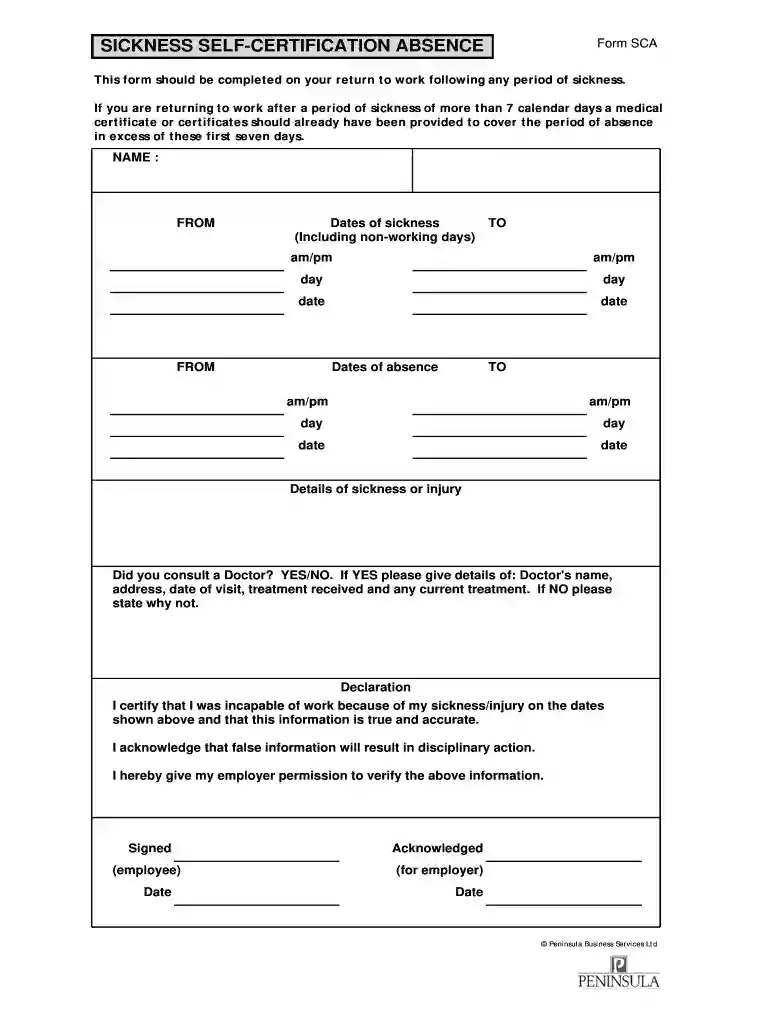
The sick leave form PDF is a standardized document that allows employees to formally communicate their absence due to illness or medical reasons to their employer. Its primary role is to document the time away from work and the reasons for such an absence. This form is often needed to ensure that the company adheres to its sick leave policy and can serve as a record for both the employee and employer regarding time off for medical needs.
Acquiring the sick leave form PDF can be straightforward, involving several common methods:
Filling out the sick leave form PDF is a critical process that should be approached carefully to ensure accuracy and compliance.
Utilizing the sick leave form PDF is essential for several reasons:
The legal use of the sick leave form PDF is governed by various employment laws and regulations.
Understanding key terminology associated with sick leave forms can aid in the proper navigation of requests and policies.
Real-world scenarios can illustrate how the sick leave form PDF operates in practice:
The sick leave form can be available in both digital and paper formats, and each has its pros and cons.
Each employee should choose the format that best fits their situation, considering factors like company preferences and personal convenience.
Most eSignature services require users to have a paid subscription. With DocHub, there are two options for you to create an electronic signature to your sick sheet form free of charge:
The second option, though, has limitations on the number of signatures, sign requests, emails, and forms for editing available per month. You can check for full details here.
When you edit your sick sheet sample with DocHub, you only require a steady internet connection and virtually any browser installed on your device. No need to install any third-party software or research tutorials. Just open a tab with DocHub, drag and drop your file, and modify it immediately.
At DocHub, your data security is our priority. We follow HIPAA, SOC2, GDPR, and other standards, so you can work on your documents with confidence.
1. Complete and submit your request form to your supervisor at least 24 hours prior to requested time off or as soon as possible for sudden illness.Read more
Certification: I hereby request leave/approved absence from duty as indicated above and DocHub that such leave/absence is requested for the purpose(s)Read more


