




01. Edit your mechanical bull waiver online
Type text, add images, blackout confidential details, add comments, highlights and more.

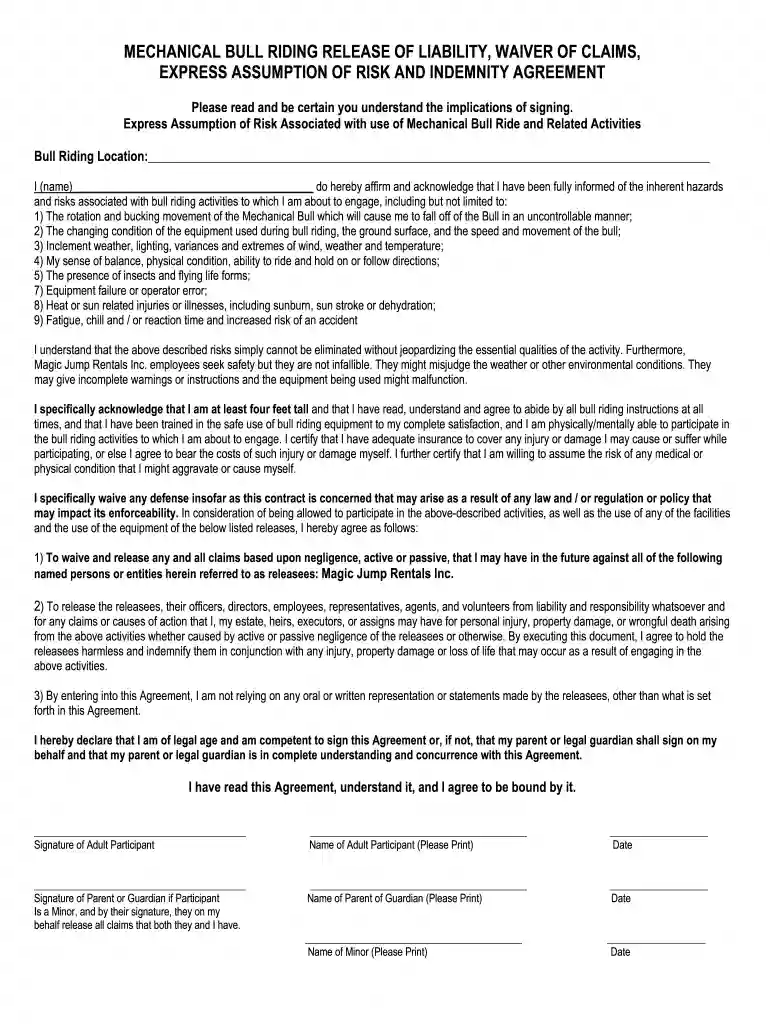
Type text, add images, blackout confidential details, add comments, highlights and more.

Draw your signature, type it, upload its image, or use your mobile device as a signature pad.

Send bull riding waiver via email, link, or fax. You can also download it, export it or print it out.

Start using our platform today for free to complete your mechanical bull waiver effortlessly!
At DocHub, your data security is our priority. We follow HIPAA, SOC2, GDPR, and other standards, so you can work on your documents with confidence.
Is an assumption of risk/release of liability waiver associated with this activity and/or its participants? 14. Is this an athletic event?
May 30, 2024 Mechanical Bull Guidelines Memo Aerial Adventure Courses Permanent Waiver Application Guidelines Waiver Inspection Guidelines WaterRead more
13.4 Waiver; Construction. Failure by Apple or any Contributor to enforce any provision of this License will not be deemed a waiver of future enforcement ofRead more


