




01. Edit your home warranty renewal letter online
Type text, add images, blackout confidential details, add comments, highlights and more.

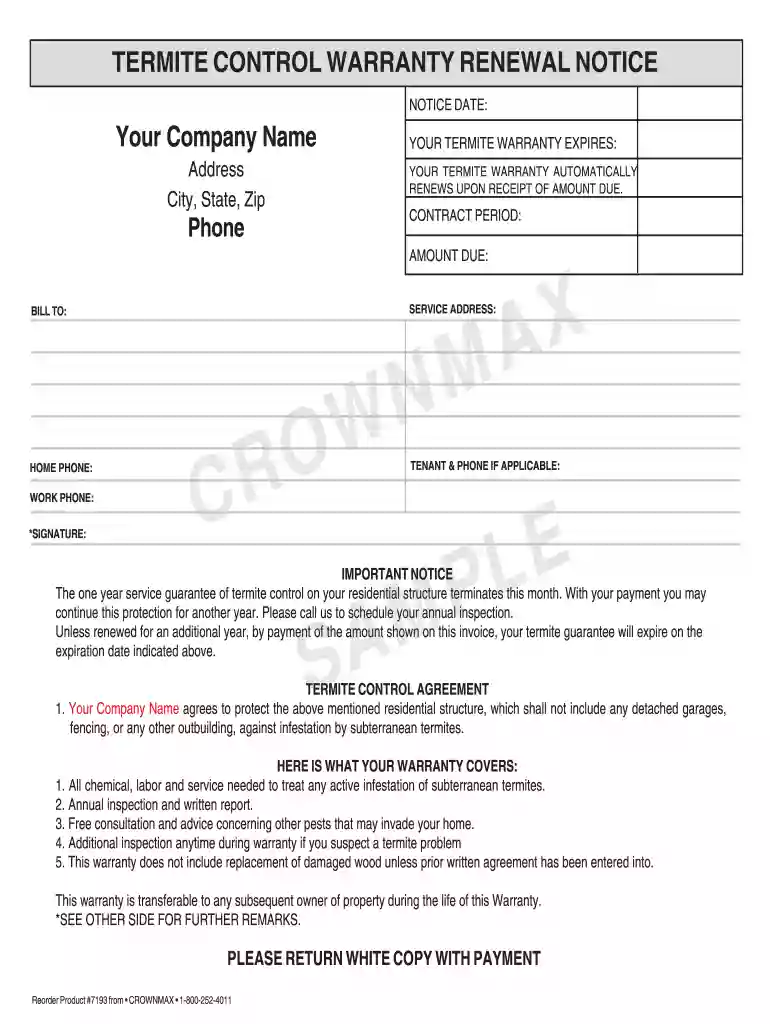
Type text, add images, blackout confidential details, add comments, highlights and more.

Draw your signature, type it, upload its image, or use your mobile device as a signature pad.

Send final renewal notice home warranty via email, link, or fax. You can also download it, export it or print it out.

Start using our platform today to easily fill out and manage your warranty renewal letter online for free!
At DocHub, your data security is our priority. We follow HIPAA, SOC2, GDPR, and other standards, so you can work on your documents with confidence.
Date: October 08, 2025. Contract #:. UCPJMU6205. Service: Electric Vehicle Chargers. Renewal Period: 1/10/2026 to 1/9/2027. Renewal #:. 4 of 4 One-Yr.
Jun 30, 2023 Have you received a call or a letter from a company claiming that your cars warranty has expired and they are offering an extended warranty
This one-year limited warranty plan includes priority toll-free technical phone support and other services as noted in Terms and ConditionsLimitedRead more


