




01. Edit your oregon advance directive online
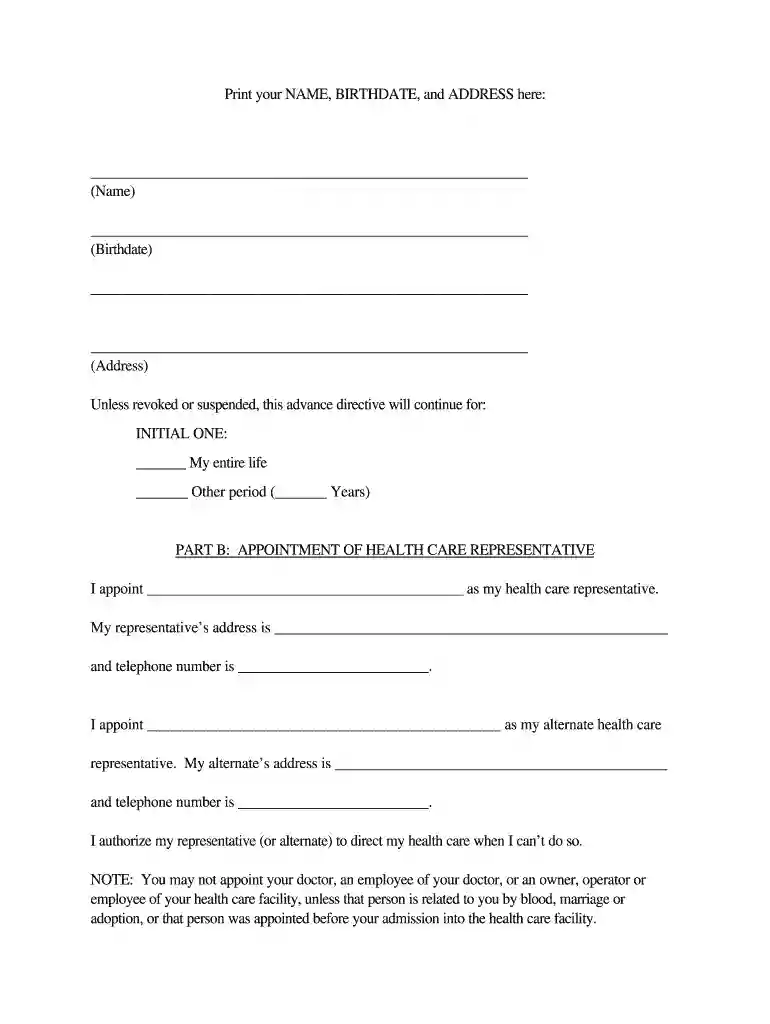
Type text, add images, blackout confidential details, add comments, highlights and more.

Type text, add images, blackout confidential details, add comments, highlights and more.

Draw your signature, type it, upload its image, or use your mobile device as a signature pad.

Send 8773114874 via email, link, or fax. You can also download it, export it or print it out.

Start using our platform today to complete your Oregon Advance Directive easily and for free!
At DocHub, your data security is our priority. We follow HIPAA, SOC2, GDPR, and other standards, so you can work on your documents with confidence.


You can use the Advance Directive forms below, which are copied from the Senate Bill 199 (2021). You do not have to use these specific forms.Read more
Ability to show someone where to find the new Oregon Advance Directive and its Users. Guide, in one of 13 translations.Read more
Aug 28, 2025 The Oregon Consumer Privacy Act (OCPA) and its recent amendments provide unprecedented rights for individuals over their personal data, whileRead more


