




01. Edit your nc fire inspector level 1 practice test online
Type text, add images, blackout confidential details, add comments, highlights and more.

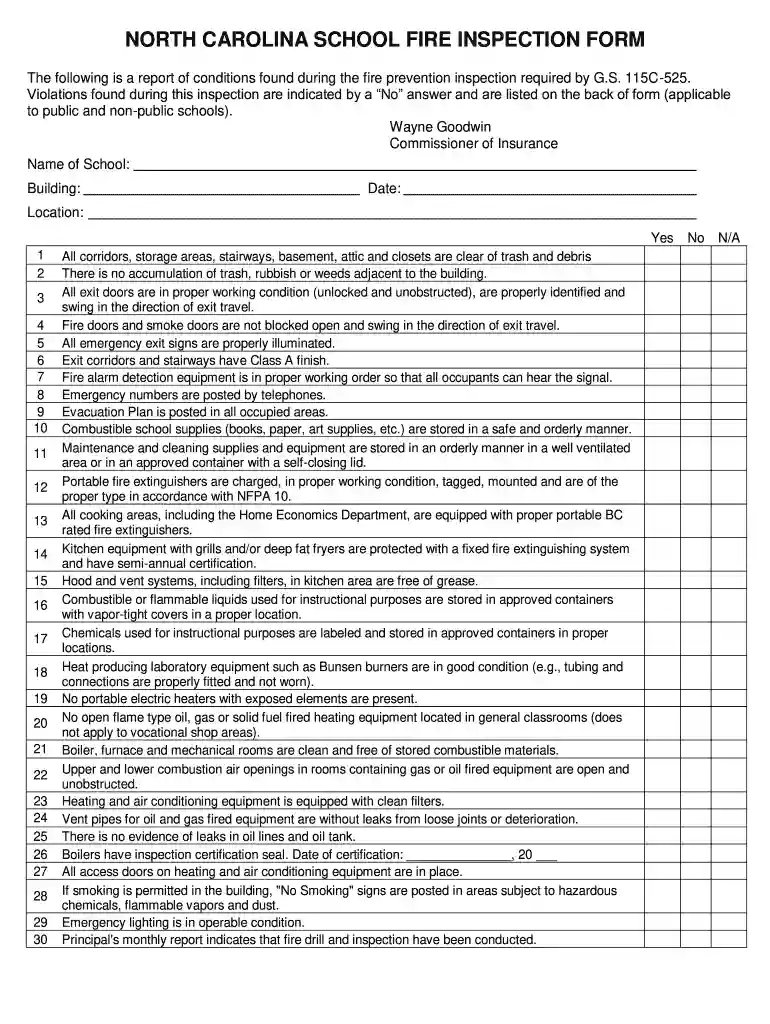
Type text, add images, blackout confidential details, add comments, highlights and more.

Draw your signature, type it, upload its image, or use your mobile device as a signature pad.

Send nc fire inspector level 1 via email, link, or fax. You can also download it, export it or print it out.

Start using our platform today to streamline your fire inspection documentation for free!
At DocHub, your data security is our priority. We follow HIPAA, SOC2, GDPR, and other standards, so you can work on your documents with confidence.
The legislation requires that the dams enclosing coal ash ponds be inspected every two years by the N.C. Department of Environment and Natural Resources. TheRead more
A Fire Inspector Level I is not authorized to conduct inspections on high-rise buildings, inspections on new construction, or plan review for any occupancy. (Read more
Deral Raynor, Fire Rating Inspector, deral.raynor@ncdoi.gov 919-538-5696 ; Jeremy Hunt, Fire Rating Inspector, jeremy.hunt@ncdoi.gov 919-418-9039.Read more


