




01. Edit your form 47pa online
Type text, add images, blackout confidential details, add comments, highlights and more.

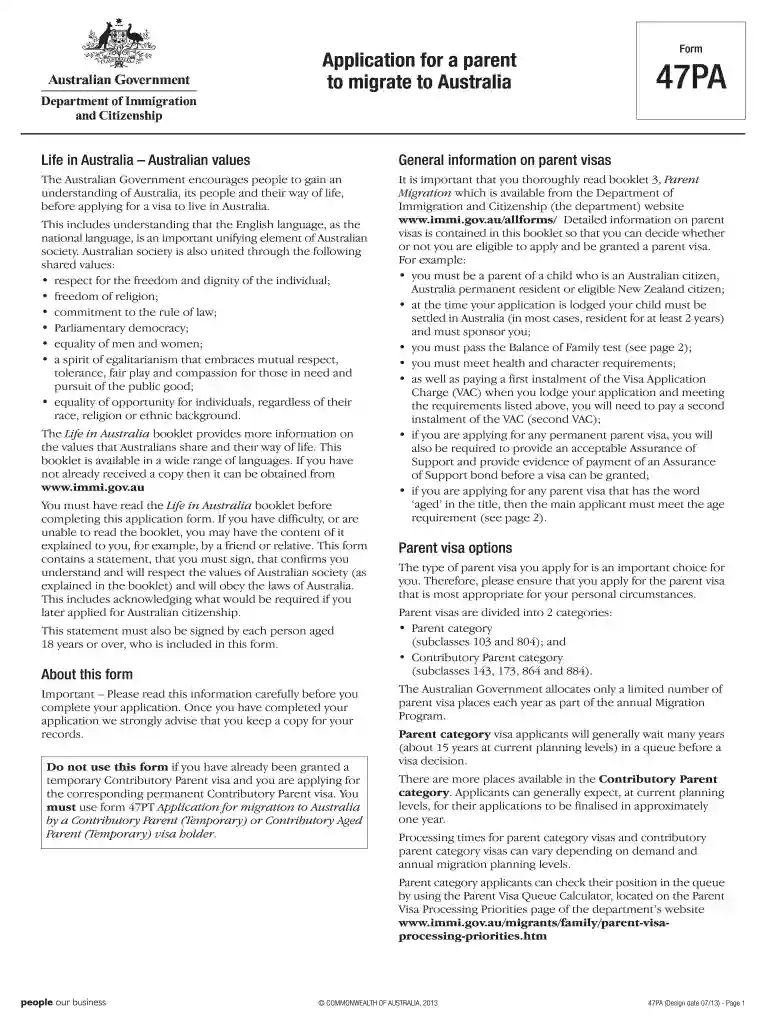
Type text, add images, blackout confidential details, add comments, highlights and more.

Draw your signature, type it, upload its image, or use your mobile device as a signature pad.

Send 47pa via email, link, or fax. You can also download it, export it or print it out.

Start using our platform today to streamline your form completion process for free!
At DocHub, your data security is our priority. We follow HIPAA, SOC2, GDPR, and other standards, so you can work on your documents with confidence.
Sec. 47a-23a. Complaint. (a) If, at the expiration of the three days prescribed in section 47a-23, the lessee or occupant neglects or refuses to quitRead more
2017 05 Testimony (47 PaB 1999) The Pennsylvania Commission on Sentencing is an agency of the General Assembly affiliated with The Pennsylvania StateRead more
Apr 22, 2015 Laubach, 47 Pa. 154 (1864) (owner of land who constructed drain to form the basis for any claims. Second, the School District notesRead more


