




01. Edit your access a ride application online
Type text, add images, blackout confidential details, add comments, highlights and more.

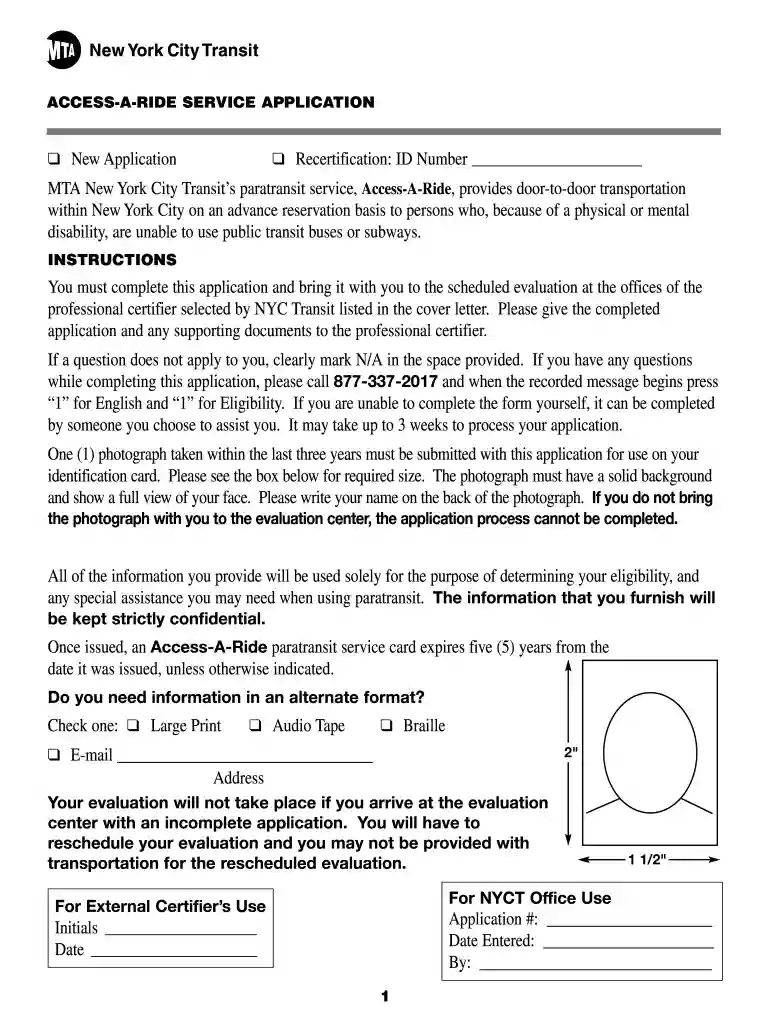
Type text, add images, blackout confidential details, add comments, highlights and more.

Draw your signature, type it, upload its image, or use your mobile device as a signature pad.

Send access a ride application online via email, link, or fax. You can also download it, export it or print it out.

Start using our platform today for free to complete your access a ride application seamlessly!
At DocHub, your data security is our priority. We follow HIPAA, SOC2, GDPR, and other standards, so you can work on your documents with confidence.



For $23 a month, University Park faculty, staff, and graduate students can acquire a RIDEpass that gives them access to ride any regular CATABUS routes at anyRead more
The funding is through the City of Austin and the awards are $5k or $10k to support live music. The money can be used for public performances, recordings, orRead more
Feb 18, 2025 Access-A-Ride (AAR) Paratransit Service provides public transportation for eligible customers with disabilities or health conditions.Read more


