Type text, add images, blackout confidential details, add comments, highlights and more.
02. Sign it in a few clicks
Draw your signature, type it, upload its image, or use your mobile device as a signature pad.
03. Share your form with others
Send weekly log sheet template via email, link, or fax. You can also download it, export it or print it out.
How to Use or Fill Out Weekly Log with Our Platform
Ease of Setup
DocHub User Ratings on G2
Ease of Use
DocHub User Ratings on G2
Click ‘Get Form’ to open the weekly log in the editor.
Begin by entering your name and the week’s date at the top of the log. This helps in tracking your activities effectively.
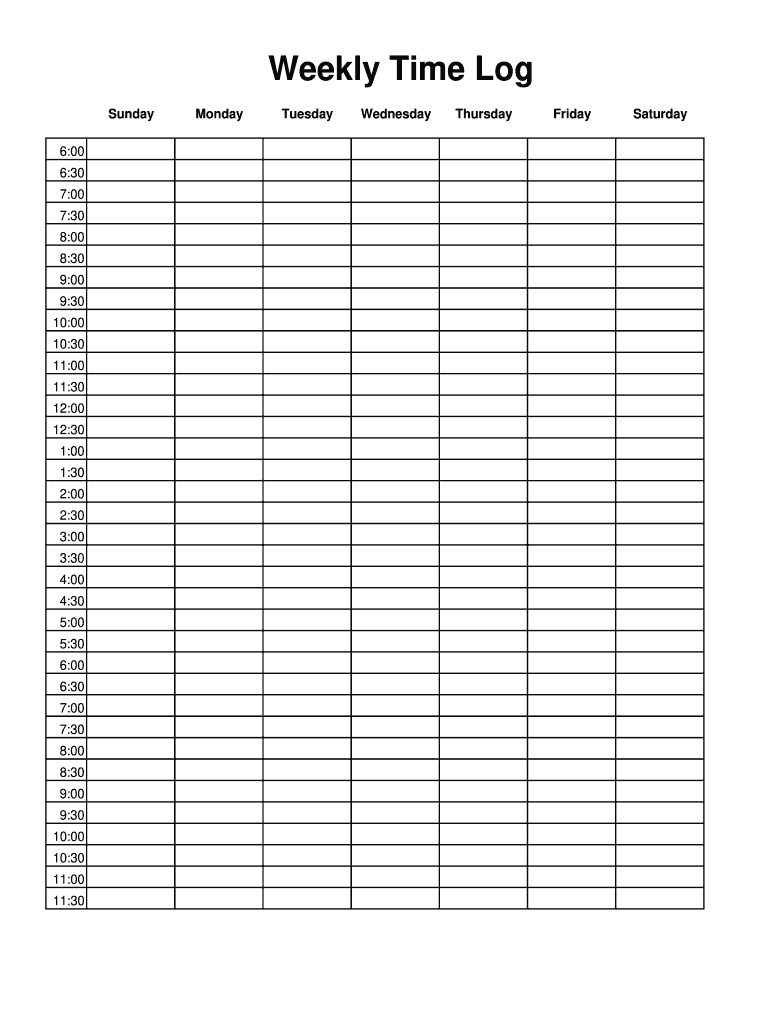
For each day of the week, fill in the time slots provided. Start from 6:00 AM and continue until 11:30 PM, noting down your activities or tasks for each half-hour interval.
Review your entries for accuracy. Ensure that all time slots are filled out according to your planned schedule.
Once completed, save your document. You can easily export it or share it directly from our platform for further use.
Start using our platform today to streamline your weekly planning!
A sprint is typically a 2-4 week time-boxed period in which a specific amount of work is to be completed. Each sprint should produce some type of deliverable.Read more
Cookie consent notice
This site uses cookies to enhance site navigation and personalize your experience.
By using this site you agree to our use of cookies as described in our Privacy Notice.
You can modify your selections by visiting our Cookie and Advertising Notice.