




01. Edit your form online
Type text, add images, blackout confidential details, add comments, highlights and more.

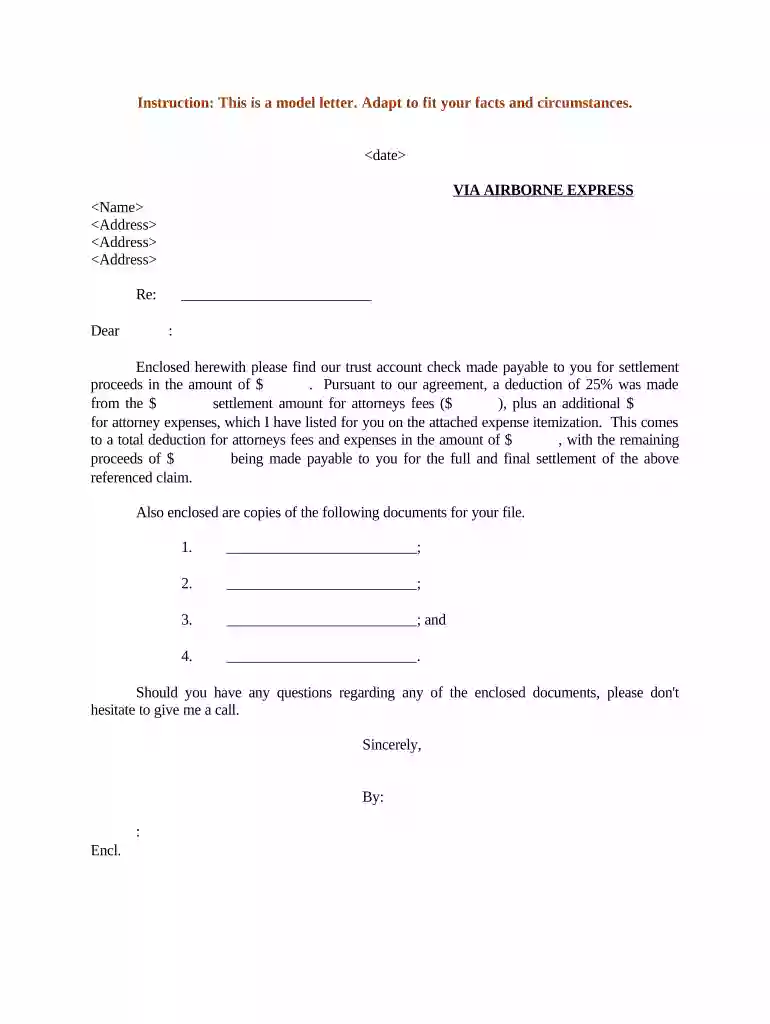
Type text, add images, blackout confidential details, add comments, highlights and more.

Draw your signature, type it, upload its image, or use your mobile device as a signature pad.

Send it via email, link, or fax. You can also download it, export it or print it out.

Start using our platform today for free to streamline your document editing and signing process!
At DocHub, your data security is our priority. We follow HIPAA, SOC2, GDPR, and other standards, so you can work on your documents with confidence.


A settlement is an agreement that ends a dispute and results in the voluntary dismissal of any related litigation. Regardless of the exact terms, many partiesRead more
Sep 29, 2022 settlement dynamics reveals ・ using enrockment and segmentation tactics to protect themselves from the exploitation and conflicts ・ of
Oct 8, 2025 The general rule regarding taxability of amounts received from settlement of lawsuits and other legal remedies is Internal Revenue Code (IRC) Section 61.Read more


