




01. Edit your form online
Type text, add images, blackout confidential details, add comments, highlights and more.

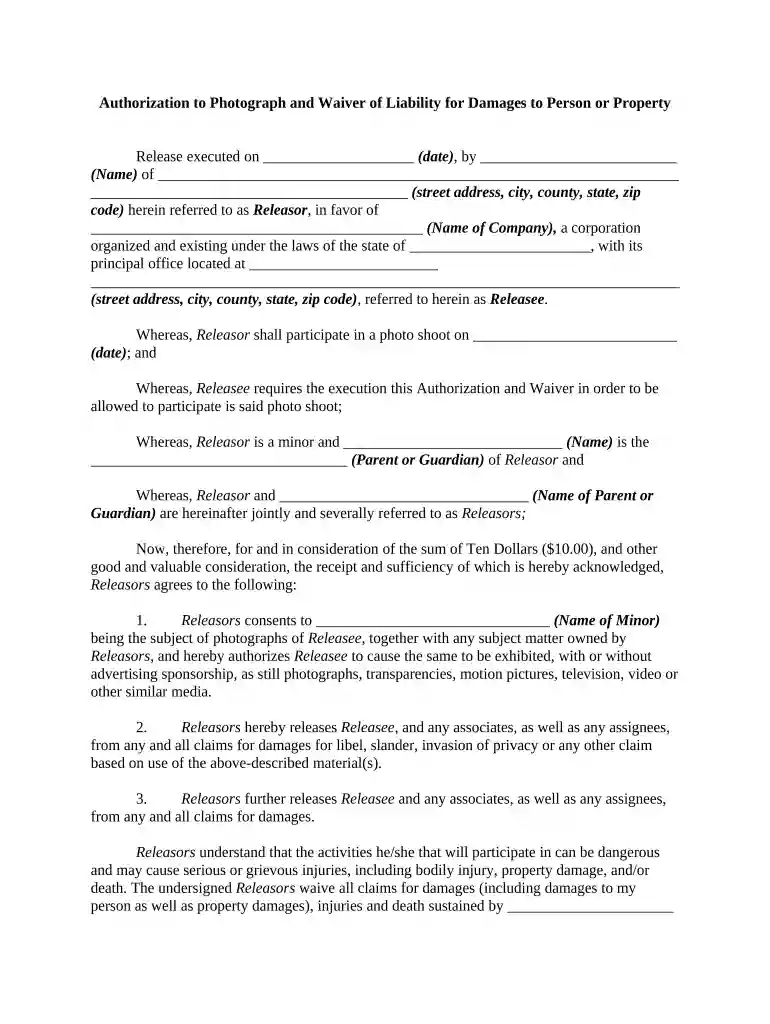
Type text, add images, blackout confidential details, add comments, highlights and more.

Draw your signature, type it, upload its image, or use your mobile device as a signature pad.

Send it via email, link, or fax. You can also download it, export it or print it out.

Start using our platform today to easily complete your photograph waiver online for free!
At DocHub, your data security is our priority. We follow HIPAA, SOC2, GDPR, and other standards, so you can work on your documents with confidence.
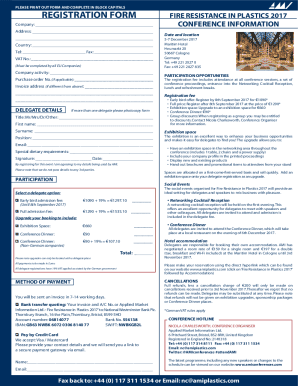



A photo release form is required for all subjects whose image, video or voice will be used for marketing or promotional purposes.Read more
Public Domain Standard. A common test for waiver applied by agencies and courts is the public domain standard formulated by the U.S. Court of Appeals forRead more
I hereby grant the Department of Labor permission to use my likeness in a photograph in any and all of its publications, including website entries, withoutRead more


