




Here's how it works

01. Edit your site dochub com all risks online
Type text, add images, blackout confidential details, add comments, highlights and more.

02. Sign it in a few clicks
Draw your signature, type it, upload its image, or use your mobile device as a signature pad.

03. Share your form with others
Send what insurance and liability waivers does a baseball training facility need via email, link, or fax. You can also download it, export it or print it out.
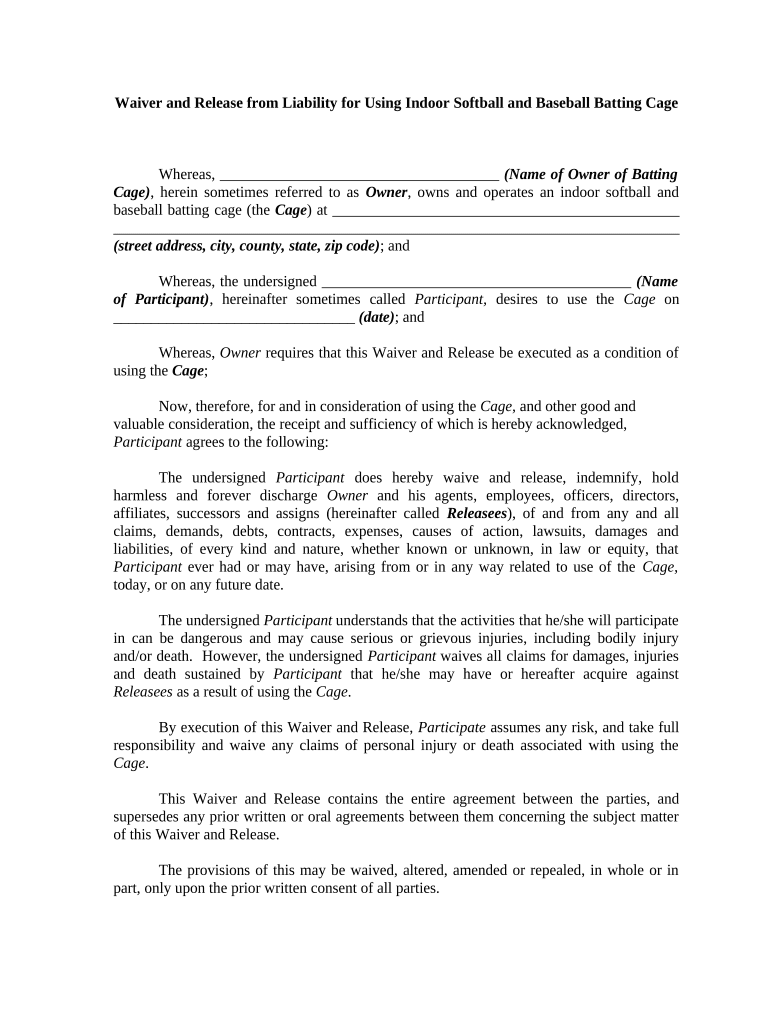
How to use or fill out Waiver and Release from Liability for Using Indoor Softball and Baseball Batting Cage

- Click ‘Get Form’ to open it in the editor.
- Begin by entering the name of the Owner of the batting cage in the designated field. This identifies who is responsible for the facility.
- Next, fill in the complete address of the batting cage, including street address, city, county, state, and zip code. This provides clarity on where the activities will take place.
- In the section for Participant's name, enter your full name as it appears on your identification. This confirms your identity as the individual using the facility.
- Specify the date you intend to use the batting cage. This is crucial for record-keeping and liability purposes.
- Read through each clause carefully. Acknowledge that you understand and accept all risks associated with using the cage by checking any required boxes or signing where indicated.
- Finally, sign and date at the bottom of the form to validate your agreement. Ensure that you are of legal age or have a guardian present if underage.
Start filling out your Waiver and Release form today for free using our platform!
Fill out Waiver and Release from Liability for Using Indoor Softball and Baseball Batting Cage online
It's free
It's free
Security and compliance
At DocHub, your data security is our priority. We follow HIPAA, SOC2, GDPR, and other standards, so you can work on your documents with confidence.
Learn more


Related forms
Durham college diploma request
The document is a request form for obtaining a duplicate diploma or certificate from Durham College, detailing the neces ...
Ozarks college transcript request
The document is a Transcript Request Form from the Office of the Registrar at Ozarks Technical Community College. It out ...

Solesta patient brochure
The document discusses bowel control problems, a medical condition affecting over 15 million adults in the U.S. It highl ...
Sample statement of special inspections
The document is a Statement of Special Inspections from New Castle County's Department of Land Use, outlining the requir ...
Georgia ems agency fillable data management policy
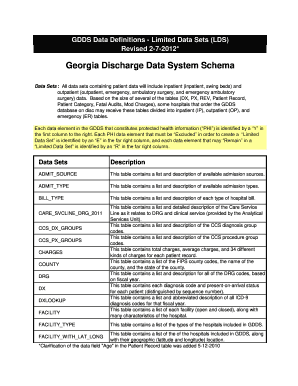
The document outlines the Georgia Discharge Data System (GDDS) schema, detailing various data sets that include both inp ...
Body system challenge word search
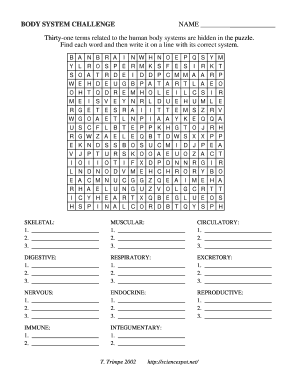
The document is a 'Body System Challenge' puzzle designed for educational purposes, where participants must find and cat ...
Contra costa housing authority portability
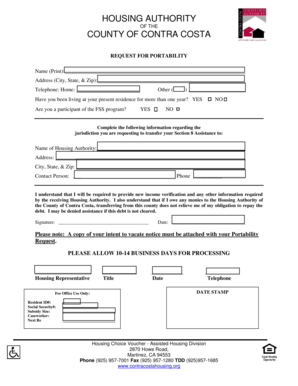
The document is a request form for portability from the Housing Authority of Contra Costa County, allowing participants ...