




01. Edit your scheduling order example online
Type text, add images, blackout confidential details, add comments, highlights and more.

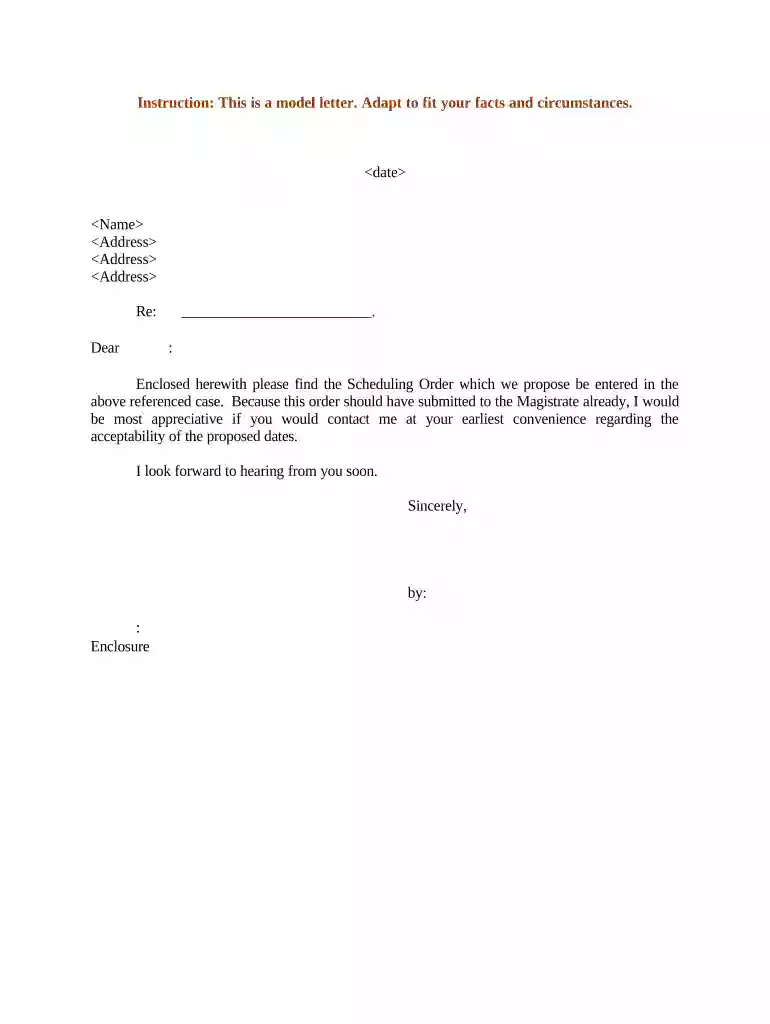
Type text, add images, blackout confidential details, add comments, highlights and more.

Draw your signature, type it, upload its image, or use your mobile device as a signature pad.

Send scheduling order sample via email, link, or fax. You can also download it, export it or print it out.

Start using our platform today for free to streamline your document editing and signing process!
At DocHub, your data security is our priority. We follow HIPAA, SOC2, GDPR, and other standards, so you can work on your documents with confidence.





The judge must issue the scheduling order as soon as practicable, but unless the judge finds good cause for delay, the judge must issue it within the earlier ofRead more
The parties must file a Motion to Modify the Scheduling Order to change any other dates. When dates are modified, a revised scheduling order must be filedRead more


