




Here's how it works

01. Edit your occupant meaning in bengali online
Type text, add images, blackout confidential details, add comments, highlights and more.

02. Sign it in a few clicks
Draw your signature, type it, upload its image, or use your mobile device as a signature pad.

03. Share your form with others
Send occupants meaning in bengali via email, link, or fax. You can also download it, export it or print it out.
How to use or fill out occupants with our platform

- Click ‘Get Form’ to open it in the editor.
- Begin by entering the name of the hotel in the designated field, ensuring accuracy for proper identification.
- Fill in the street address, city, state, and zip code of the hotel to provide complete location details.
- In the section for Guest's name, input your full name as it appears on your identification.
- Review the terms regarding unregistered occupants carefully. Acknowledge your understanding by signing in the provided signature field.
- Complete your home address details accurately to ensure proper communication and record keeping.
- Finally, date the document appropriately before submitting it through our platform for processing.
Start using our editor today to streamline your form completion process for free!
Fill out occupants online
It's free
It's free
Security and compliance
At DocHub, your data security is our priority. We follow HIPAA, SOC2, GDPR, and other standards, so you can work on your documents with confidence.
Learn more


Related forms
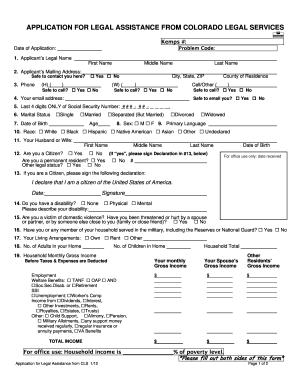
APPLICATION FOR LEGAL ASSISTANCE FROM COLORADO LEGAL SERVICES
The document is an application form for legal assistance from Colorado Legal Services. It collects personal information ...

Monthly Budget Form - Guthrie Law Office
The document is a monthly budget form designed to help individuals track their living expenses. It includes sections for ...
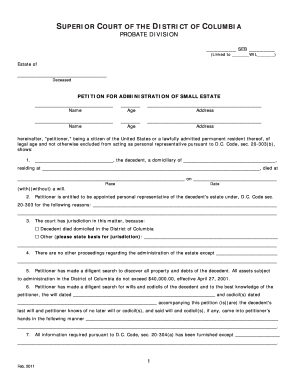
Small estate dc
The document provides detailed instructions for filing a Petition for Administration of a Small Estate (valued at $40,00 ...
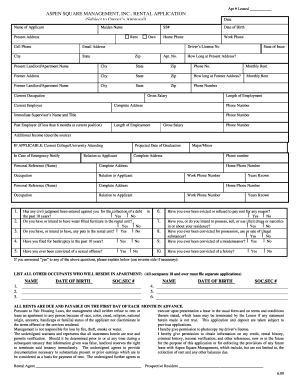
Aspen square management, inc. rental application - Apartment Rental
The document is a rental application form from Aspen Square Management, Inc. It collects personal and financial informat ...

Pay back claim form
The document provides detailed instructions for completing and submitting the WageWorks Pay Me Back Claim Form for commu ...
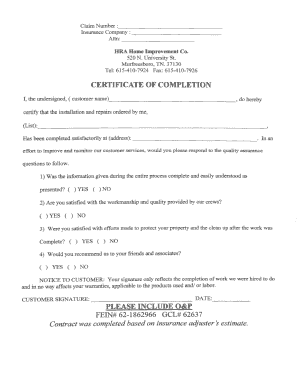
Roofing certificate of completion for insurance
The document is a Certificate of Completion from HRA Home Improvement Co. confirming the satisfactory completion of inst ...
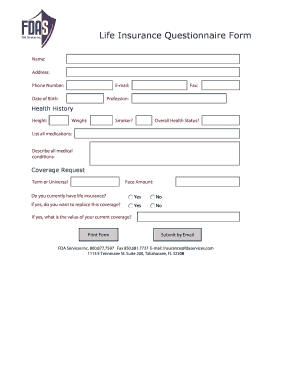
Life insurance questionnaire form
The document is a Life Insurance Questionnaire Form that collects personal information, health history, and coverage req ...