




01. Edit your layoff letter for unemployment online
Type text, add images, blackout confidential details, add comments, highlights and more.

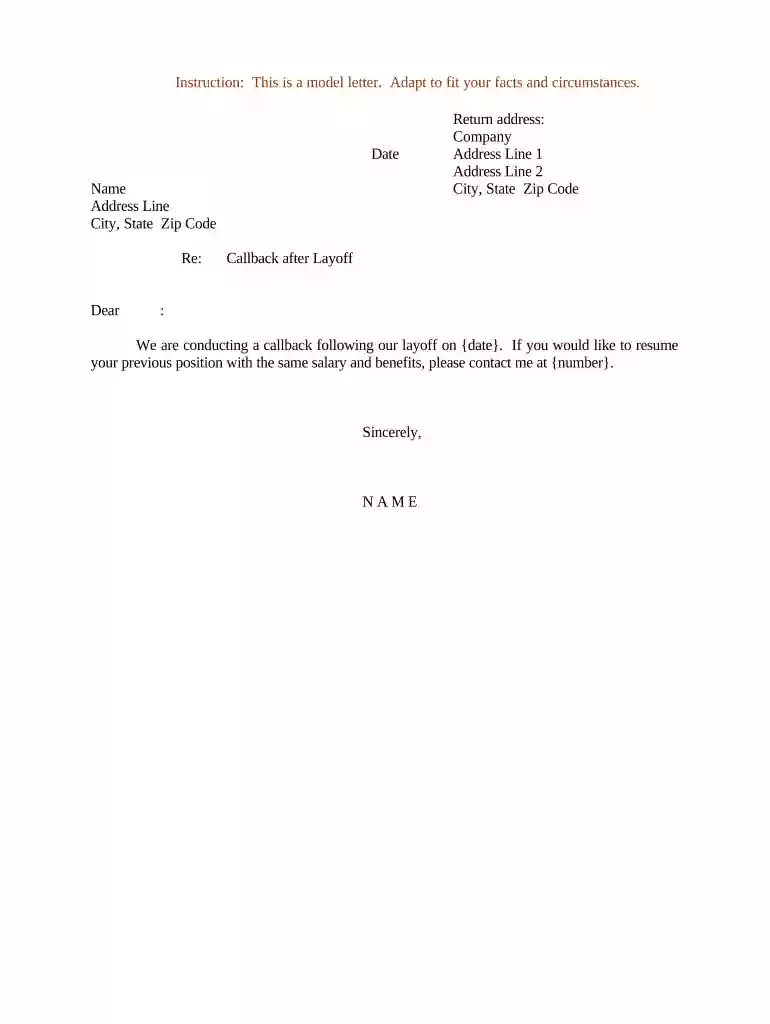
Type text, add images, blackout confidential details, add comments, highlights and more.

Draw your signature, type it, upload its image, or use your mobile device as a signature pad.

Send permanent layoff letter via email, link, or fax. You can also download it, export it or print it out.

Start editing your layoff letter online for free today!
At DocHub, your data security is our priority. We follow HIPAA, SOC2, GDPR, and other standards, so you can work on your documents with confidence.


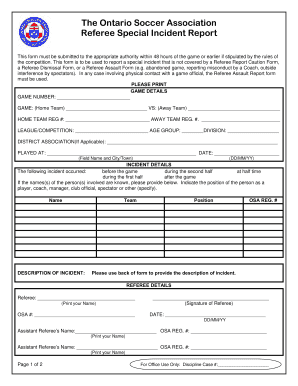
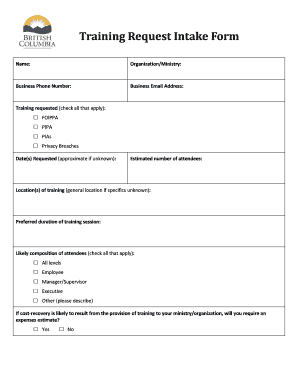
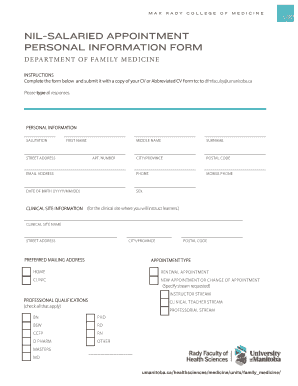

May 16, 1988 Employees who are to be laid off shall be notified in writing prior to the termination date. At the time of layoff, annual leave balances willRead more
Consequently, this letter will serve as your official layoff notice, and your employment in this position will terminate as of the end of work on Read more
This letter is an official notification of layoff, effective 5 p.m. on (Effective Date). Due to (Layoff Reason), your position is being eliminated.


