




01. Edit your form online
Type text, add images, blackout confidential details, add comments, highlights and more.

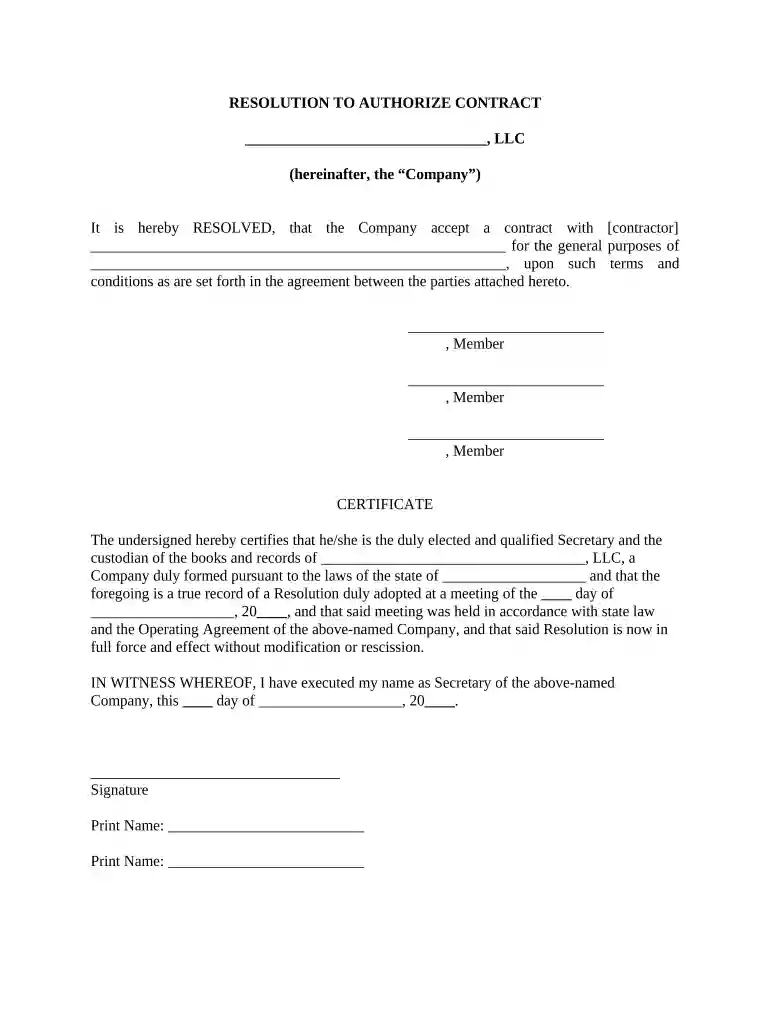
Type text, add images, blackout confidential details, add comments, highlights and more.

Draw your signature, type it, upload its image, or use your mobile device as a signature pad.

Send it via email, link, or fax. You can also download it, export it or print it out.

Start using our platform today to streamline your document editing and signing process for free!
At DocHub, your data security is our priority. We follow HIPAA, SOC2, GDPR, and other standards, so you can work on your documents with confidence.

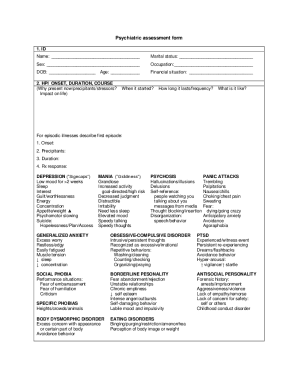

( Name of LLC ) is run by ( Members or Managers ). 2. I am currently the sole ( Member or Manager ) of (Name of LLC) and. 3. as such I am not prohibited fromRead more
RESOLVED FURTHER: That [Name(s) and Title(s) of Manager(s)/ Member(s)/. Officer(s)] [is/are] hereby authorized to execute the Program Award Documents on behalf.Read more
Florida Statute 44.104, entitled Voluntary binding arbitration and voluntary trial resolution provides for private attorneys to be appointed with theRead more


