




Here's how it works

01. Edit your site dochub com aetna international online
Type text, add images, blackout confidential details, add comments, highlights and more.

02. Sign it in a few clicks
Draw your signature, type it, upload its image, or use your mobile device as a signature pad.

03. Share your form with others
Send site dochub com aetna via email, link, or fax. You can also download it, export it or print it out.
How to use or fill out polygraph form with our platform

- Click ‘Get Form’ to open the polygraph consent form in the editor.
- Begin by entering your name in the designated field at the top of the form. This personalizes your consent agreement.
- Next, input the date of your polygraph examination. Ensure this is accurate as it confirms when you will undergo the test.
- Read through the statements provided carefully. These outline your rights regarding the examination and confirm that participation is voluntary.
- Once you are comfortable with the information, proceed to sign in the signature field. Make sure to date your signature appropriately.
Start using our platform today for free to complete your polygraph form effortlessly!
Fill out polygraph form online
It's free
It's free
Security and compliance
At DocHub, your data security is our priority. We follow HIPAA, SOC2, GDPR, and other standards, so you can work on your documents with confidence.
Learn more


Related forms
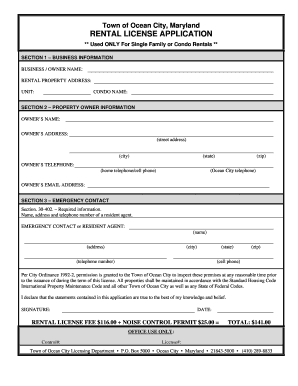
Maryland rental license application city
The document is a Rental License Application for single-family or condo rentals in Ocean City, Maryland. It requires inf ...
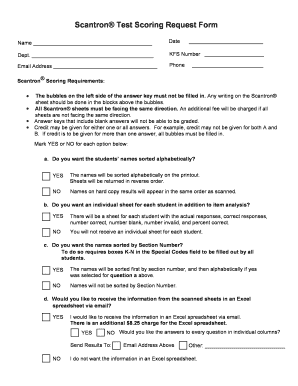
Scantron sheet pdf
The document is a Scantron® Test Scoring Request Form that outlines the requirements for submitting Scantron sheets for ...
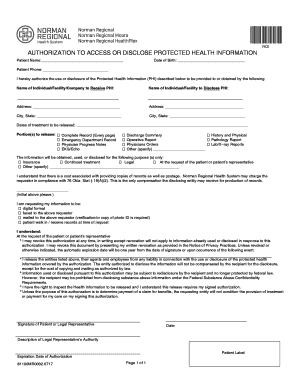
Norman regional hospital medical records
The document is an authorization form for the access or disclosure of Protected Health Information (PHI) related to a pa ...
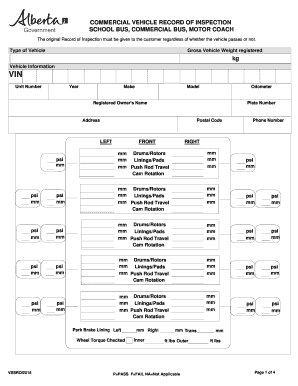
Alberta rebuilt vehicle work plan
The document is a Commercial Vehicle Record of Inspection for school buses, commercial buses, and motor coaches. It outl ...
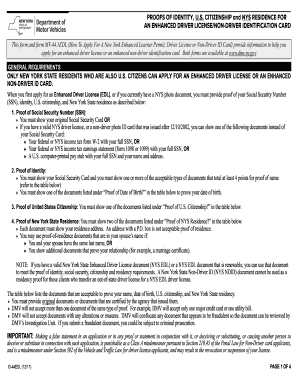
New york dmv driver license application
The document outlines the requirements and acceptable proofs needed for New York State residents who are U.S. citizens t ...
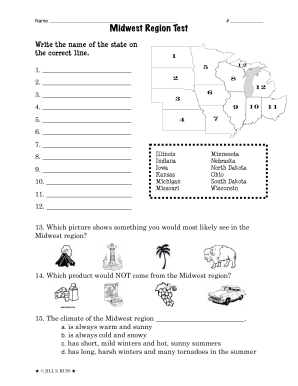
Midwest region test
The document is a test focused on the Midwest region of the United States, including questions about state names, capita ...
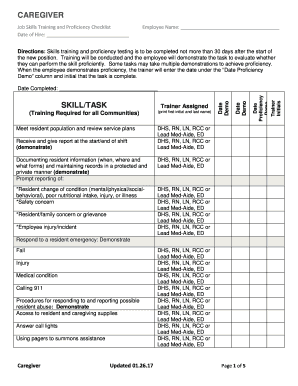
CAREGIVER. Job Skills Training and Proficiency ChecklistEmployee Name
The document is a Job Skills Training and Proficiency Checklist for caregivers, outlining the necessary skills and tasks ...