




Here's how it works

01. Edit your south dakota lien release online
Type text, add images, blackout confidential details, add comments, highlights and more.

02. Sign it in a few clicks
Draw your signature, type it, upload its image, or use your mobile device as a signature pad.

03. Share your form with others
Send south dakota lien release form via email, link, or fax. You can also download it, export it or print it out.
How to use or fill out South Dakota Release Lien with Our Platform

- Click ‘Get Form’ to open the South Dakota Release Lien in the editor.
- Begin by filling in the 'Prepared by, recording requested by and return to' section. Enter your name, company, address, city, state, zip code, phone number, and fax number.
- In the 'UNCONDITIONAL WAIVER AND RELEASE OF LIEN UPON PROGRESS PAYMENT' section, specify the date of signing and the amount being waived. This is crucial for legal clarity.
- Complete the details regarding the labor or materials provided. Fill in the date range of services rendered and identify the customer and property owner involved.
- Ensure you sign as the lien holder and print your name clearly below your signature.
- For notarization, fill in the county and date for official use. The notary public will complete their section after witnessing your signature.
Start using our platform today to fill out your South Dakota Release Lien quickly and for free!
Fill out south dakota release lien online
It's free
It's free
Security and compliance
At DocHub, your data security is our priority. We follow HIPAA, SOC2, GDPR, and other standards, so you can work on your documents with confidence.
Learn more


Related forms

8814 form 2020
Form 8814 is a tax form used by parents to elect to report their child's interest and dividends on their own tax return, ...

Property solutions place
The document outlines the application process for tenants seeking to rent properties under the National Rental Affordabi ...
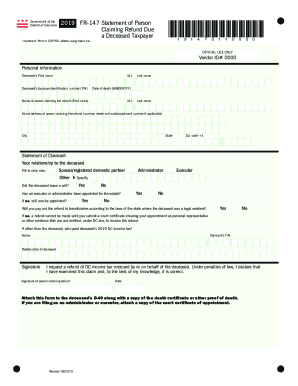
Dc form fr 147
The document is a form from the Government of the District of Columbia for individuals claiming a tax refund on behalf o ...
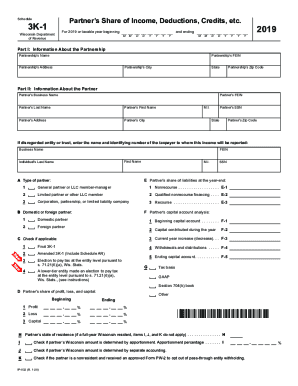
Wisconsin 3k 1
The document is a Wisconsin Schedule 3K-1 form for the year 2019, which details a partner's share of income, deductions, ...
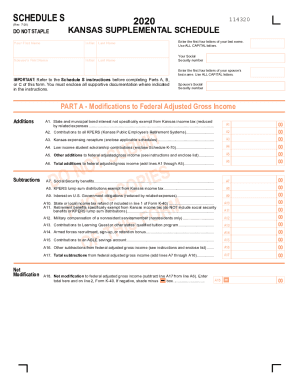
Kansas schedule s schedule get
The document is the Kansas Supplemental Schedule (Schedule S) for 2020, which provides instructions and forms for indivi ...
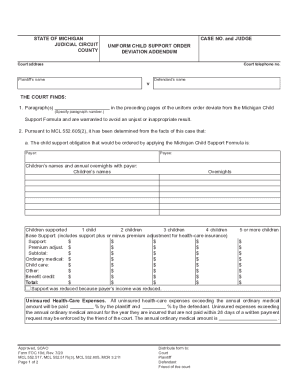
Uniform child support order deviation
The document is a Uniform Child Support Order Deviation Addendum from the State of Michigan, detailing adjustments to ch ...
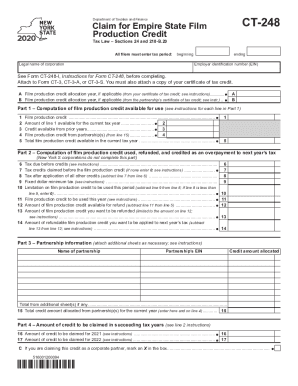
Ct 248
The document CT-248 is a tax form used by corporations to claim the Empire State Film Production Credit under New York T ...
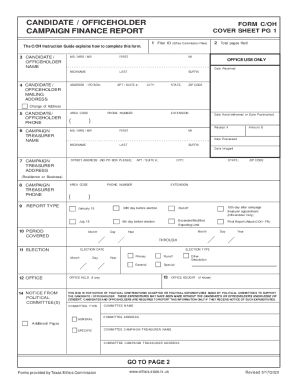
Form C/OH (Candidate/Officeholder Campaign Finance Report). Form C/OH (Candidate/Officeholder Campaign Finance Report)
Form C/OH (Candidate/Officeholder Campaign Finance Report). Form C/OH (Candidate/Officeholder Campaign Finance Report)
The document is a Candidate/Officeholder Campaign Finance Report form, which provides detailed instructions and sections ...