




Here's how it works

01. Edit your form online
Type text, add images, blackout confidential details, add comments, highlights and more.

02. Sign it in a few clicks
Draw your signature, type it, upload its image, or use your mobile device as a signature pad.

03. Share your form with others
Send it via email, link, or fax. You can also download it, export it or print it out.
How to use or fill out South Carolina Tenant Notice with our platform

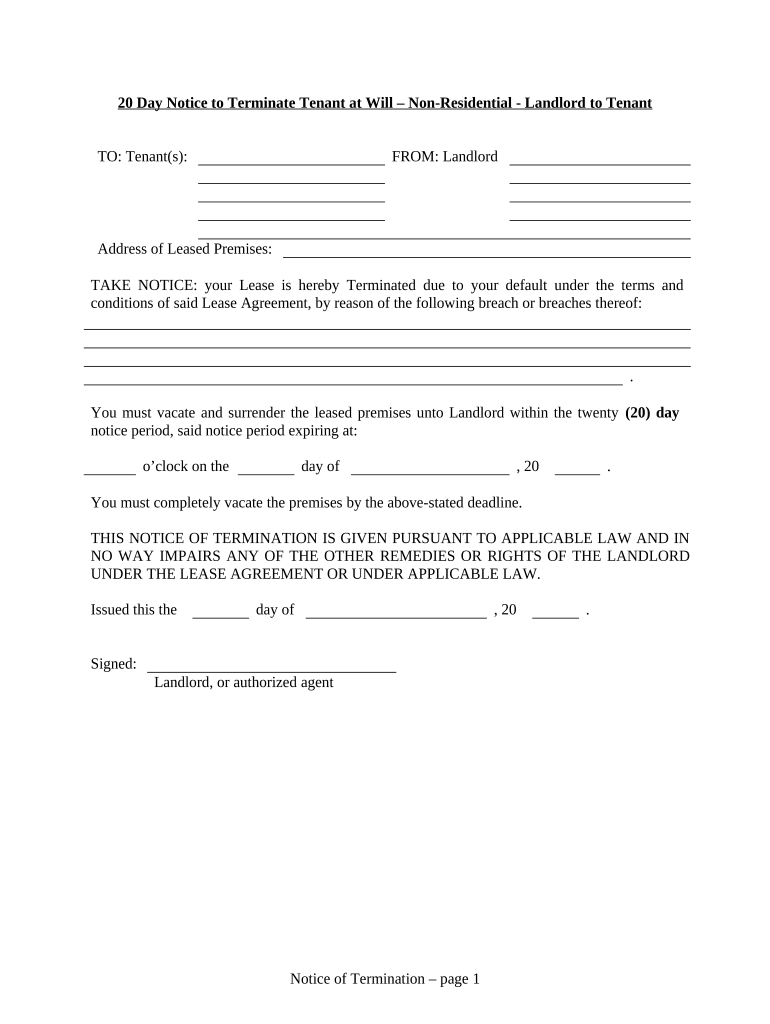
- Click ‘Get Form’ to open the South Carolina Tenant Notice in the editor.
- Begin by entering the address of the leased premises in the designated field. This is crucial for identifying the property involved.
- Specify the reason for termination under the terms of the lease agreement. Clearly outline any breaches that have occurred, as this will provide context for your notice.
- Indicate the deadline by which the tenant must vacate. Fill in both the date and time to ensure clarity on when they need to leave.
- Complete the section regarding proof of delivery. Choose how you delivered this notice (by hand, registered mail, etc.) and fill in your name and capacity as landlord or agent.
- Finally, sign and date the document to validate it before sending it to your tenant.
Start using our platform today for free to streamline your document editing and signing process!
Fill out south carolina tenant online
It's free
It's free
Security and compliance
At DocHub, your data security is our priority. We follow HIPAA, SOC2, GDPR, and other standards, so you can work on your documents with confidence.
Learn more


Related forms
Eagle scout program template word
The document is a script for a Court of Honor ceremony for a Boy Scout troop, detailing the structure and flow of the ev ...

Distribution of estate form - online.swedbank.se
The document is a distribution of estate form that outlines the procedures for transferring funds, securities, premium b ...
1120 pc 2017
The document is the U.S. Property and Casualty Insurance Company's Income Tax Return Form 1120-PC for the calendar year ...
Interior design proposal template
The document outlines the Additional Design Services Agreement for a project with JWH, detailing the design process for ...

Form 1851
The document is a form (FS Form 1851) used to request the reissuance of United States Savings Bonds to a personal trust. ...
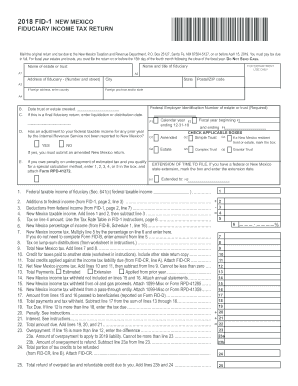
New mexico form fid 1 instructions 2019
The document is the 2018 Fiduciary Income Tax Return (FID-1) for New Mexico, detailing the filing requirements, tax calc ...