




Here's how it works

01. Edit your proof of rent payment letter online
Type text, add images, blackout confidential details, add comments, highlights and more.

02. Sign it in a few clicks
Draw your signature, type it, upload its image, or use your mobile device as a signature pad.

03. Share your form with others
Send landlord letter proof of rent via email, link, or fax. You can also download it, export it or print it out.
How to use or fill out letter tenant rent with our platform

- Click ‘Get Form’ to open the letter tenant rent in the editor.
- Begin by entering the date at the top of the document. This sets the context for your notice.
- Fill in the Tenant’s Name and Address of Premises to ensure clarity on who is receiving this notice.
- In the body of the letter, specify the details of your Residential Lease Agreement, including the date and address of the leased premises.
- Clearly state the amount of repairs and how it correlates with the rent reduction. Fill in these amounts accurately to avoid confusion.
- Complete any additional sections, such as proof of delivery options, ensuring you select how you delivered this notice.
- Finally, sign off with your name or authorized agent's signature before saving or sending your completed document.
Start using our platform today to streamline your document editing and signing process for free!
Fill out letter tenant rent online
It's free
It's free
Security and compliance
At DocHub, your data security is our priority. We follow HIPAA, SOC2, GDPR, and other standards, so you can work on your documents with confidence.
Learn more


Related forms
Western union mtcn number generator
The document is a report template for assessing the current learning and developmental status of a child in the context ...
Unguarded chris herren worksheet
The document is a study sheet related to Chris Herren's life and struggles with addiction, detailing his experiences wit ...
State of new jersey temporary disability
The document is a claim form for New Jersey Temporary Disability Benefits, requiring information from the claimant, medi ...

Intent graduate motlow sample
The document is an 'Intent to Graduate' form for students at a Tennessee Board of Regents Institution, requiring submiss ...
Opnav 5239 14
The document is a System Authorization Access Request (SAAR) form used by the Department of Defense (DoD) to collect per ...
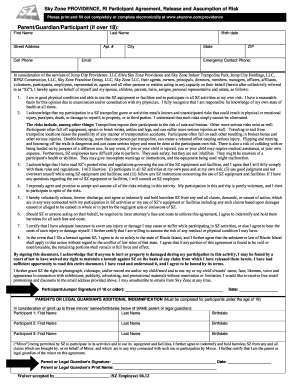
Sky zone providence waiver
The document is a Participant Agreement and Release of Liability for Sky Zone Providence, RI, outlining the risks associ ...
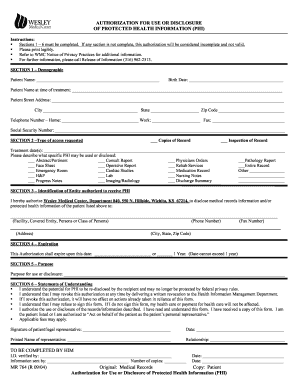
Wesley medical center medical records
The document is an authorization form for the use or disclosure of Protected Health Information (PHI) from Wesley Medica ...