




01. Edit your form online
Type text, add images, blackout confidential details, add comments, highlights and more.

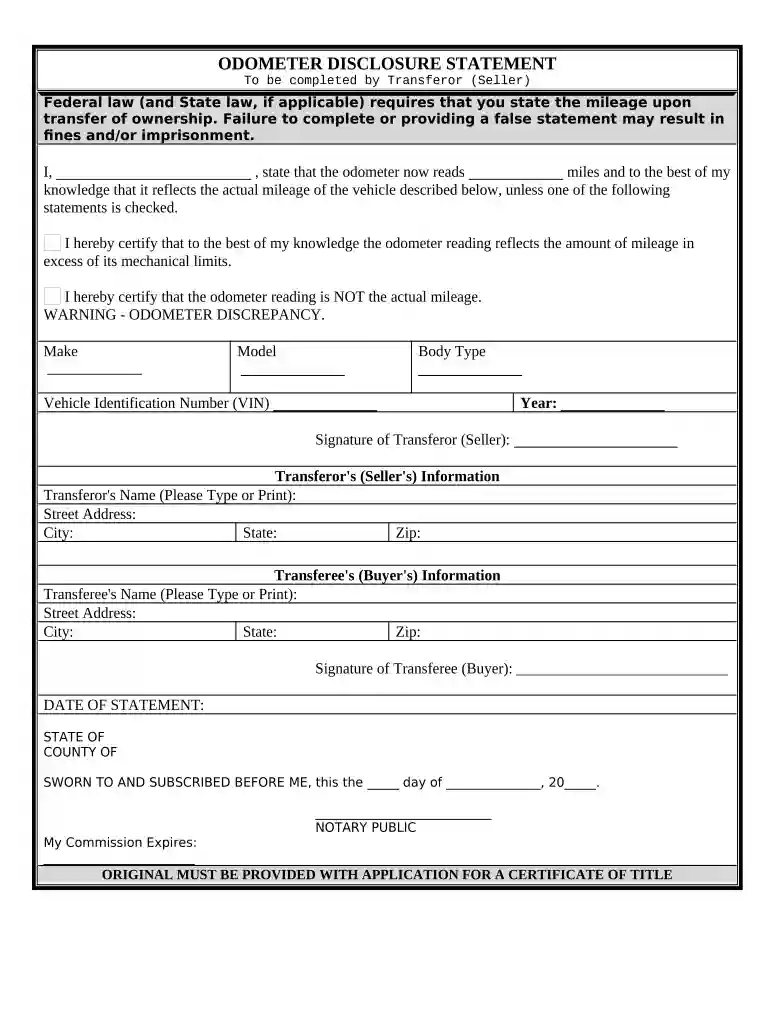
Type text, add images, blackout confidential details, add comments, highlights and more.

Draw your signature, type it, upload its image, or use your mobile device as a signature pad.

Send it via email, link, or fax. You can also download it, export it or print it out.

Start using our platform today to easily fill out your odometer statement online for free!
At DocHub, your data security is our priority. We follow HIPAA, SOC2, GDPR, and other standards, so you can work on your documents with confidence.


They shall retain all odometer disclosure statements at their primary place of business in an order appropriate to business requirements and that permitsRead more
A statement that you completed the maintenance yourself, showing the odometer mileage and date you did the work. Receipts for the replacement parts (fluidsRead more


