




01. Edit your form online
Type text, add images, blackout confidential details, add comments, highlights and more.

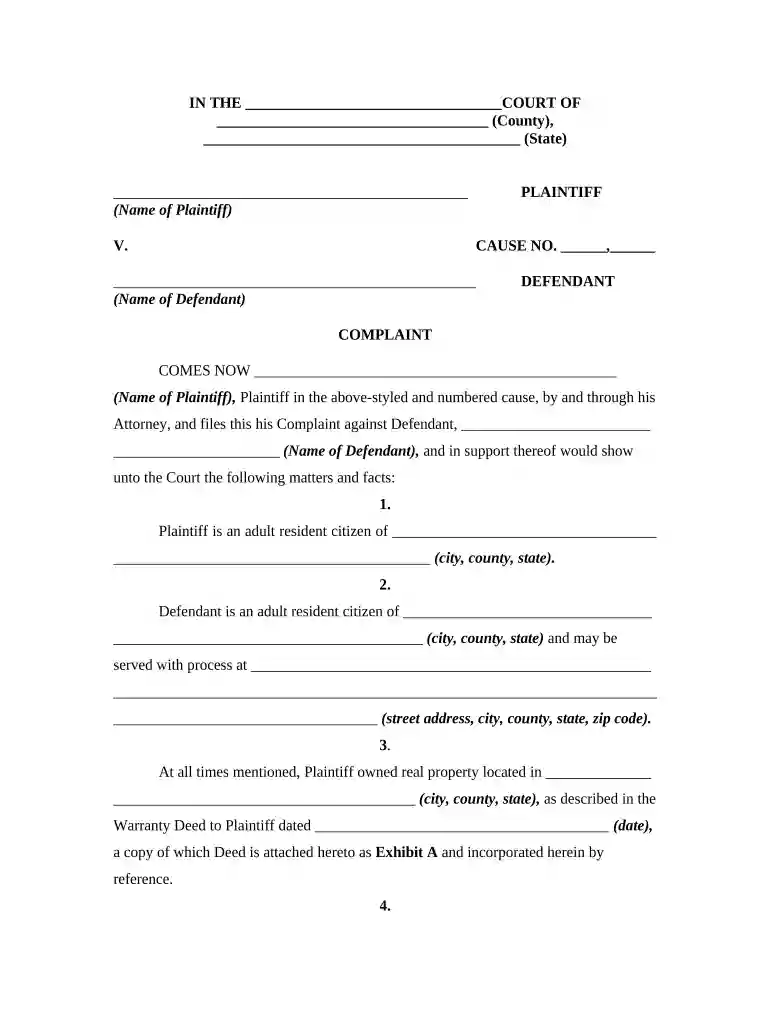
Type text, add images, blackout confidential details, add comments, highlights and more.

Draw your signature, type it, upload its image, or use your mobile device as a signature pad.

Send it via email, link, or fax. You can also download it, export it or print it out.

Start using our platform today to efficiently fill out your property damages form for free!
At DocHub, your data security is our priority. We follow HIPAA, SOC2, GDPR, and other standards, so you can work on your documents with confidence.




In other words, the seller may sue for actual damages caused by a default, or request a court, under limited circumstances, to order specific performance andRead more
If someones property has been damaged, that person can sue the one they believe is responsible for the damage. They can ask for the money it will take toRead more
Property damage is injury to real or personal property. An example could be a chemical leak on a piece of real estate, or damage to a car from an accident.Read more


