




01. Edit your alaska unclaimed property online
Type text, add images, blackout confidential details, add comments, highlights and more.

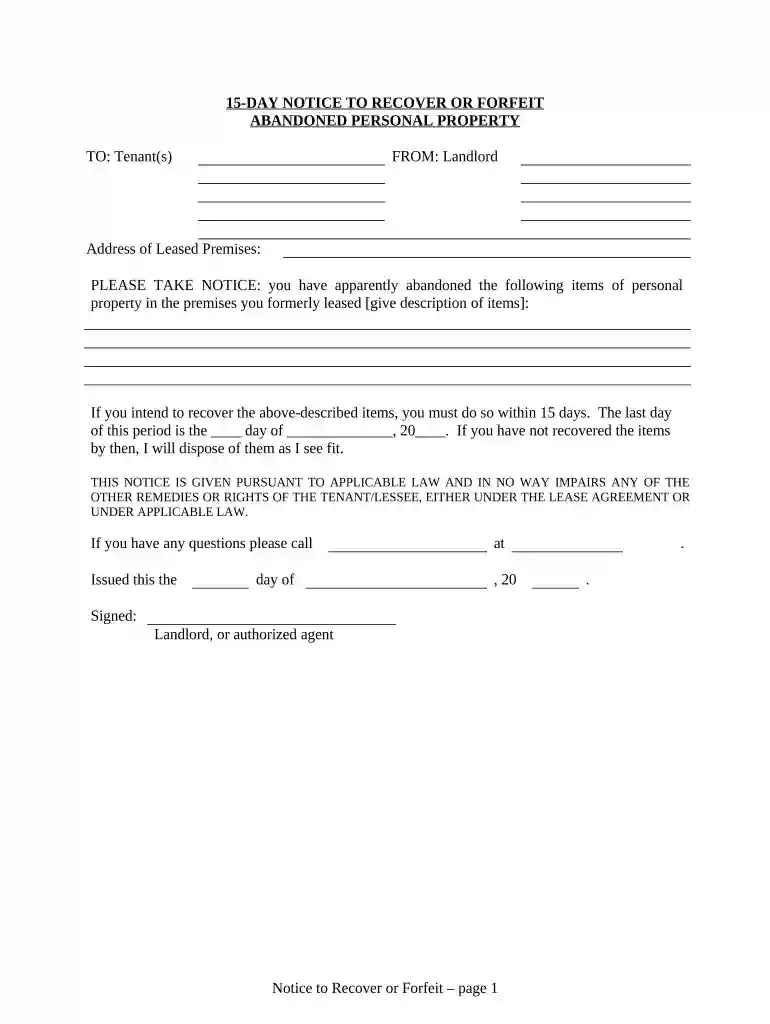
Type text, add images, blackout confidential details, add comments, highlights and more.

Draw your signature, type it, upload its image, or use your mobile device as a signature pad.

Send abandoned property alaska via email, link, or fax. You can also download it, export it or print it out.

Start using our platform today to easily complete your Alaska Abandoned Property form for free!
At DocHub, your data security is our priority. We follow HIPAA, SOC2, GDPR, and other standards, so you can work on your documents with confidence.

Unclaimed funds are funds held by the court for an owner or recipient who is entitled to the money, but who has not claimed ownership. All unclaimed fundsRead more
Dec 25, 2019 At least 59 Plants Cancelled, Abandoned, or Put on Hold in 2007. The list of cancelled coal plants below includes coal plant proposals that haveRead more
13.45 Unattended or abandoned property. (a) This section applies to all park areas in Alaska except Klondike Gold Rush National Historical Park and SitkaRead more


