




01. Edit your form online
Type text, add images, blackout confidential details, add comments, highlights and more.

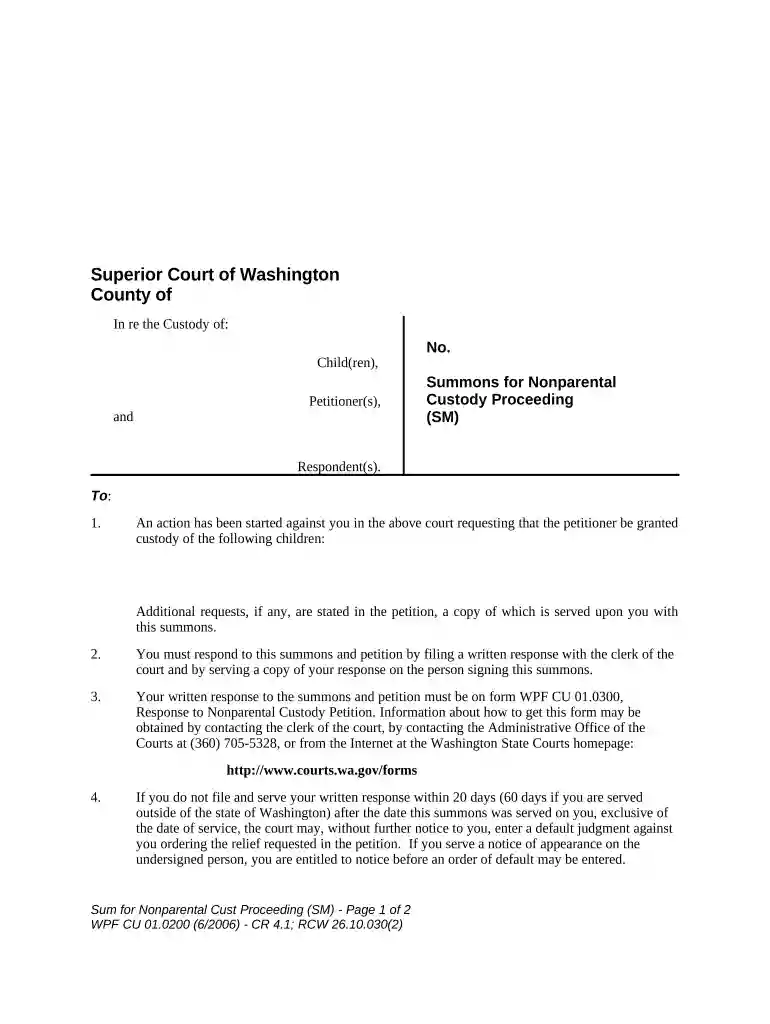
Type text, add images, blackout confidential details, add comments, highlights and more.

Draw your signature, type it, upload its image, or use your mobile device as a signature pad.

Send it via email, link, or fax. You can also download it, export it or print it out.

Start using our platform today for free to streamline your document editing and ensure a smooth process!
At DocHub, your data security is our priority. We follow HIPAA, SOC2, GDPR, and other standards, so you can work on your documents with confidence.

(1) The summons must be signed and dated by the plaintiff or the plaintiffs attorney, and directed to the defendant requiring the defendant to defend theRead more
Oct 20, 2020 Summons. Under FOIA (5 U.S.C. 552(a)(4)(C)), a plaintiff is entitled to a summons requiring the governments response within 30 daysRead more
Apr 28, 2026 A guide to online and print sources of Washington State court opinions, rules, forms, and jury instructionsRead more


