




Here's how it works

01. Edit your form online
Type text, add images, blackout confidential details, add comments, highlights and more.

02. Sign it in a few clicks
Draw your signature, type it, upload its image, or use your mobile device as a signature pad.

03. Share your form with others
Send it via email, link, or fax. You can also download it, export it or print it out.
How to use or fill out not sue agreement with our platform

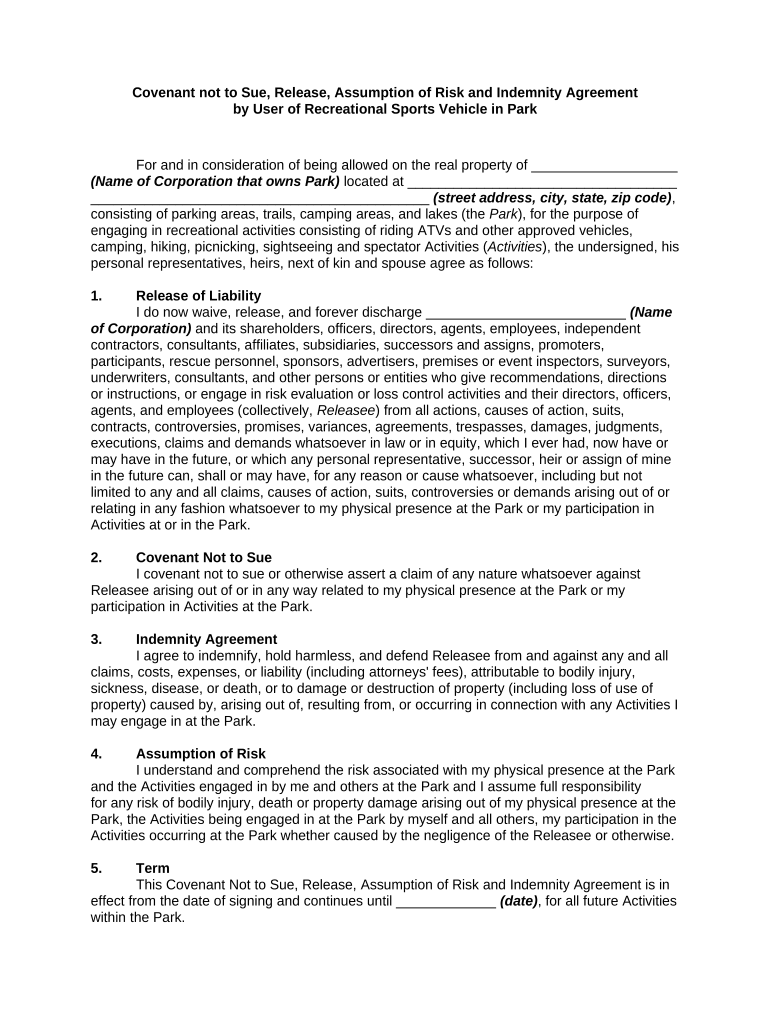
- Click ‘Get Form’ to open the not sue agreement in the editor.
- Begin by filling in the name of the corporation that owns the park and its address at the top of the form. This identifies the entity you are releasing from liability.
- In the 'Release of Liability' section, ensure you understand what rights you are waiving. Fill in any necessary details about your participation in activities at the park.
- Complete the 'Covenant Not to Sue' section by affirming your commitment not to pursue legal action against the releasee for any claims related to your presence or activities at the park.
- In the 'Indemnity Agreement' section, acknowledge your responsibility for any claims arising from your activities and fill in any relevant details.
- Review and complete sections on risk assumption, inspection acceptance, and skills acknowledgment, ensuring all fields are filled accurately.
- Finally, sign and date the document at the bottom. Make sure to review all terms before submission.
Start using our platform today for free to easily fill out your not sue agreement!
Fill out not sue agreement online
It's free
It's free
Security and compliance
At DocHub, your data security is our priority. We follow HIPAA, SOC2, GDPR, and other standards, so you can work on your documents with confidence.
Learn more


