




01. Edit your oklahoma rule 8 form online
Type text, add images, blackout confidential details, add comments, highlights and more.

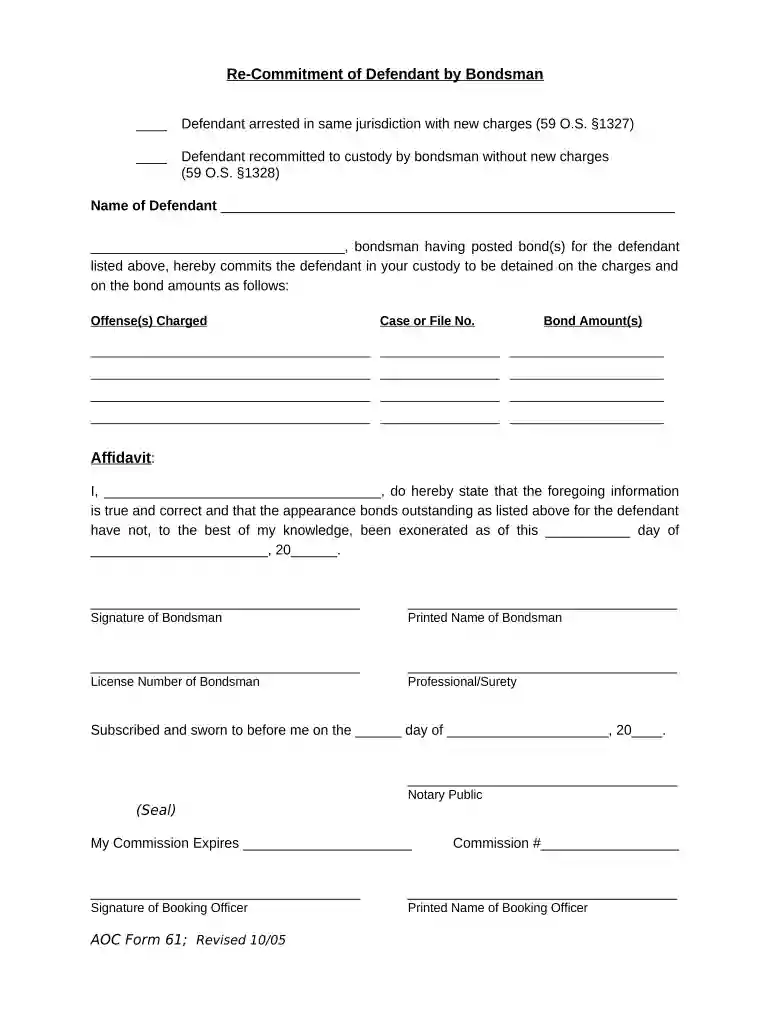
Type text, add images, blackout confidential details, add comments, highlights and more.

Draw your signature, type it, upload its image, or use your mobile device as a signature pad.

Send rule 8 hearing oklahoma via email, link, or fax. You can also download it, export it or print it out.

Start using our platform today to streamline your document editing and signing process for free!
At DocHub, your data security is our priority. We follow HIPAA, SOC2, GDPR, and other standards, so you can work on your documents with confidence.
by C Bailey 2002 Cited by 19 In this article, Professor Carlton Bailey attempts to clarify the Ake decision by arguing that an indigent defendant should be able to secure, upon a properRead more
Jul 14, 2021 In May 2012, a district judge dismissed a lawsuit in which a family had accused Antero Resources of harming their health through its exploratoryRead more
Mar 18, 2026 District court judges advise defendants about their right to an appeal and their right to a court-appointed lawyer if they cannot afford one.Read more


