




01. Edit your form online
Type text, add images, blackout confidential details, add comments, highlights and more.

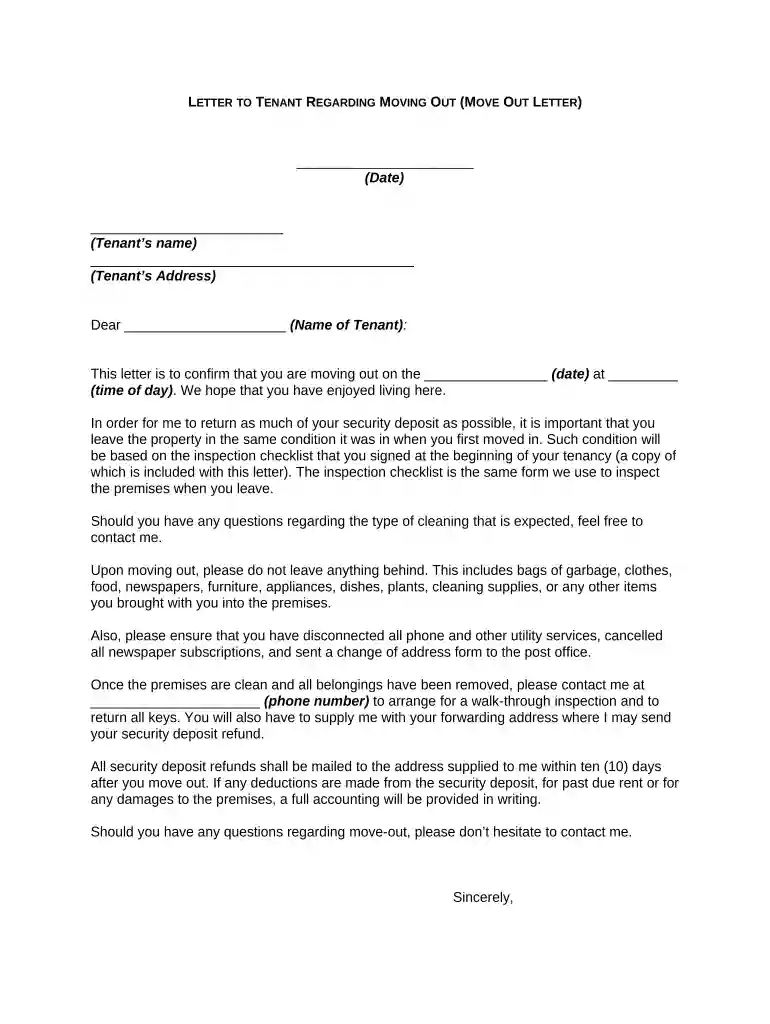
Type text, add images, blackout confidential details, add comments, highlights and more.

Draw your signature, type it, upload its image, or use your mobile device as a signature pad.

Send it via email, link, or fax. You can also download it, export it or print it out.

Start using our platform today to streamline your document editing and ensure a smooth move-out process!
At DocHub, your data security is our priority. We follow HIPAA, SOC2, GDPR, and other standards, so you can work on your documents with confidence.
Nov 26, 2024 Tenant cannot waive rights. A tenant cannot, either orally or in writing, waive the tenants rights regarding the return of a securityRead more
WHATS IN A LEASE? In a lease, a landlord and tenant agree to the terms, or rules, in effect during the time that the tenant uses the landlords property.Read more


