




01. Edit your form online
Type text, add images, blackout confidential details, add comments, highlights and more.

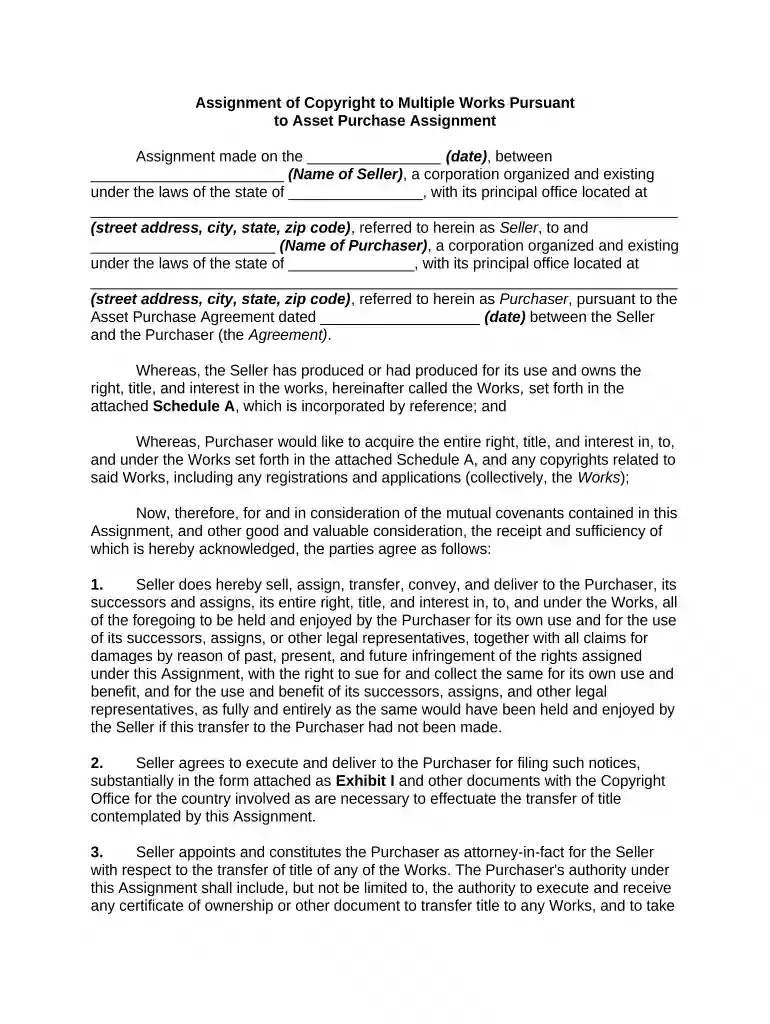
Type text, add images, blackout confidential details, add comments, highlights and more.

Draw your signature, type it, upload its image, or use your mobile device as a signature pad.

Send it via email, link, or fax. You can also download it, export it or print it out.

Start editing your copyright works today for free on our platform!
At DocHub, your data security is our priority. We follow HIPAA, SOC2, GDPR, and other standards, so you can work on your documents with confidence.
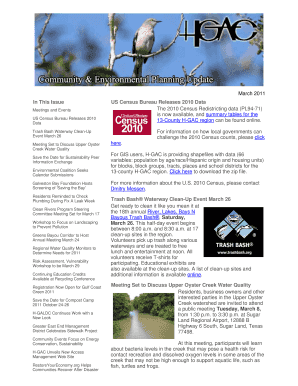
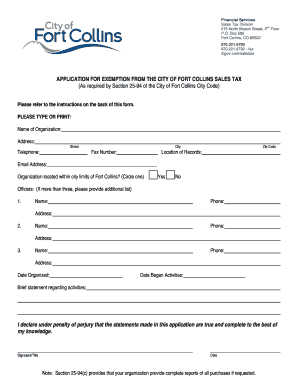
To get started registering your work, log in to the Electronic Copyright Office (eCO) Registration System at the link below.Read more
Jul 2, 2025 You can ask an author if theyd be willing to release their book under an open licence; heres the form to use.
Search our online records, learn about our searching and retrieval services, and view educational videos and materials.Read more


