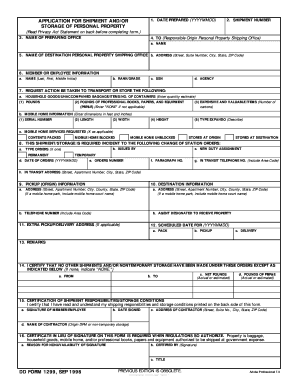
VBES Note to School 11-09 - vbes nmrsd 2026

Get Form
aspen nmrsd Preview on Page 1

Here's how it works

01. Edit your aspen nmrsd online
Type text, add images, blackout confidential details, add comments, highlights and more.
02. Sign it in a few clicks
Draw your signature, type it, upload its image, or use your mobile device as a signature pad.
03. Share your form with others
Send vbes via email, link, or fax. You can also download it, export it or print it out.

How to use or fill out VBES Note to School 11-09 - vbes nmrsd with our platform

Form edit decoration
9.5
Ease of Setup
DocHub User Ratings on G2
9.0
Ease of Use
DocHub User Ratings on G2
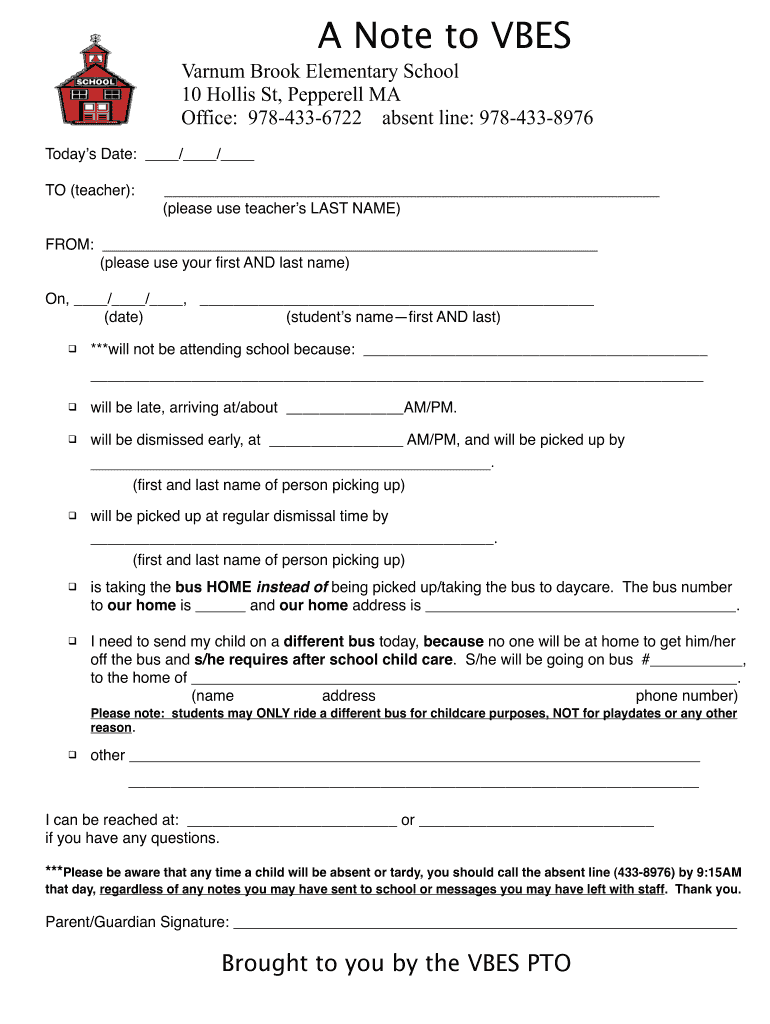
  1. Click ‘Get Form’ to open the VBES Note to School in the editor.
  2. Enter today’s date in the designated field at the top of the form.
  3. In the 'TO' section, input your teacher's last name for proper identification.
  4. Fill in your full name in the 'FROM' section to ensure clear communication.
  5. Specify the date of absence or tardiness and enter your child's full name in the provided fields.
  6. Select one of the options regarding your child's attendance status by checking the appropriate box and providing any necessary details, such as arrival time or bus information.
  7. If applicable, provide contact information where you can be reached for any questions regarding your child’s status.
  8. Finally, sign the form electronically using our platform before submitting it to ensure it is officially recognized.

Start using our platform today for free to streamline your document editing and submission process!

be ready to get more

Complete this form in 5 minutes or less

Get form

Got questions?

We have answers to the most popular questions from our customers. If you can't find an answer to your question, please contact us.
Contact us

With DocHub, you can rapidly sign your VBES Note to School 11-09 - vbes nmrsd or any other paperwork on iOS, even without installing additional programs. You can access your DocHub account from any internet-connected browser and complete and sign your document in any preferred method with just a couple of clicks.

If you edit your VBES Note to School 11-09 - vbes nmrsd with DocHub, you only require a stable internet connection and virtually any web browser installed on your device. No need to install any third-party software or study tutorials. Just open a tab with DocHub, drag and drop your file, and edit it immediately.

WBMS Safeline/Attendance line: (248) 865-4482.
If your child is ill: Call the absentee line 978-433-8976.
Absence from school If students are absent from school due to illness or other unavoidable circumstances, parents are required to telephone the schools absence phone line on 8557 0103 on the morning of the absence.

Security and compliance

At DocHub, your data security is our priority. We follow HIPAA, SOC2, GDPR, and other standards, so you can work on your documents with confidence.

Learn more
ccpa2
pci-dss
gdpr-compliance
hipaa
soc-compliance
be ready to get more

Complete this form in 5 minutes or less

Get form

People also ask

attendance@stratfordschool.co.uk. Parents must report any absence from school including medical appointments requiring absence and ill health leading to absence, to the student absence line 01789 209296 by 9:00am on each day of absence.

Related links