




01. Edit your travel order sample online
Type text, add images, blackout confidential details, add comments, highlights and more.

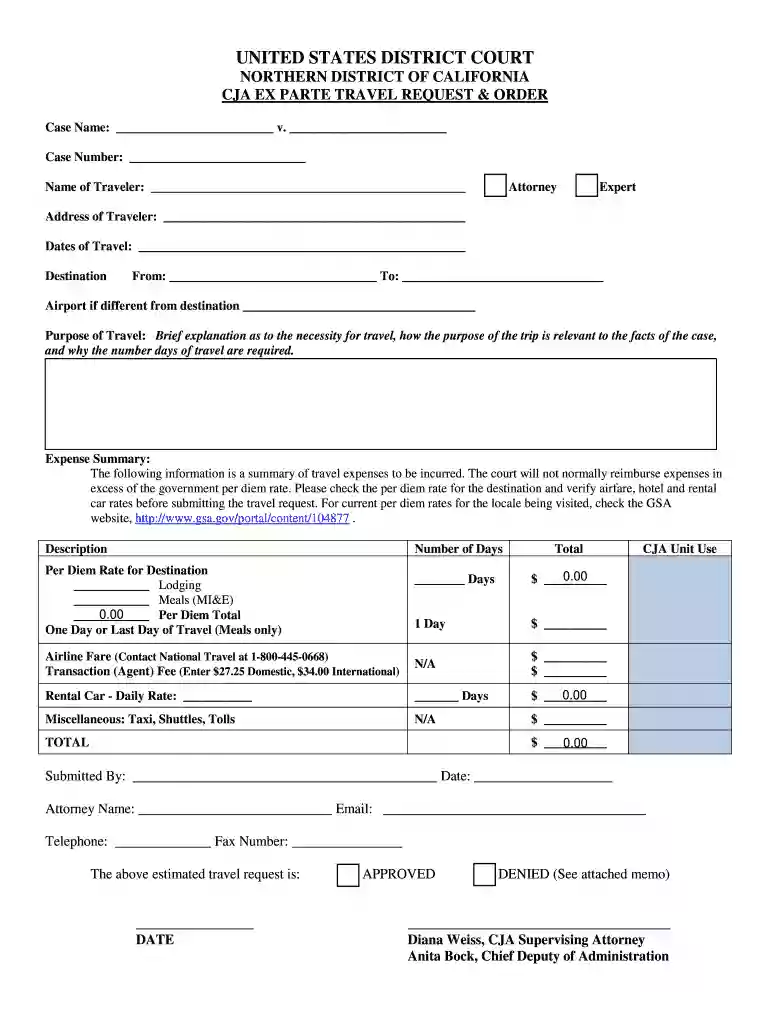
Type text, add images, blackout confidential details, add comments, highlights and more.

Draw your signature, type it, upload its image, or use your mobile device as a signature pad.

Send travel order format via email, link, or fax. You can also download it, export it or print it out.

Start using our platform today to streamline your ex parte travel order process for free!
At DocHub, your data security is our priority. We follow HIPAA, SOC2, GDPR, and other standards, so you can work on your documents with confidence.
An ex parte order is issued by the court without giving Respondent notice or an opportunity to tell his or her side of the story. It is a temporary order.Read more
Warner Bros. Home Entertainment was founded to bring together all of its parent companys businesses involved in the delivery of home entertainment content toRead more
An emergency ex parte order is in the best interests of the child or children because there is an immediate and present risk of physical danger or psychologicalRead more


