01. Edit your eagle project proposal example online
Type text, add images, blackout confidential details, add comments, highlights and more.
02. Sign it in a few clicks
Draw your signature, type it, upload its image, or use your mobile device as a signature pad.
03. Share your form with others
Send eagle scout project proposal example via email, link, or fax. You can also download it, export it or print it out.
How to Use or Fill Out the New Eagle Workbook
Ease of Setup
DocHub User Ratings on G2
Ease of Use
DocHub User Ratings on G2
Click ‘Get Form’ to open the new eagle workbook in our editor.
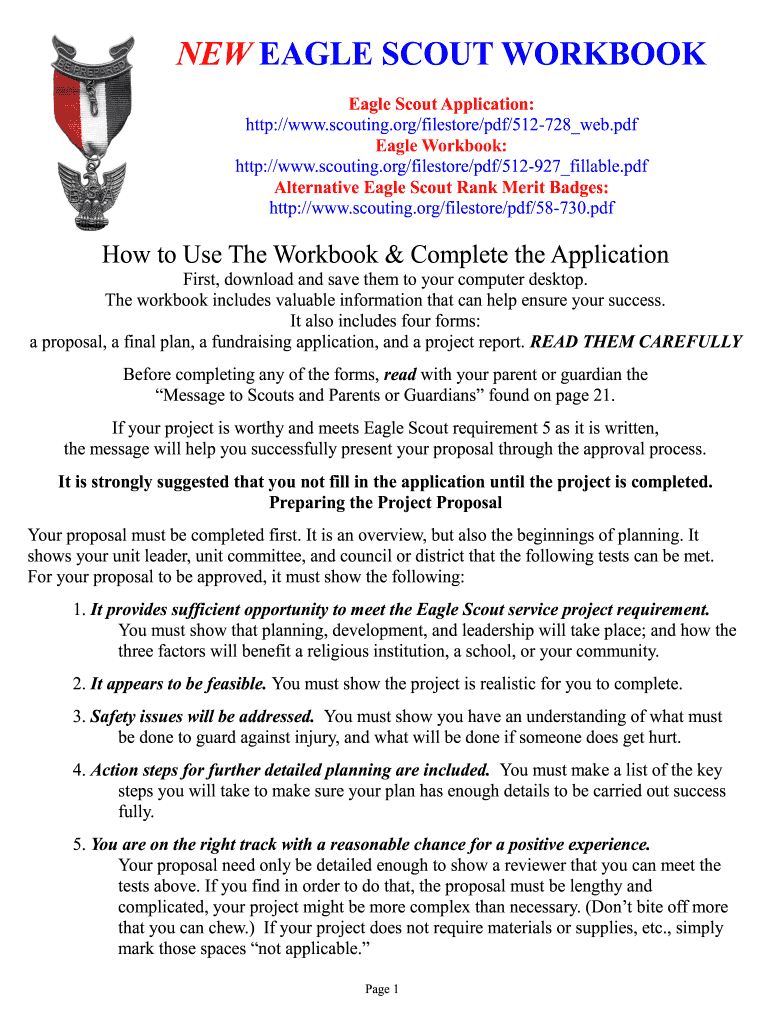
Begin with the Project Proposal section. Outline your project, ensuring it meets the Eagle Scout service project requirements. Include details on planning, development, and leadership opportunities.
Next, complete the Final Plan after your proposal is approved. This document serves as a tool for your review board, showcasing your planning efforts.
If fundraising is necessary, fill out the Fundraising Application accurately. Ensure you understand when this application is required based on your funding sources.
Finally, complete the Project Report after finishing your project. Confirm completion with signatures from yourself and relevant parties.
Start using our platform today to streamline your Eagle Scout workbook process for free!
This message is designed to share with you, the Eagle Scout candidate, and your parents or guardians the same information BSA provides to council and district.Read more
Eagle Path is a guided approach to supervision to help undergraduate student workers reflect upon, recognize, develop, and articulate their careerRead more
Cookie consent notice
This site uses cookies to enhance site navigation and personalize your experience.
By using this site you agree to our use of cookies as described in our Privacy Notice.
You can modify your selections by visiting our Cookie and Advertising Notice.