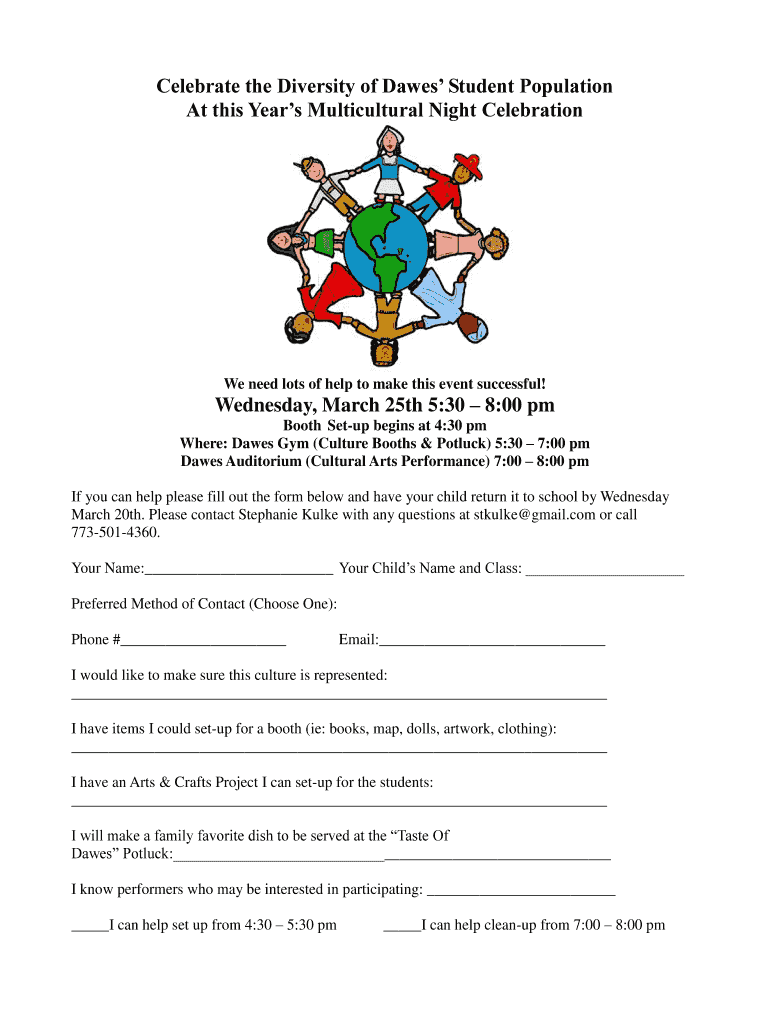
Celebrate the Diversity of Dawes Student Population At 2026

Get Form
Celebrate the Diversity of Dawes Student Population At Preview on Page 1

Here's how it works

01. Edit your form online
Type text, add images, blackout confidential details, add comments, highlights and more.
02. Sign it in a few clicks
Draw your signature, type it, upload its image, or use your mobile device as a signature pad.
03. Share your form with others
Send it via email, link, or fax. You can also download it, export it or print it out.

How to use or fill out Celebrate the Diversity of Dawes Student Population At

Form edit decoration
9.5
Ease of Setup
DocHub User Ratings on G2
9.0
Ease of Use
DocHub User Ratings on G2
  1. Click ‘Get Form’ to open it in the editor.
  2. Begin by entering your name in the designated field. This helps us identify who is volunteering.
  3. Next, fill in your child’s name and class to ensure proper coordination.
  4. Select your preferred method of contact by filling in either your phone number or email address.
  5. Indicate which culture you would like to represent at the event in the provided space.
  6. List any items you can contribute for a booth setup, such as books or artwork, in the corresponding section.
  7. If you have an Arts & Crafts project to share with students, describe it in the next field.
  8. Mention any family favorite dish you plan to bring for the potluck in the appropriate area.
  9. If you know performers interested in participating, please note their names.
  10. Finally, indicate your availability for setup or cleanup by checking the relevant boxes.

Engage with our platform today to make filling out this form seamless and efficient!

be ready to get more

Complete this form in 5 minutes or less

Get form

Got questions?

We have answers to the most popular questions from our customers. If you can't find an answer to your question, please contact us.
Contact us

Log in to your DocHub account and add your Celebrate the Diversity of Dawes Student Population At to our editor using one of its upload options - from your device, cloud storage, secure URL, or your DocHub folders if you have already managed your form before. Open our editor, click the Sign key in the upper toolbar, and decide on your signing method. You can upload an image of your handwritten signature, draw it, type in your name, or use a QR code instead.

You need only a web connection and a browser to fill out your Celebrate the Diversity of Dawes Student Population At on an iOS phone. Open the DocHub website and authenticate. Then, add your file or select it from the list in your dashboard. Then use our editing instruments to fill out your form and preserve all your modifications. You can also send it to a dedicated recipient straight away.

Security and compliance

At DocHub, your data security is our priority. We follow HIPAA, SOC2, GDPR, and other standards, so you can work on your documents with confidence.

Learn more
ccpa2
pci-dss
gdpr-compliance
hipaa
soc-compliance