




Here's how it works

01. Edit your navmc 10835 online
Type text, add images, blackout confidential details, add comments, highlights and more.

02. Sign it in a few clicks
Draw your signature, type it, upload its image, or use your mobile device as a signature pad.

03. Share your form with others
Send navmc 10835a edit ver via email, link, or fax. You can also download it, export it or print it out.
How to use or fill out navmc 10835 with our platform

- Click ‘Get Form’ to open the NAVMC 10835 in the editor.
- Begin by filling out the 'Administrative Information' section. Enter the Marine's last name, first name, middle initial, and social security number (SSN). Ensure accuracy as this information is crucial for identification.
- Next, complete the 'Occasion and Period Covered' fields. Specify the occasion code (OCC) and the reporting period dates. This helps in contextualizing the evaluation.
- Proceed to fill in the 'Duty Assignment' section with a descriptive title of the Marine's role. This provides clarity on their responsibilities during the reporting period.
- In sections D through H, evaluate performance metrics such as 'Mission Accomplishment', 'Individual Character', and 'Leadership'. Use clear examples to justify ratings based on observed behaviors and outcomes.
- Finally, ensure all signatures are obtained in the 'Certification' section before submitting. This confirms that all entries are accurate and agreed upon by both reporting senior and Marine reported on.
Start using our platform today to streamline your NAVMC 10835 form completion for free!
Fill out navmc 10835 online
It's free
It's free
Security and compliance
At DocHub, your data security is our priority. We follow HIPAA, SOC2, GDPR, and other standards, so you can work on your documents with confidence.
Learn more


Related forms
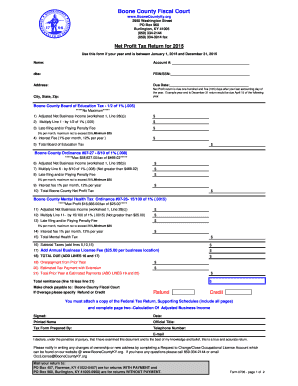
Burlington ky fair kissel entertainment 2015 form
The document is a Net Profit Tax Return form for Boone County, Kentucky, for the year 2015. It outlines the requirements ...
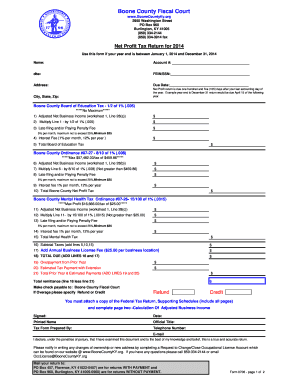
Ky boone county form 2014
The document is a Net Profit Tax Return form for Boone County, Kentucky, for the year 2014. It outlines the requirements ...
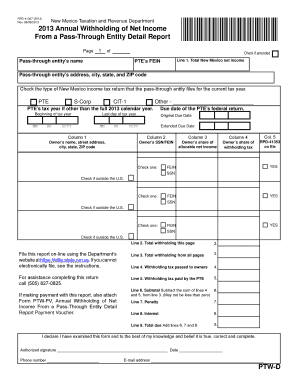
New mexico rpd 41367 2013 form
The document is the 2013 Annual Withholding of Net Income From a Pass-Through Entity Detail Report issued by the New Mex ...
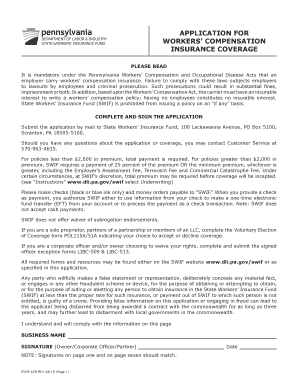
Swif app 2008 form
The document is an application form for Workers' Compensation Insurance Coverage in Pennsylvania. It provides detailed i ...
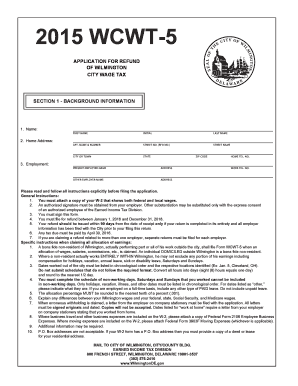
Wcwt 5 form 2015
The document is an application form for a refund of Wilmington City Wage Tax (WCWT-5) for the year 2015. It includes sec ...

Affidavit of Inheritance Litigation - dol wa
The document is an Affidavit of Inheritance/Litigation form used for transferring ownership of a vehicle or vessel inher ...
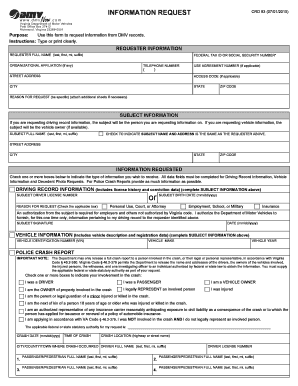
CRD 93 - Virginia Department of Motor Vehicles - dmv virginia
The document is an INFORMATION REQUEST form used to request information from DMV records, including driving records, veh ...

Us army beneficiary form 2013
The document is a Beneficiary Designation Form (Form 42) for members of the New Mexico Educational Retirement Board, det ...