





Get your PDFs done the easiest
way possible with 20% discount

Effortlessly edit, sign, and share PDFs and forms with 20% off DocHub's annual and monthly plans.
Get 20% discount

Join over 100 million users who trust DocHub with their documents

Get more PDFs done. Easier and faster than ever

workflows decoration
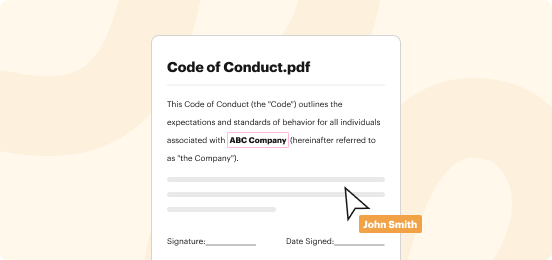
Go digital

Switch from paper to digital and securely move your documents to the cloud. Edit and share PDFs, eSign documents, collect signatures, and create and host fillable forms, all in one solution that works on any device.
workflows decoration
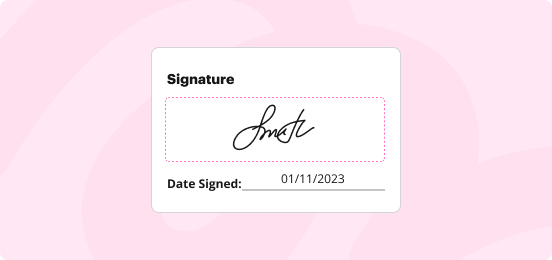
Move your business forward

Take any deal from start to finish in no time. Add personalized legally-binding eSignature in one click and request signatures from multiple people just as quickly. No more chasing down signatures.
workflows decoration
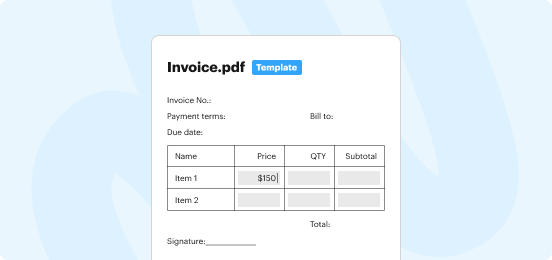
Simplify data collection

Whether you need to do research, gather feedback, or get information fast, DocHub has you covered. Create fillable forms for one-time use or turn them into reusable templates to speed up the distribution of repetitive forms.
workflows decoration
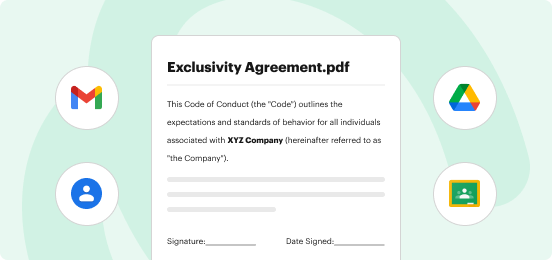
Share for better collaboration

Improve teamwork and speed up approvals by sharing documents with everyone who needs to review them. You can let anyone make edits or limit access to viewing only. It's all up to you.

Our users love DocHub

Great solution for PDF docs with very little pre-knowledge required.
"Simplicity, familiarity with the menu and user-friendly. It's easy to navigate, make changes and edit whatever you may need. Because it's used alongside Google, the document is always saved, so you don't have to worry about it."
Pam Driscoll F
Teacher
A Valuable Document Signer for Small Businesses.
"I love that DocHub is incredibly affordable and customizable. It truly does everything I need it to do, without a large price tag like some of its more well known competitors. I am able to send secure documents directly to me clients emails and via in real time when they are viewing and making alterations to a document."
Jiovany A
Small-Business
I can create refillable copies for the templates that I select and then I can publish those.
"I like to work and organize my work in the appropriate way to meet and even exceed the demands that are made daily in the office, so I enjoy working with PDF files, I think they are more professional and versatile, they allow..."
Victoria G
Small-Business

DocHub + Google

Sync up with Google Workspace to work within the apps you already know. Easily edit, sign, and send documents right from your Gmail. Import and export documents to Google Drive, open PDFs directly from Chrome, and modify documents in Google Classroom.

Features that help you breeze through any document workflow

Edit, annotate, & organize PDFs
Get all the tools you need to stay productive from anywhere. Add text, images, and notes, highlight important details, or remove confidential information. You can also rearrange, rotate, delete pages, or add new ones to create a perfect document.
Sign and send documents
With DocHub, easily add your eSignature by typing, drawing, or uploading its picture. Send your document to multiple recipients all at once or in a specific order and track signatures with real-time alerts or view a detailed audit trail.
Build forms and templates
Fillable forms and reusable templates make it easier to capture data from multiple people. Share templates on Facebook or Twitter for public access or use private links for specific individuals. All completed copies are stored under one master template.
Share and collaborate
Assign specific access permissions to recipients for your DocHub document. You can designate their level of access as a viewer, contributor, or admin. Or use traditional document-sharing options such as email or fax.
Create organizations
Improve teamwork by creating organizations in DocHub. Enjoy seamless document sharing, unified billing, efficient template management, a shared fax number, and custom branding within your organization.
Export, download, or store
With DocHub, you can securely store your documents, effortlessly export them to the cloud, or download single or multiple documents to your device. Choose the option that works for you. It's that easy.

At DocHub, your security is our top priority

We take your security seriously with robust security features such as document password protection, two-factor authentication, encrypted storage, and more. DocHub also complies with industry-leading compliance standards, so you can be confident your data is safe with us.

Save 20% on DocHub's annual and monthly plans.

Get 20% discount
  • Comprehensive PDF editing toolkit
  • Advanced eSignature features
  • Fillable forms & reusable templates
  • Google integrations
  • Compliant document workflows
  • Easy-to-use mobile app