
DocHub for Google Drive


Add DocHub PDF and eSign capabilities to Google Drive
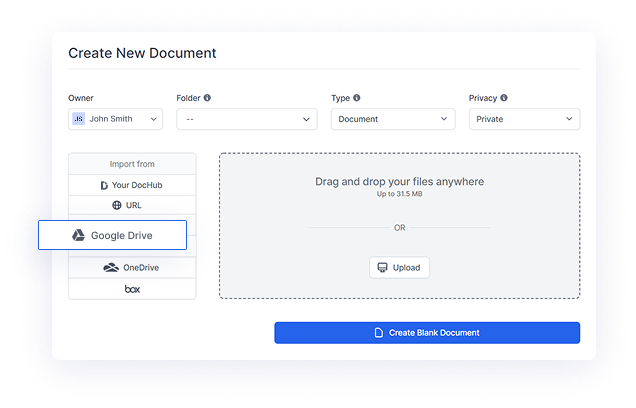
Quickly import Google Drive files
Connect to Google Drive and then import your files from Google Drive in a single click without leaving DocHub.
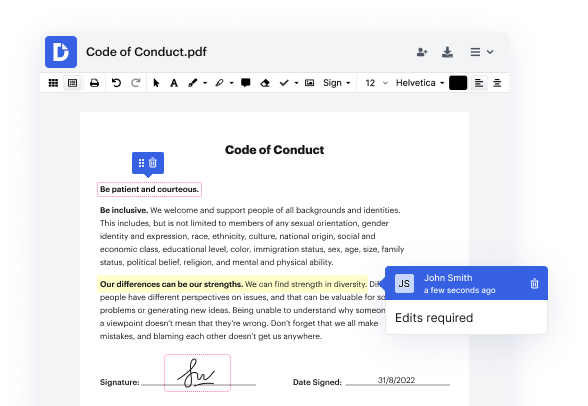
Edit and annotate PDFs
Use DocHub PDF tools to tweak your document to perfection. Type, erase, redact and highlight text. Draw, leave comments, manage pages, and add legally-binding eSignatures.
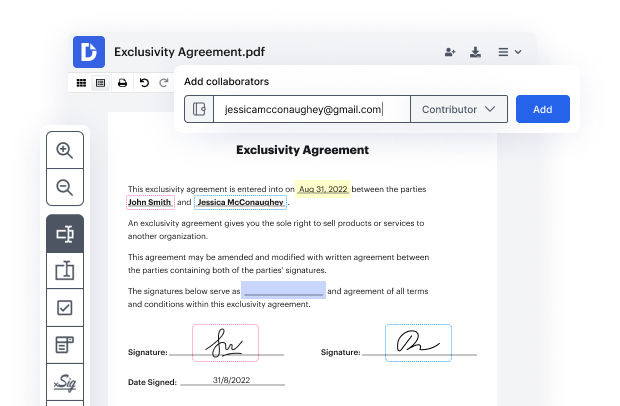
Create PDF forms and templates
Take a static PDF from your Google Drive and turn it into a fillable form or create a reusable template. Complete it yourself or share it with others via email or public link.
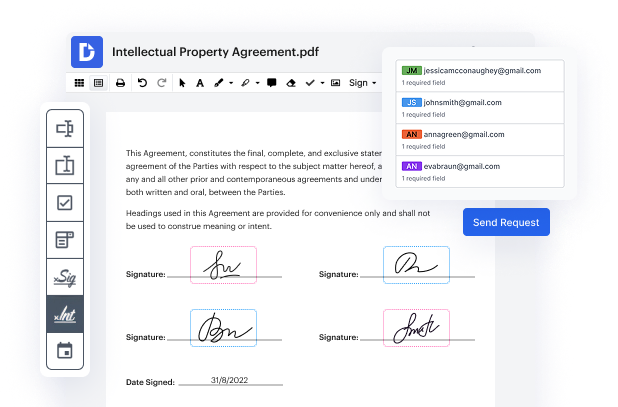
eSign PDFs and collect eSignatures
No more printing and scanning page after page. Easily eSign your Google Drive docs or request signatures from multiple people, all at once or in a role-based order.
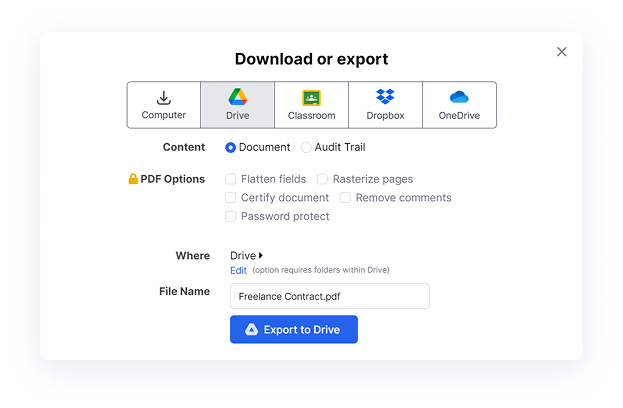
Export and safely store your files in Google Drive
Once you've completed a document with DocHub, save the original PDF or a duplicate file back to Google Drive.
Maximize your productivity in Google Drive with DocHub
Easily customize documents stored in Google Drive or turn them into reusable templates for quick distribution and data collection.
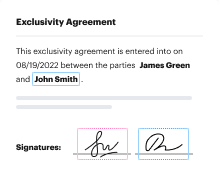
Collaborate on Google Drive documents by allowing others to edit or view them while staying in the loop with real-time notifications.
Use DocHub password protection, end-to-end encryption, and two-factor authentication to securely work with documents stored in Google Drive.
Storing contracts in Google Drive? DocHub's legally-binding eSignatures take them from stored to signed in minutes.


Simplify your document workflows within the Google ecosystem
Got questions?
What is DocHub for Google Drive?
How do I integrate DocHub with Google Drive?
What tools are available with the DocHub integration for Google Drive?
How can I edit docs with the Google Drive - DocHub integration?
- Right-click on the file and select Open with ⇒ DocHub PDF Sign and Edit
- Go to the Google Apps menu in the top right corner of your Drive, select New Document ⇒ import from Google Drive.