
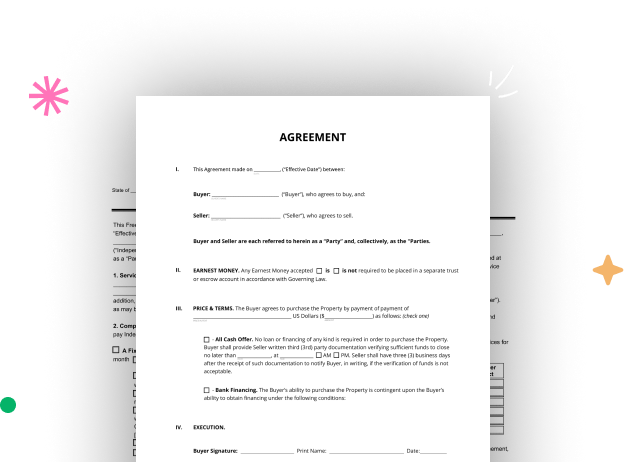
Create your Landlord and Tenant Legal Form from scratch

Start Building Now
Title decoration

Here's how it works

01. Start with a blank Landlord and Tenant Legal Form
Open the blank document in the editor, set the document view, and add extra pages if applicable.
02. Add and configure fillable fields
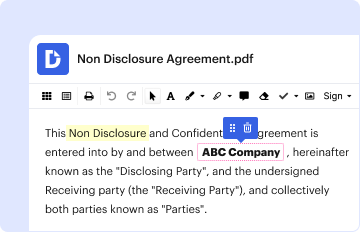
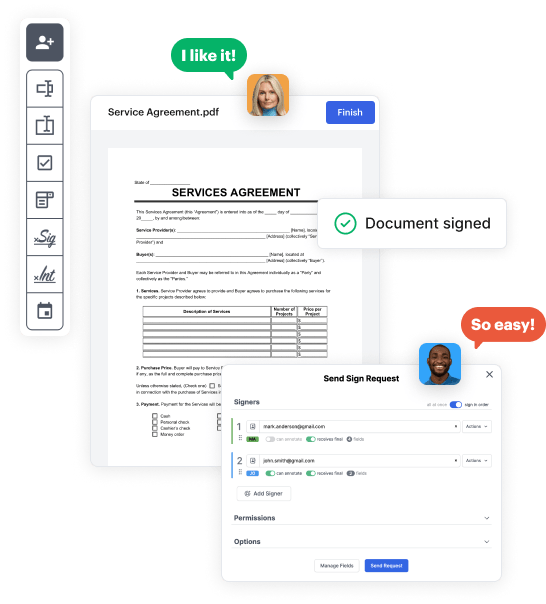
Use the top toolbar to insert fields like text and signature boxes, radio buttons, checkboxes, and more. Assign users to fields.
03. Distribute your form
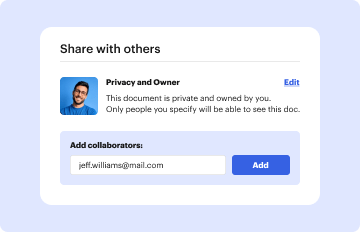
Share your Landlord and Tenant Legal Form in seconds via email or a link. You can also download it, export it, or print it out.

A quick guide on how to set up a polished Landlord and Tenant Legal Form

Form edit decoration

Step 1: Log in to DocHub to create your Landlord and Tenant Legal Form.

First, log in to your DocHub account. If you don't have one, you can easily sign up for free.

Step 2: Head to the dashboard.

Once you’re in, access your dashboard. This is your main hub for all document-related processes.

Step 3: Kick off new document creation.

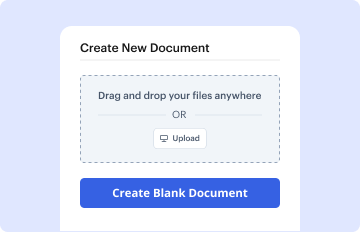
In your dashboard, select New Document in the upper left corner. Choose Create Blank Document to put together the Landlord and Tenant Legal Form from a blank slate.

Step 4: Add template fillable areas.

Add numerous elements like text boxes, images, signature fields, and other elements to your template and designate these fields to certain recipients as needed.

Step 5: Customize your template.

Refine your template by incorporating instructions or any other vital details leveraging the text feature.

Step 6: Double-check and correct the form.

Thoroughly go over your created Landlord and Tenant Legal Form for any errors or necessary adjustments. Leverage DocHub's editing features to polish your template.

Step 7: Distribute or export the template.

After completing, save your work. You may opt to retain it within DocHub, export it to various storage options, or send it via a link or email.


be ready to get more

Build your Landlord and Tenant Legal Form in minutes

Start creating now

Got questions?

We have answers to the most popular questions from our customers. If you can't find an answer to your question, please contact us.
Contact us
You may refuse entry to a landlord if they do not give proper notice for a visit, or if they try to enter for any reason beyond the five valid ones listed below. These rights cannot be waived they still apply if your lease says otherwise, or if you dont have a lease.
If you have been living in your home for over a year, your landlord must give at least 60 days notice. If you have been living in your home for more than 2 years, your landlord must give at least 90 days notice. rent as a security deposit. When you move out, they must return the security deposit within 14 days.
Generally no. However, a landlord may enter a tenants apartment in some situations. Your landlord can enter your apartment at any time and without notice in an emergency, and at a reasonable time after providing appropriate notice if the entry is either: To provide necessary or agreed upon repairs or services, or. Tenant Rights and Responsibilities - HPD - NYC.gov NYC.gov hpd services-and-information NYC.gov hpd services-and-information
Tenants without a lease agreement also have the right to privacy. The landlord cannot enter your rental property without your consent, except in emergencies or other legally allowed circumstances. The landlord must provide reasonable notice before entering the rental property for repairs, inspections, or other reasons. Tenants Rights Without A Lease: Know Your Rights - ADDA ADDA blog 2023/03 tenants-right-without- ADDA blog 2023/03 tenants-right-without-
In rent controlled apartments statewide and in rent stabilized apartments outside New York City, a landlord may not evict a senior citizen, a person living with a disability, or any person who has been living in the apartment for 15 years or more for purposes of owner occupancy (NYC Admin. Residential Tenants Rights Guide | New York State Attorney New York State Attorney General (.gov) publications residential-tenants-rig New York State Attorney General (.gov) publications residential-tenants-rig
be ready to get more

Build your Landlord and Tenant Legal Form in minutes

Start creating now

Related Q&A to Landlord and Tenant Legal Form

What are the responsibilities of my landlord? Owners must ensure that buildings are safe, clean and well maintained, in both common areas and in individual apartments. Among other responsibilities, owners must provide and maintain security measures, heat, hot and cold water, and good lighting.
Tenants have the right to withhold rent due to unremedied code violations in their unit. If a landlord fails to provide their tenant with a safe, livable, and sanitary dwelling, the tenant has the right to pay their rent into a separate bank account, rather than to the landlord -- this is called paying in escrow.
There is often no lease in a month-to-month tenancy, which may be ended by the landlord or the tenant. However, notice must be given at least one month before your next rent payment is due. Public housing authority leases have their own regulations and specific lease conditions. Tenants Rights - New York State Assembly New York State Assembly write upload req tenantsr New York State Assembly write upload req tenantsr

Additional resources on building your forms