
Create your Educational Letter from scratch

Start Building Now
Title decoration

Here's how it works

01. Start with a blank Educational Letter
Open the blank document in the editor, set the document view, and add extra pages if applicable.
02. Add and configure fillable fields
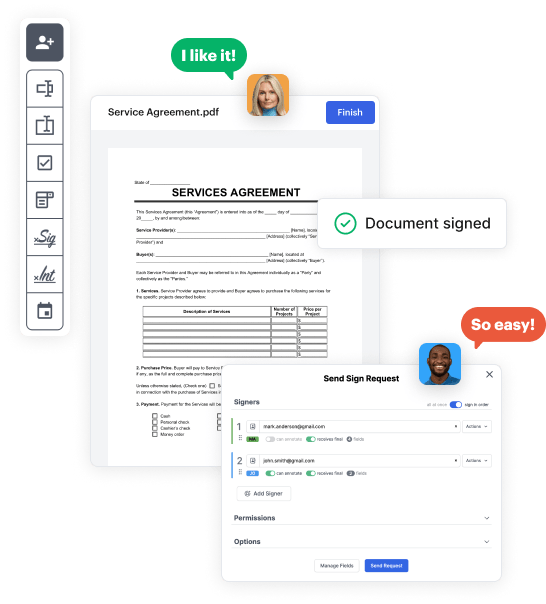
Use the top toolbar to insert fields like text and signature boxes, radio buttons, checkboxes, and more. Assign users to fields.
03. Distribute your form
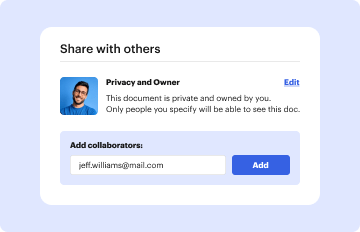
Share your Educational Letter in seconds via email or a link. You can also download it, export it, or print it out.

Create Educational Letter from scratch with these comprehensive instructions

Form edit decoration

Step 1: Start off by launching DocHub.

Begin by creating a free DocHub account using any offered sign-up method. Simply log in if you already have one.

Step 2: Sign up for a 30-day free trial.

Try out the complete collection of DocHub's pro features by registering for a free 30-day trial of the Pro plan and proceed to build your Educational Letter.

Step 3: Create a new empty form.

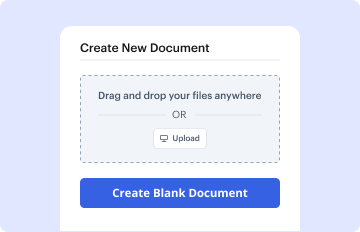
In your dashboard, select the New Document button > scroll down and choose to Create Blank Document. You will be redirected to the editor.

Step 4: Organize the document’s view.

Use the Page Controls icon indicated by the arrow to toggle between two page views and layouts for more flexibility.

Step 5: Begin by adding fields to create the dynamic Educational Letter.

Use the top toolbar to place document fields. Insert and format text boxes, the signature block (if applicable), add photos, and other elements.

Step 6: Prepare and configure the incorporated fields.

Configure the fields you incorporated per your preferred layout. Personalize each field's size, font, and alignment to make sure the form is user-friendly and professional.

Step 7: Finalize and share your template.

Save the finalized copy in DocHub or in platforms like Google Drive or Dropbox, or craft a new Educational Letter. Send out your form via email or get a public link to reach more people.


be ready to get more

Build your Educational Letter in minutes

Start creating now

Got questions?

We have answers to the most popular questions from our customers. If you can't find an answer to your question, please contact us.
Contact us
An education cover letter starts with your contact information at the top. Include your name, email address and phone number. You may also include your location, professional social accounts and professional links. After listing your contact information, you can include the date.
Education Cover Letter Example Dear Matthew Jenkins, I am writing to express my strong interest in the Education position at Elevate Entry Solutions. With my passion for teaching and my dedication to fostering a positive learning environment, I believe I am an ideal candidate for this role.
How to create a letter in 5 easy steps: Sign up for Venngage using your email, Gmail or Facebook account. Choose free letter template or upgrade to access premium letter examples. Customize your chosen letter template by editing and adding visual elements for a memorable impact.
To enter a letter on your Android phone, you need to hold down the corresponding number key. For example, to enter the letter A, you would hold down the 1 key. To enter the letter B, you would hold down the 2 key, and so on. Once youve entered the letter, you can release the number key.
Grammarlys letter-writing tool uses AI to help you create a personalized letter in seconds. You dont need to be an expert at writing letters to use it. Just outline the key details of your letter, and the AI letter writer generator will take care of the rest.
be ready to get more

Build your Educational Letter in minutes

Start creating now

Related Q&A to Educational Letter

Grammarlys AI letter generator helps you create drafts for personal and business letters in two quick steps. Add the name of the person or group youre writing to. Type a description of your letter. Consider including your preferred tone of voice and what youd like to include in the header and footer.
Google Docs is a popular pick. Its web-based and provides a great experience for creating and editing documents.
How to write a formal letter in block style Step 1: Write the contact information and date. Step 2: Write the salutation. Step 3: Write the body of the letter. Step 4: Write the complimentary close. Step 5: Mention enclosed materials. Step 1: Put the date at the top (optional) Step 2: Write the salutation.

Additional resources on building your forms


