
Custom printed Business Forms - Page 2
Get started with a comprehensive collection of Custom printed Business Forms. Choose, modify, complete, and distribute your business documents without issues.


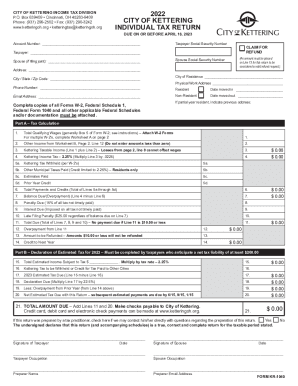

- 1
-
2
Transform your file management with Custom printed Business Forms
Your workflows always benefit when you can locate all of the forms and files you may need at your fingertips. DocHub delivers a vast array of document templates to relieve your day-to-day pains. Get a hold of Custom printed Business Forms category and easily discover your form.
Start working with Custom printed Business Forms in a few clicks:
- Gain access to Custom printed Business Forms and get the form you need.
- Click on Get Form to open it in the editor.
- Start editing your file: add more fillable fields, highlight sentences, or blackout sensitive info.
- The app saves your adjustments automatically, and once you are ready, you are able to download or share your form with other contributors.
Enjoy fast and easy document managing with DocHub. Discover our Custom printed Business Forms category and locate your form today!
Video Guide on Custom printed Business Forms management

Commonly Asked Questions about Custom printed Business Forms
Why is it called a carbon copy?
This meaning comes from the use of carbon paper, which was used to make copies of documents by pressing pigment onto an additional sheet of paper underneath. Blind carbon copies were copies that didnt let the recipient know it was a copy.
What are the benefits of carbon copy?
The use of carbon paper provides an exact copy of the typed original. There are different types of carbon paper and the type used will depend on the number of copies and the quality required. Some carbon paper can be used only once. Carbon is referred to by its weight - light, medium and heavy.
How does a carbon copy work?
A sheet of carbon paper is placed between two or more sheets of paper. The pressure applied by the writing implement (pen, pencil, typewriter or impact printer) to the top sheet causes pigment from the carbon paper to reproduce the similar mark on the copy sheet(s).
Can I print my own carbonless forms?
If you often create new forms, make changes to your forms, or simply wish to print your own forms immediately from your printer, our inkjet and laser carbonless paper provides an immediate solution. These are pre-collated and sheet-fed (not continuous) for easily printing forms on an as-needed basis.
What is a carbon copy contract?
Generally, a carbon copy contract is a document that is duplicated for each party involved, so everyone has a copy of the same agreement.
How to print 3 part forms?
For a three-part form, youll print three identical copies. For example, if you needed five sets of your three-part forms, you would simply set the printer to print 15 copies. The paper will come out of the printer in the correct order.
What is the difference between carbon and carbonless copy paper?
Unlike carbon papers, carbonless papers are eco-friendly and leave a carbon-free impact on the planet. It will not curl even when the laser fuser temperature is used in the printing process.
What is a carbonless form?
Carbonless copy paper (CCP), non-carbon copy paper, or NCR paper (No Carbon Required, taken from the initials of its creator, National Cash Register) is a type of coated paper designed to transfer information written on the front onto sheets beneath.
Related Templates

Circuit Family Court Request to Purchase Court Records - courts state hi
The document is a form from the Hawaii State Judiciary for requesting the purchase of court records. It includes section ...

Amended scheduling order for post -decree relief - Hawaii State - courts state hi
The document is a Scheduling Order for Post-Decree Relief from the Family Court of the First Circuit in Hawai‘i. It outl ...
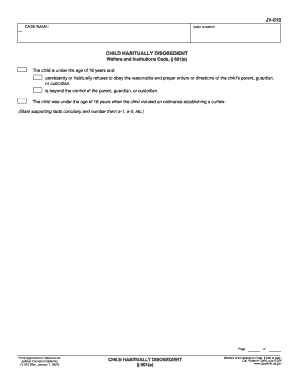
Jv610
The document is a form (JV-610) related to cases of children who are habitually disobedient under Welfare and Institutio ...
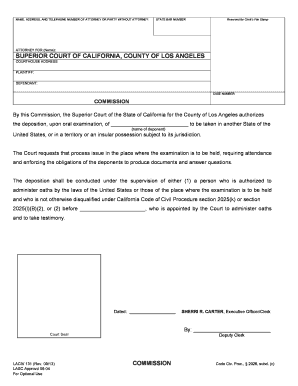
Commission - Los Angeles Superior Court
The document is a legal commission issued by the Superior Court of California, County of Los Angeles, authorizing the de ...

Ma appointment counsel form
The document is an application form for parents seeking the appointment of legal counsel in guardianship proceedings for ...
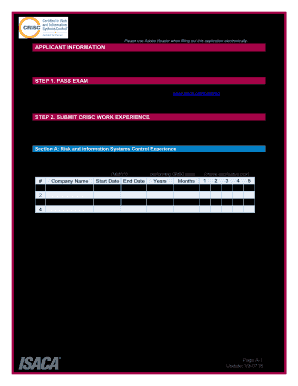
Application for CRISC Certification
The document outlines the application process for the Certified in Risk and Information Systems Control (CRISC) certific ...
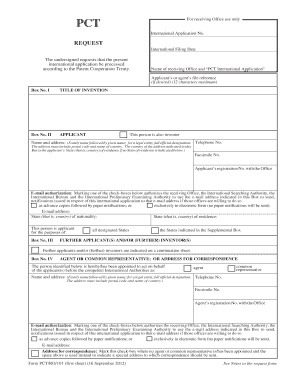
PCT RO 101 Request - WIPO - wipo
The document outlines the request form for filing an international patent application under the Patent Cooperation Treat ...
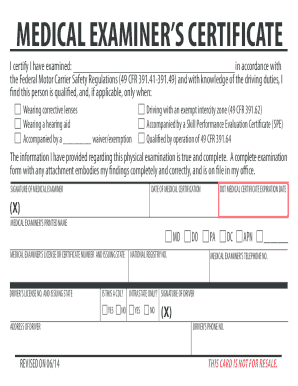
MEDICAL EXAMINER'S CERTIFICATE - transportation wv
The document is a Medical Examiner's Certificate that certifies an individual's medical examination in accordance with F ...