
Layout Application Forms
Browse various Layout Application Forms suitable to your needs. Streamline the submission process and securely save finished documents within your DocHub account.

Create a new Layout Application Form

Virginia concealed carry permit application
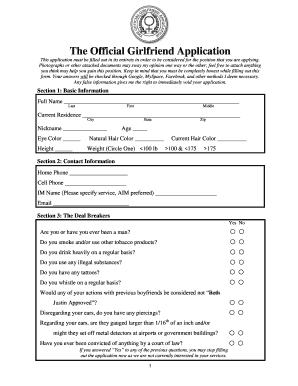
Girlfriend application

Death certificate form

Generic employment application 1999 form
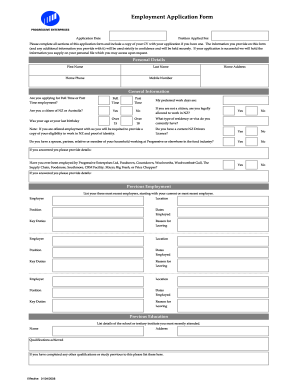
Countdown application
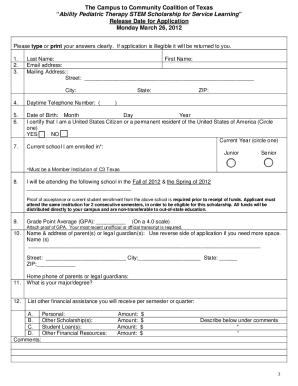
Sample scholarship application template
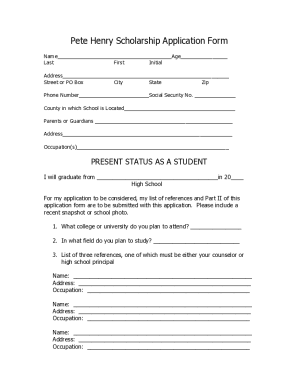
Scholarship printable application

Side chick application
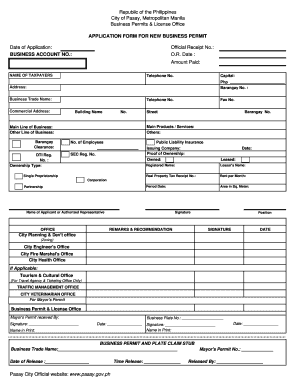
Business permit application form
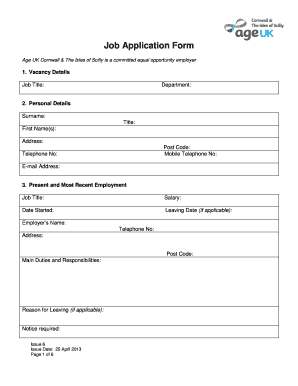
Job application form template uk
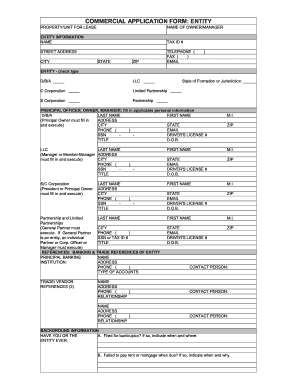
Commercial lease application template form

Family tree template
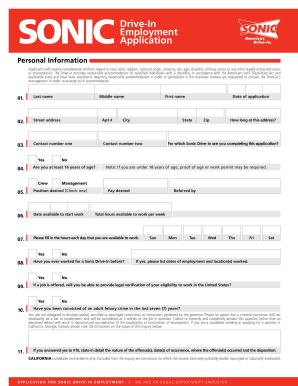
Blank job application pdf
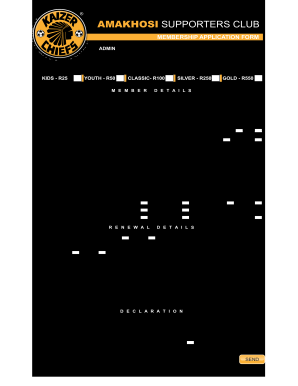
Kaizer chiefs academy application forms 2022
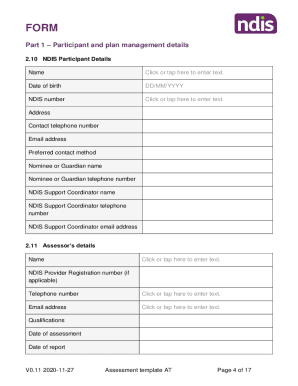
At assessment template
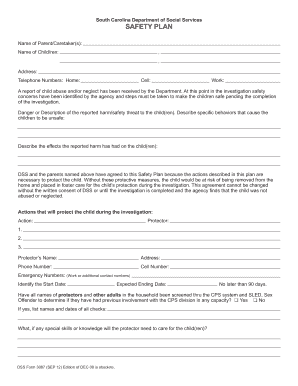
DSS Form 3087 (SEP 12)_Layout 1 - dss sc
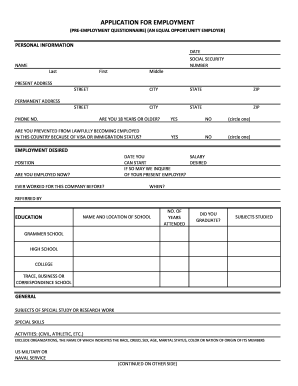
Printable job application for employment
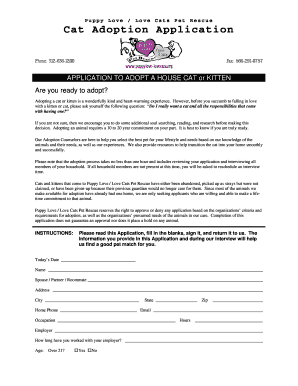
Cat adoption application
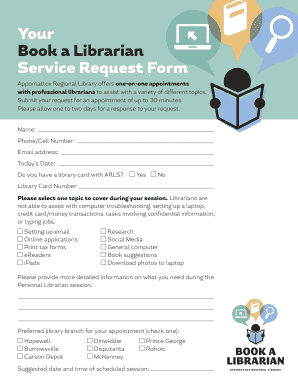
Librarian application form template

Contest template word
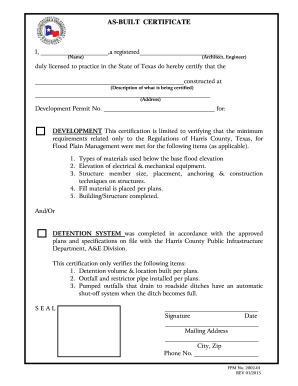
Built certificate form template
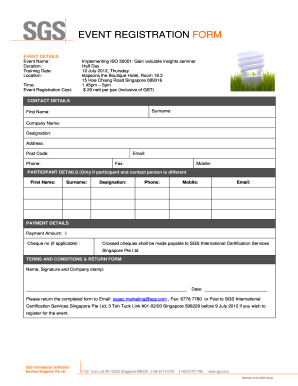
SGS Enrolment form Template (In Word)

Speaker form template

Gym membership form template word
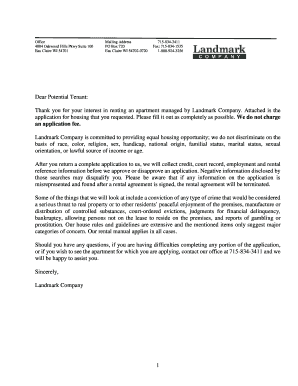
Landmark application
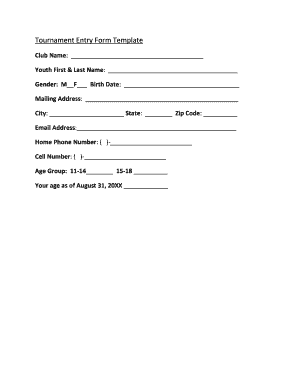
Name and address form template

Tci scholarship application form

High school scholarship application form

Mentor application template
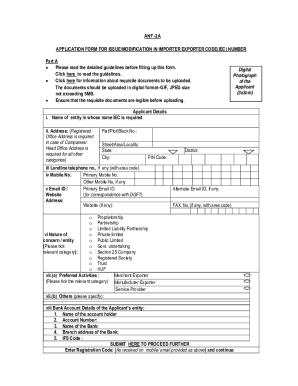
Iec application form for employment online

Application chw form

Application form
Manage Layout Application Forms easily online
Document administration can stress you when you can’t locate all the documents you require. Fortunately, with DocHub's substantial form library, you can get everything you need and promptly take care of it without the need of switching between programs. Get our Layout Application Forms and begin working with them.
How to use our Layout Application Forms using these easy steps:
- Examine Layout Application Forms and choose the form you require.
- Review the template and click on Get Form.
- Wait for it to upload in the online editor.
- Adjust your template: include new information and images, and fillable fields or blackout some parts if needed.
- Complete your template, preserve alterations, and prepare it for sending.
- When ready, download your form or share it with other contributors.
Try out DocHub and browse our Layout Application Forms category without trouble. Get a free profile right now!
Video Guide on Layout Application Forms management

Commonly Asked Questions about Layout Application Forms
Does Microsoft have free templates?
You dont have to start from scratch if you start with a free template Microsoft Create. Choose from an assortment of templates like calendars, invoices, and budget planning. Go to Create.Microsoft.com. Click Templates at the top of the page.
Can you share Microsoft Forms as a template?
You can easily share a form or quiz as a template so that colleagues and teachers can duplicate, customize, and use it as their own.
Does MS Forms have templates?
0:34 1:30 Where you can find some templates. Now if you notice youll be able to start a quiz start a new formMoreWhere you can find some templates. Now if you notice youll be able to start a quiz start a new form or a quick import. Youll see the forms that you have created listed as well and even your groups.
Are there templates for MS Forms?
A Microsoft Form Template (MS Forms) is a tool for building and managing surveys, polls, forms, and quizzes. These templates cover various categories, including event registration, employee feedback, market research surveys, new product launches, etc.
How do I design an application form?
Your application form must follow an organized structure. My suggestion is for you to divide it into parts by topic. For example, have a section for personal information (name, email address, the preferred method for contact, etc.), another for education (degrees and certificates), and one more for work background.
What is a sample application form?
A sample application form is filled out by an applicant to apply for a specific job, course, or other opportunities. Sample applications can be used by employers and educational institutions to recruit and screen applicants.
Is it possible to customize Microsoft Forms?
To give your survey, quiz, or other type of form some visual flair, apply a theme, add your own background image, or customize the background color. In Microsoft Forms, open the form for which you want to apply a theme. Style to choose a theme, color or background image.
Does Word have templates for forms?
Start with a form template In Search, type form. Double-click the template you want to use. Select File Save As, and pick a location to save the form. In Save As, type a file name and then select Save.
Related Templates

Kansas driving log
The document appears to be a form or record related to tracking the driving hours of a child, indicating both day and ni ...

Renap membership application form

Sbschools
The document is a PATTERNS Entry Form used for students to record their reading of selected novels. It includes sections ...
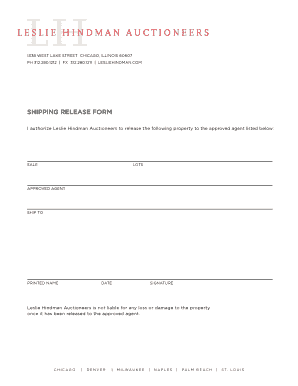
Shipping release form
The document is a shipping release form from Leslie Hindman Auctioneers, authorizing the release of property to an appro ...
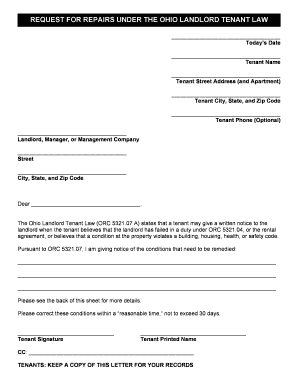
REQUEST FOR REPAIRS UNDER THE OHIO LANDLORD TENANT LAW
The document is a formal request for repairs from a tenant to their landlord under the Ohio Landlord Tenant Law. It outl ...
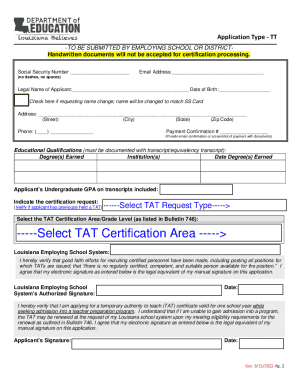
ED543933
The document outlines the application process for the Temporary Authority to Teach (TAT) certificate in Louisiana, which ...

Resignation trustee sample
The document is a formal notice of resignation from a Trustee named in a trust instrument, addressed to the beneficiary ...