
Aadhaar Application Forms - Page 2
Get access to ready-made customizable Aadhaar Application Forms forms. Prepare and manage your forms whenever you are with DocHub flexible online tools.

Create a new Aadhaar Application Form
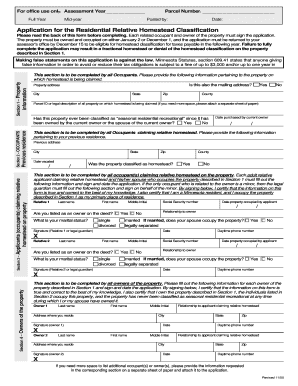
Relative Homestead Application - Stearns County, Minnesota - co stearns mn
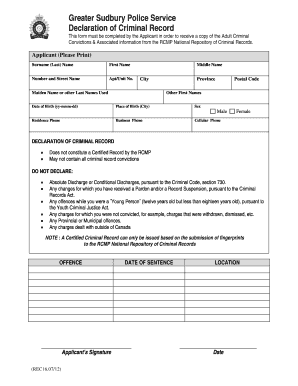
Police declaration form
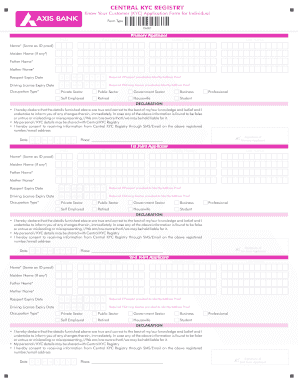
Central kyc form
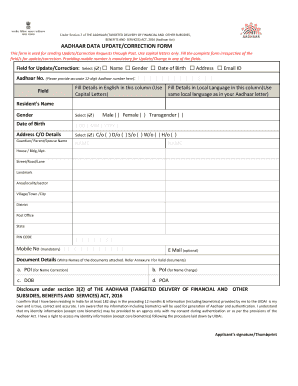
Aadhaar update form
Aadhar card pdf editor online
Hdfc drf form
Pan card apply form
AADHAR Card Change Name Surname Correction Online
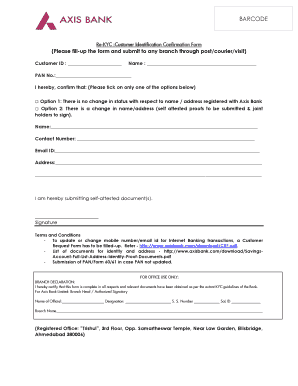
Axis bank re kyc

Enrollment Form NEWEST
- 1
-
2
Boost your productivity with Aadhaar Application Forms
Form management occupies to half of your business hours. With DocHub, you can easily reclaim your time and increase your team's efficiency. Access Aadhaar Application Forms online library and check out all templates relevant to your everyday workflows.
Easily use Aadhaar Application Forms:
- Open Aadhaar Application Forms and apply Preview to find the appropriate form.
- Click on Get Form to start working on it.
- Wait for your form to upload in our online editor and start modifying it.
- Add new fillable fields, symbols, and images, adjust pages, and many more.
- Complete your file or set it for other contributors.
- Download or share the form by link, email attachment, or invite.
Accelerate your everyday file management with the Aadhaar Application Forms. Get your free DocHub profile right now to discover all templates.
Video Guide on Aadhaar Application Forms management

Commonly Asked Questions about Aadhaar Application Forms
How to download Aadhaar application form?
The steps to download the Aadhaar update form are as follows: Visit the official website of UIDAI. Click on My Aadhaar and locate Downloads Click on Aadhaar Enrolment/Update Form Upon clicking, an Aadhaar enrolment/update form will open.
How to renew an Aadhaar card after 5 years?
You can visit any Aadhaar Enrolment/Update Centre for update of demographic and biometrics details in Aadhaar. However you can also update your address or document (POI POA) in your Aadhaar through online mode. Submission of information does not guarantee an update of Aadhaar data.
How to fill an Aadhaar card application form?
What is the Procedure for Filling Out the Aadhaar Enrollment Form? Step#1 Visit the UIDAI website and download the Aadhaar enrolment form. Step#2 Fill out the requisite information and details in the form. Step#3 Upload the relevant documents that are required to prove your identity and other information.
What is a virtual ID in an Aadhaar card?
What is Virtual ID (VID)? VID is a temporary, revocable 16-digit random number mapped with the Aadhaar number. VID can be used in lieu of Aadhaar number whenever authentication or e-KYC services are performed. Authentication may be performed using VID in a manner similar to using Aadhaar number.
How to apply for an Aadhaar card online?
The Online Application Process Step 1: Visit the Official UIDAI Website. Step 2: Locate the Apply for Aadhaar Option. Step 3: Fill in the Required Details. Step 4: Choose an Aadhaar Enrolment Center. Step 5: Book an Appointment. Step 6: Visit the Enrolment Center. Step 7: Collect Your Acknowledgement Slip.
How to get a new Aadhaar card online?
Aadhaar PVC Card request can be raised by visiting the UIDAI Official Website ( or ) or mAadhaar application. Please Visit or Click on Order Aadhaar Card Service.
How long does it take to get an Aadhaar card?
Aadhaar generation may take up to 90 days from the date of enrolment. Aadhaar letter is delivered by ordinary post at the registered address of the Aadhaar Number holder.
Related Templates
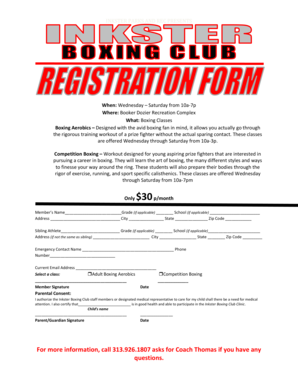
Boxing registration
Inkster Parks and Recreation is offering boxing classes at the Booker Dozier Recreation Complex from Wednesday to Saturd ...

Past simple past continuous exercises pdf macmillan
The document provides a concise overview of the past simple and past continuous tenses in English grammar, including the ...

Essentials of treasury management
The document is an errata for the 'Essentials of Treasury Management, 5th edition', detailing edits published in the sec ...
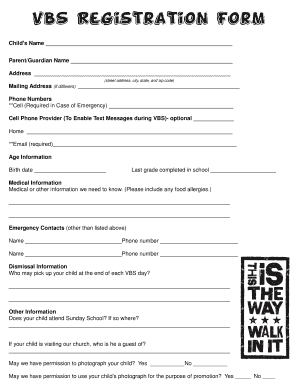
VBS Registration Form - Ridgedale Baptist Church
The document is a VBS (Vacation Bible School) registration form that collects essential information about a child and th ...

Sharps injury form
The document is an injury log form for reporting employee exposure to bloodborne pathogens through sharp instruments. It ...

Navedtra 43901
The document is the Personnel Qualification Standard (PQS) for Enlisted Surface Warfare Specialist (ESWS) Common Core, i ...
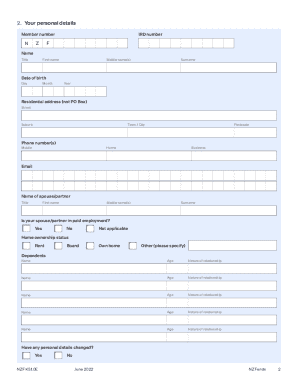
KiwiSaver Significant financial hardship withdrawal form
The document outlines the application process for withdrawing funds from the NZ Funds KiwiSaver Scheme due to significan ...

State bar of texas guardianship certification
The document outlines the process for attorneys to receive certification from the State Bar after completing a guardians ...