
Get any PDF form from the DocHub library of ready-made templates - Page 972

Replacement dl389 form
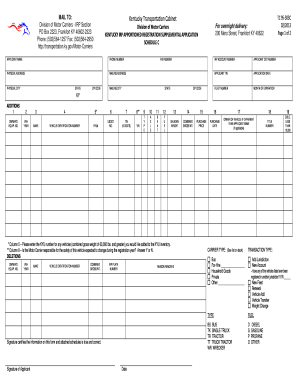
Schedule C Application TC 95-303 - Kentucky Transportation Cabinet - transportation ky

New client checklist

Geneva emotional music scale

Tolland Youth Football & Cheerleading

FS7 - NLA Systems
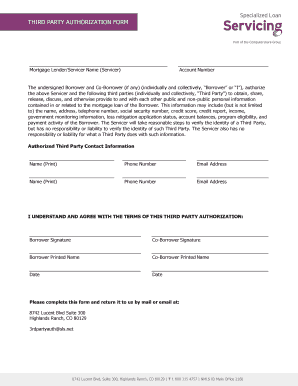
Servicing third party authorization
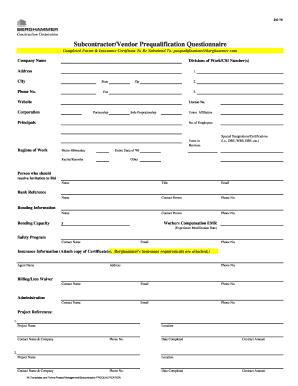
Pre qualification form template

2019 Youth Camp Registration Form Wi Ne Wi-Ne-Ma
Ca edd de9c pdf form 2011
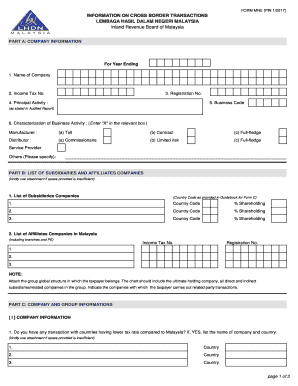
Form mne
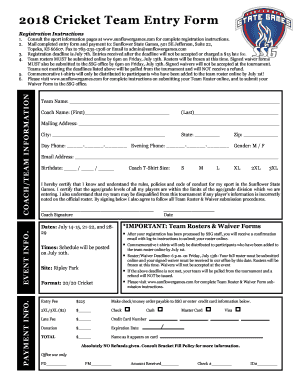
Cricket tournament forms
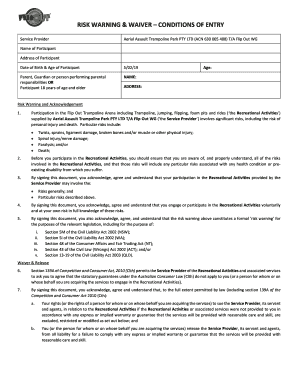
Flip out waiver

Cfa retabulation

Asq affidavit

Aau basketball registration form

Altar registration form

Fundraiser application
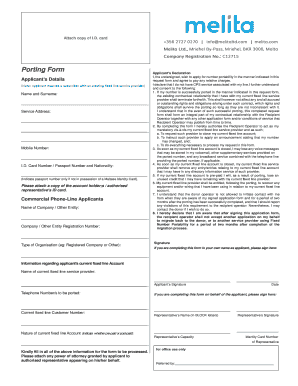
Melita form
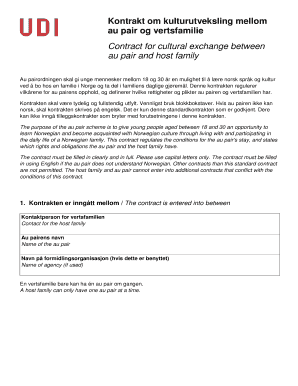
Kontrakt om kulturutveksling mellom au pair og vertsfamilie

Pilgrim rest application

Form umc medical
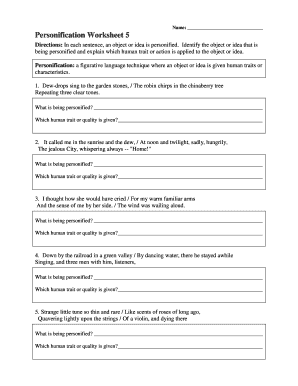
Personification worksheet 5 form
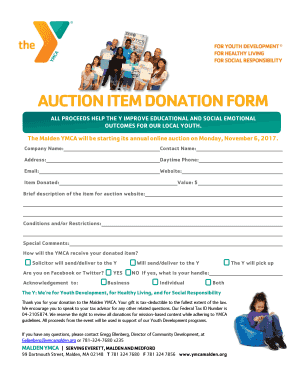
Ymca auction item donation form blank

Association information form

Disabled identification card form
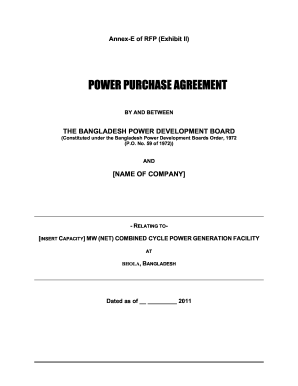
Get bhola purchase
Nccer performance verification reinforcement online
Fulbright signature form internetional award pdf
Bff docx form
Name Date Chapter The Nation Breaking Apart 15 Building
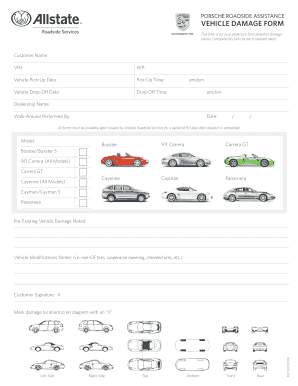
Roadside assistance service provider application

Seaman medical examination
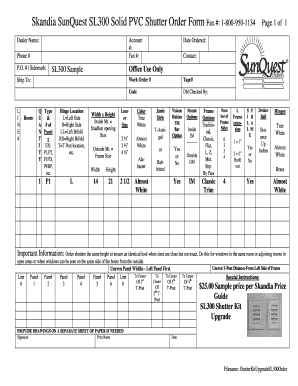
Sl300 solid shutter order form
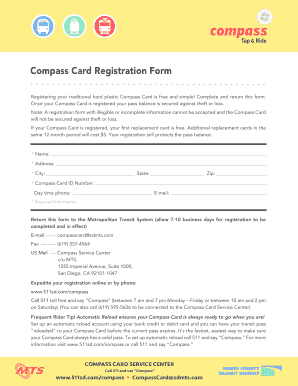
Compass 511sd com
Fill certificate appreciation template

Ssai omb form pdf

The panel schedules printable
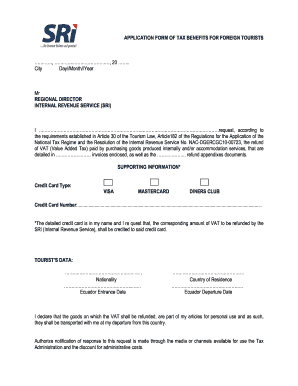
Ecuador sri application form
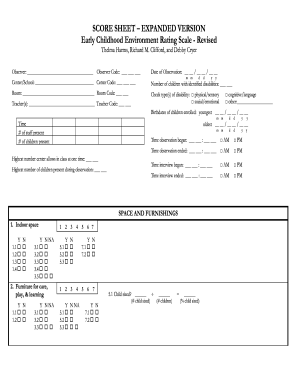
Childhood environment rating scale
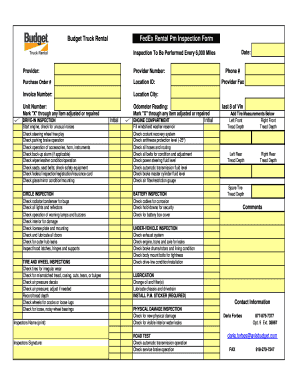
Truck fedex pm inspection
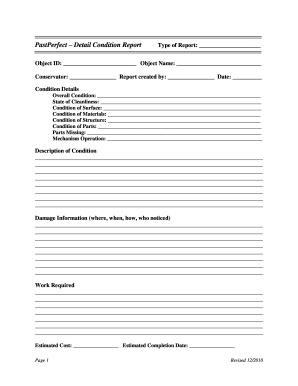
Past perfect condition form

Aau youth individual application form sample
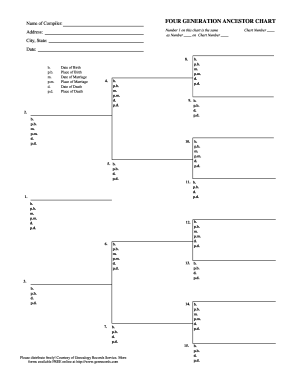
Four generation chart
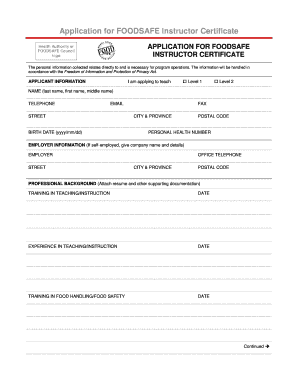
For foodsafe certificate
Agreement 3 mwp

Bills 3 awardee fill

Panynj taa forms

40 part 125
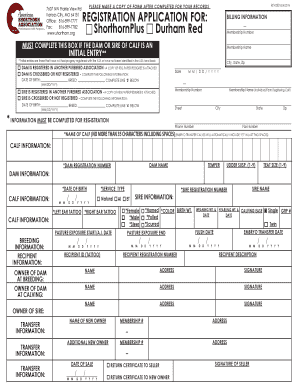
Shorthorn association registration application

Oll16179

Newsletter tcoe make
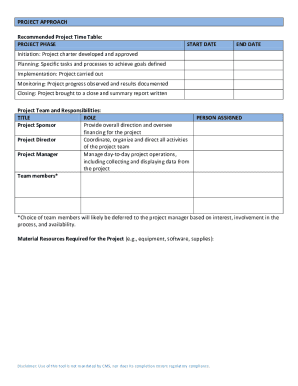
Project charter template

Safety bucks template

Fairfax water tenant authorization form
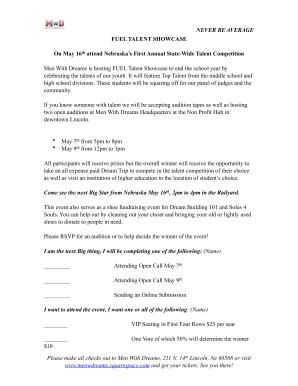
Fuel talent showcase form
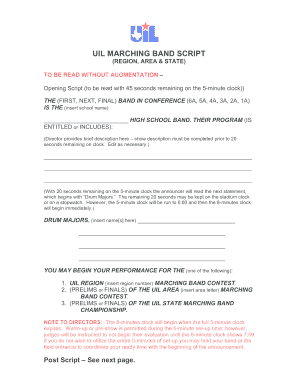
Marching band script
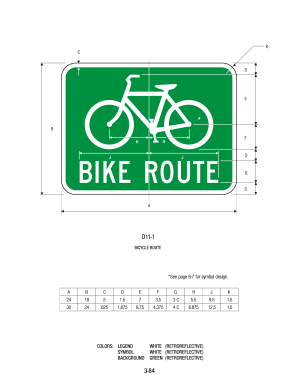
Form d11
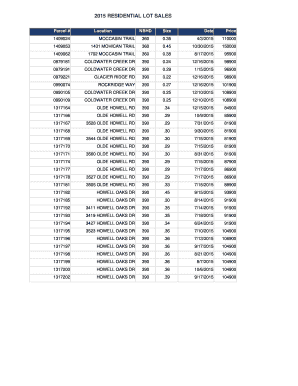
2015 residential lot online
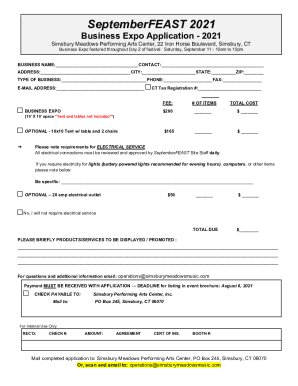
Simsbury Meadows Performing Arts CenterPerforming Arts
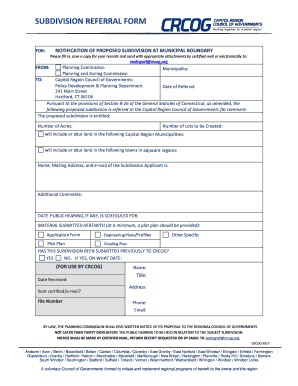
Ct crcog subdivision
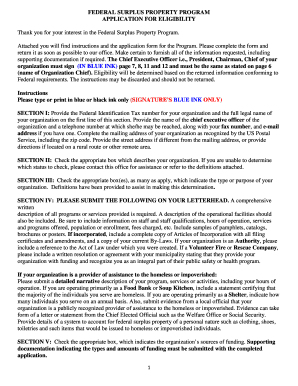
Vt surplus property program

Ne quarterly cigar report
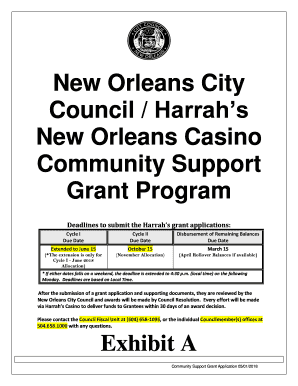
New Orleans City

Dpssp 0077a
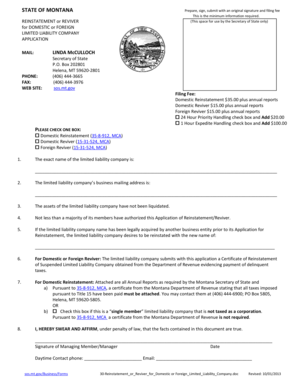
State montana
Montana 71 form download
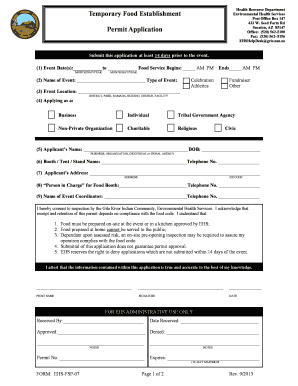
Az ehsfsp food application online
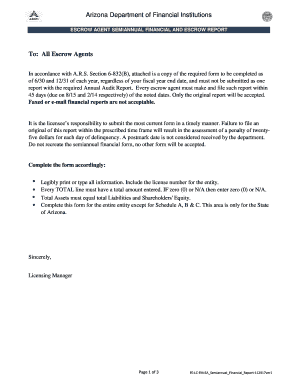
Az azdfi escrow financial
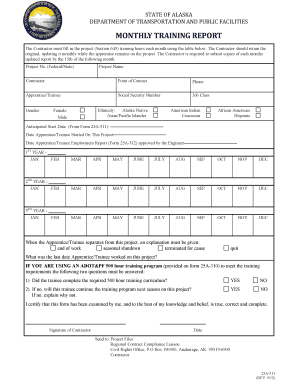
Alaska 25a training form
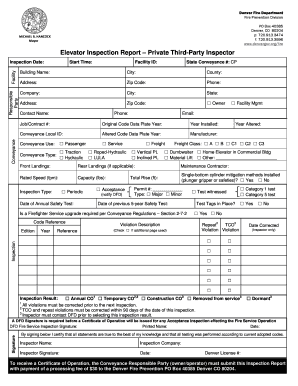
Third party inspection report format
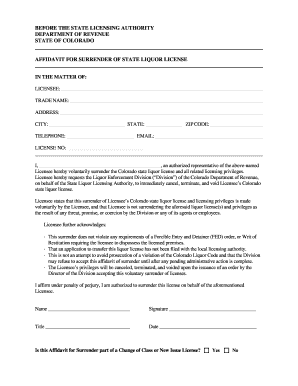
Colorado surrender liquor license
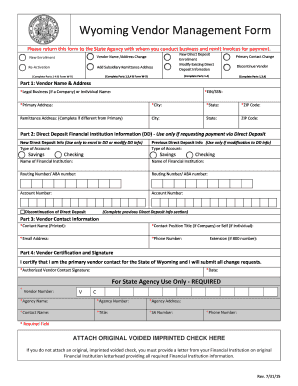
Wyoming business

Ky business license application

Kentucky horse bill sale
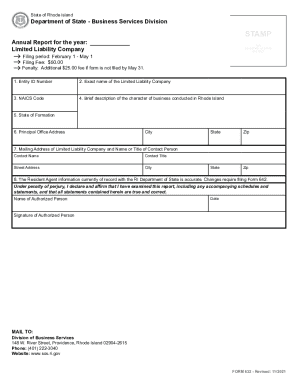
Rhode island secretary state
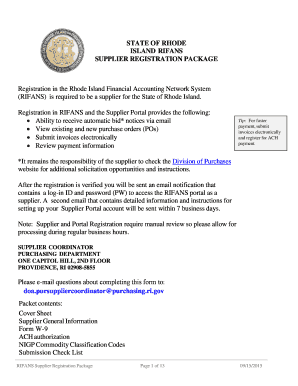
Rhode island ri fans supplier registration package online
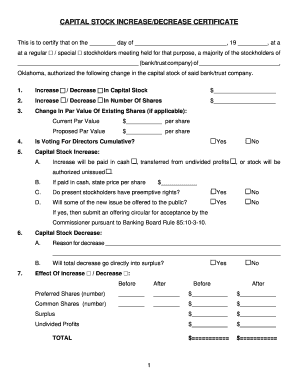
Ok capital certificate
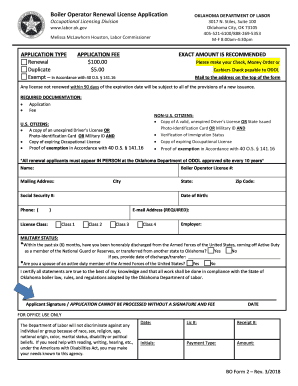
Print oklahoma paper license
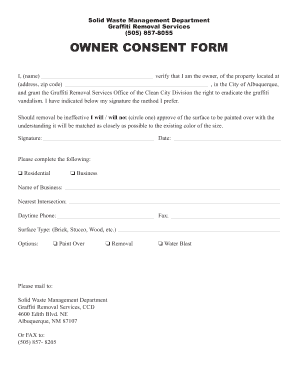
Owner consent form
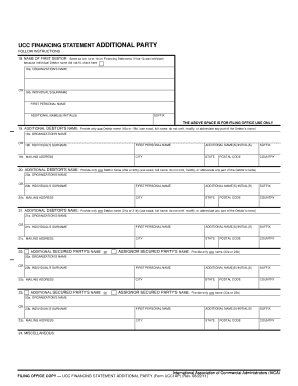
Ucc financing statement party form
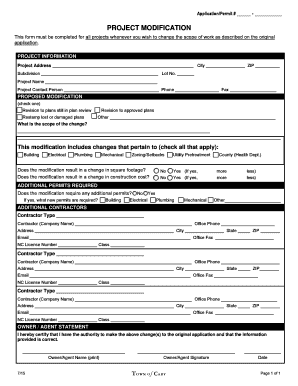
Project modification form carry edit

Enter the complete name of the limited liability company (LLC) exactly as it appears in the records
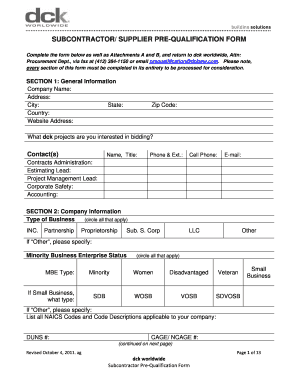
Supplier prequalification form
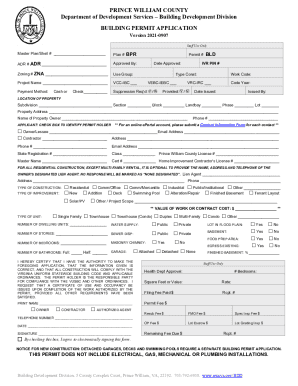
BUILDING PERMIT APPLICATION - Rapid Permit Service, Inc
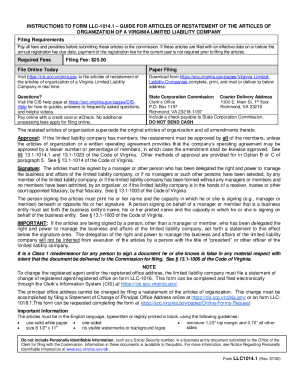
INSTRUCTIONS TO FORM LLC-1014 1 GUIDE FOR ARTICLES OF

Fictitious name certificate virginia
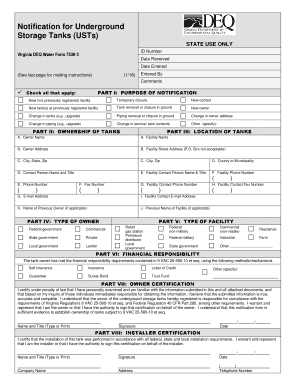
Va deq 7530 template
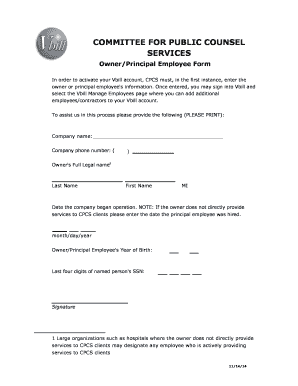
Counsel services employee form
Ma snow removal operations
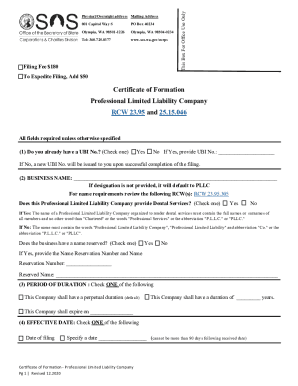
Wa secretary state llc
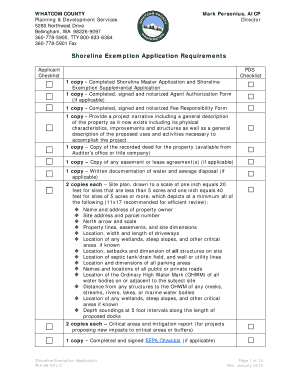
Shoreline exemption county
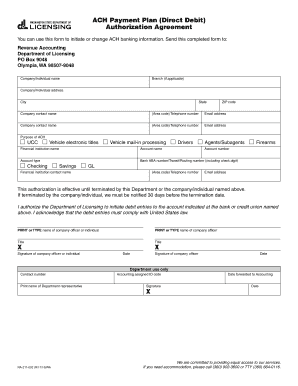
Washington payment plan form
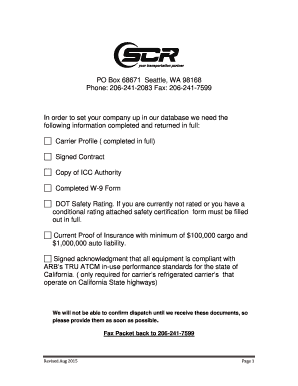
Wa scr data form print
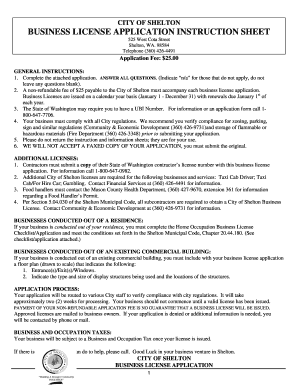
License business

Washington state recorder's cover sheet
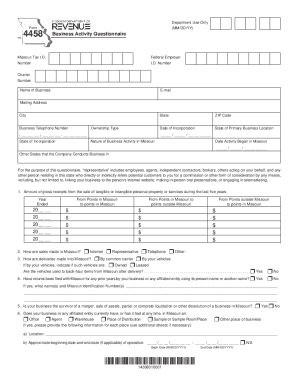
Business activity questionnaire

Rd 105 form
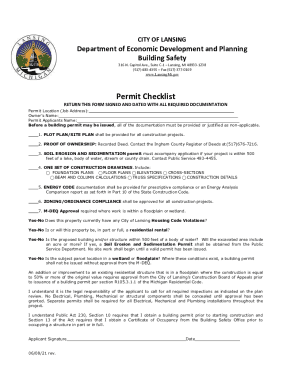
Travel Lansing, MichiganHotels, Things to Do, Dining, and More!
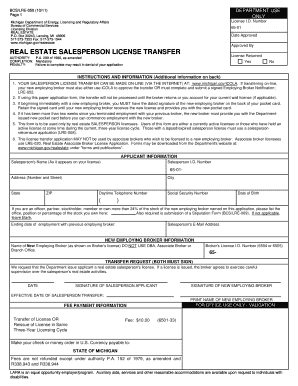
Renewal license
Benefit from the DocHub online library of fillable PDF forms
Searching the PDF forms doesn't have to be a tedious and time-consuming process. With the DocHub online library, it has become easier to find the fillable PDF forms and modify them in your browser. The service allows you to adjust the document to your needs using powerful editing tools.
You can use online document editing features to modify almost any type of document with ease. You just need to find the template of your choice, open it in the editor, and use the toolbar to make the necessary corrections.
Follow this guide to get your document done with DocHub:
- Find the PDF template you need.
- Click the Get Form button to open the file in the editor.
- Use the toolbar to fill out and edit the document.
- Easily add and highlight text, insert images, checkmarks, and symbols.
- Drop new fillable fields, and rearrange or delete pages from your file.
- Save changes and download your record.
DocHub empowers everyone to streamline document editing, signing, and distribution, and form completion. Create an account and benefit from our well-organized PDF Forms library and comprehensive editor.