




Here's how it works



How to use or fill out oll16179 with our platform

- Click ‘Get Form’ to open the oll16179 document in the editor.
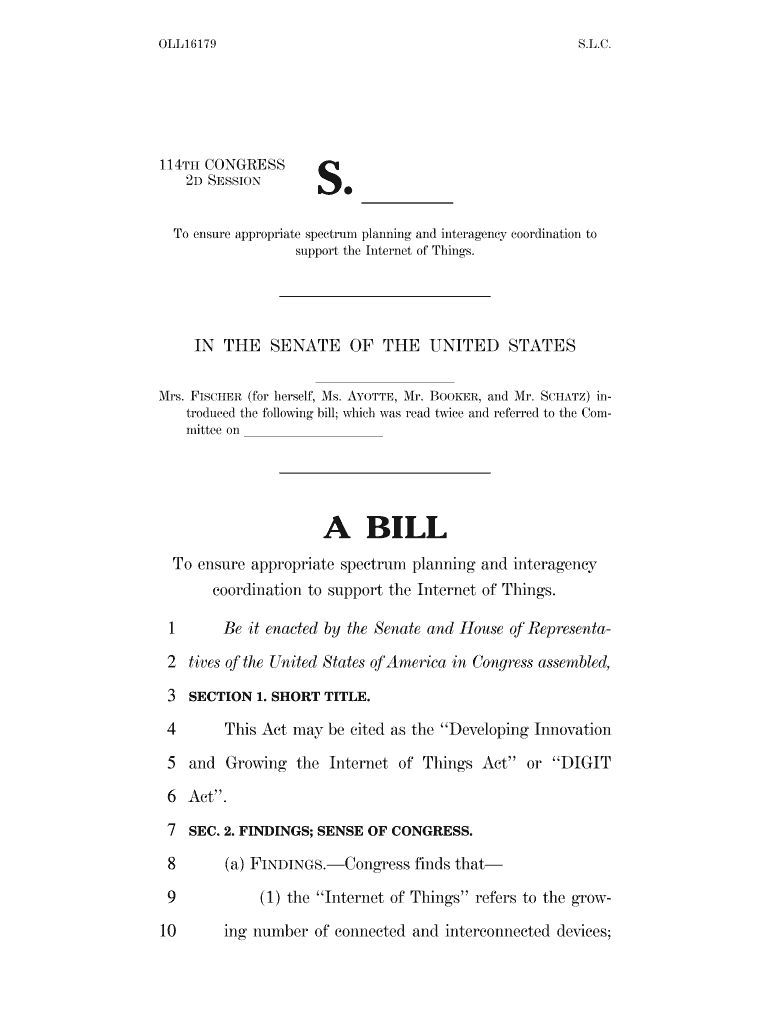
- Begin by reviewing the title section, which identifies the form as the ‘Developing Innovation and Growing the Internet of Things Act’. Ensure you understand its purpose.
- Move to Section 1, where you will find a brief overview. Familiarize yourself with the key findings listed in Section 2, as these provide context for your responses.
- In Section 3, pay attention to definitions and terms. Fill out any required fields related to your understanding of spectrum needs and interagency coordination.
- If applicable, add comments or suggestions in designated areas regarding consumer protection or privacy concerns as outlined in the working group duties.
Start using our platform today to easily fill out oll16179 and streamline your document processes for free!
It's free
Got questions?
Can I sign my oll16179 electronically?
As outlined by eSignature regulations, documents signed electronically have the same validity as those approved with pen and paper. You can electronically sign almost any business and private documentation. Four types of paperwork still demand wet signatures only - wills and testamentary trusts, court orders and other court forms, state statutes regulating divorce, adoption, or other family law, and notice of cancellation of utility services. If you follow the regulations and use a secure and compliant software solution, like DocHub, you can eSign your oll16179 without printing it.
Do I need to set up software to modify my oll16179?
If you edit your oll16179 with DocHub, you only need a stable internet connection and virtually any web browser installed on your device. No need to install any third-party software or research tutorials. Just open a tab with DocHub, drag and drop your file, and modify it on the spot.
Security and compliance
At DocHub, your data security is our priority. We follow HIPAA, SOC2, GDPR, and other standards, so you can work on your documents with confidence.
Learn more




