
Get any PDF form from the DocHub library of ready-made templates - Page 926

Florida accommodations bar
Florida medicaid provider enrollment
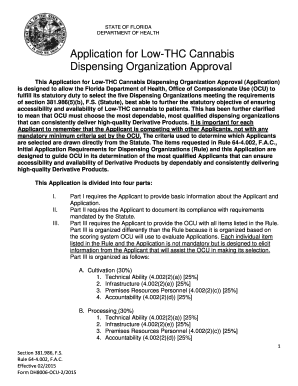
Florida application cannabis
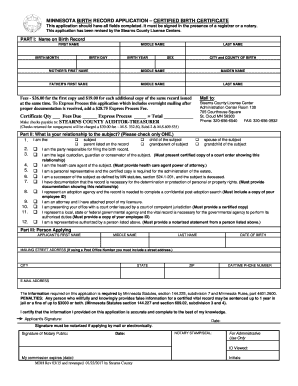
Mn birth stearns

Dhs 3550 eng
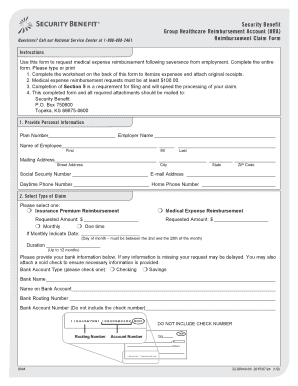
In security benefit reimbursement form
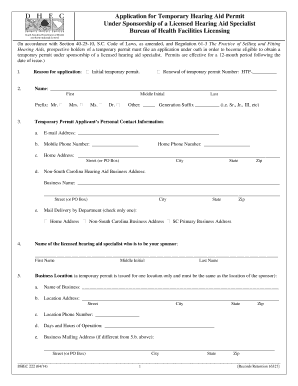
Sc hearing aid form
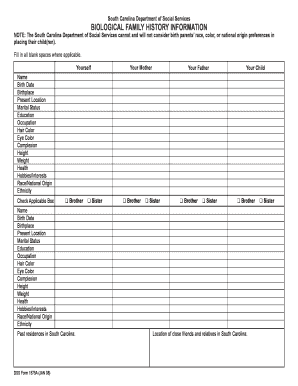
Dss form biological
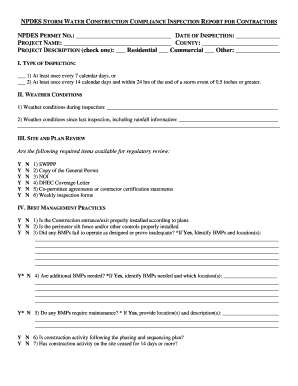
Construction compliance inspection

Death certificate manual form
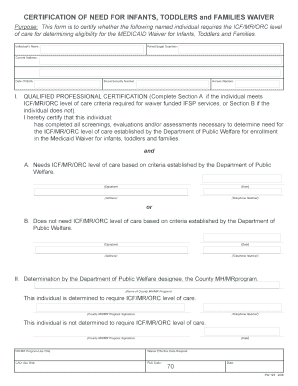
Pw 123 certification need infants toddlers
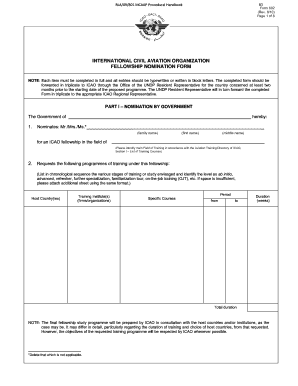
RLA09801 Multi-Regional Civil Aviation Assistance - ICAO
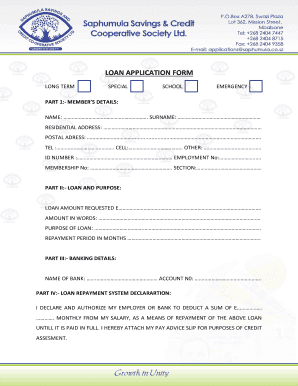
Saphumula forms

BCG Marketing Strategy Questionnaire

Letip membership
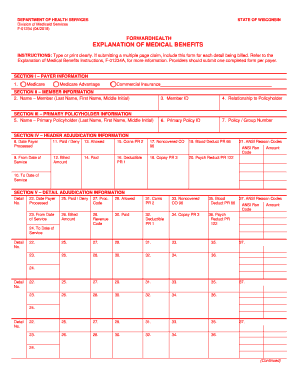
F01234
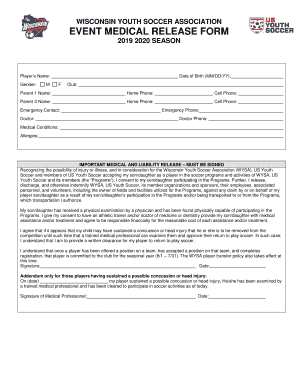
Event medical form

Wi f seniorcare application form

Wisconsin immunization screening health waupaca county get
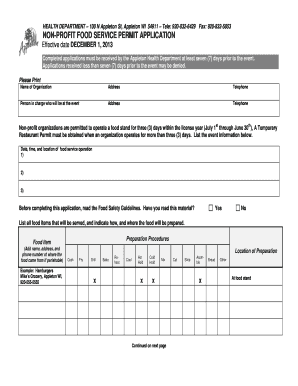
Appleton food service permit application

Wisconsin services 00309 medicaid form sample

F05281 marriage certificate application form county online

Wisconsin worksheet

Adult Patient History Form - The Family Doctor - thefamilydoctor
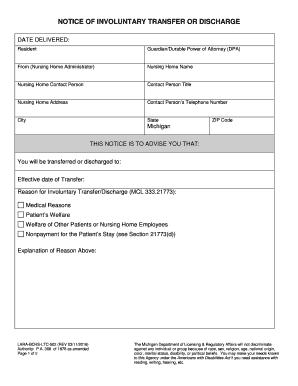
Michigan notice transfer discharge

Eligibility Requirements If you have transitioned through the HOME Choice program after July 2019, y
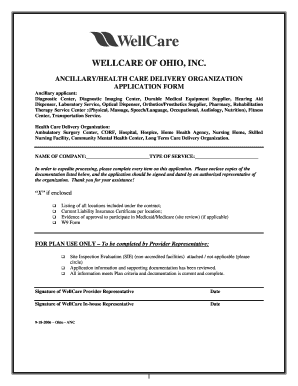
APPLICATION PACKAGE ANCILLARY OHIO 9-18-2006 doc
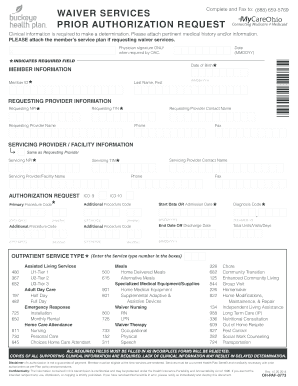
Waiver prior authorization form
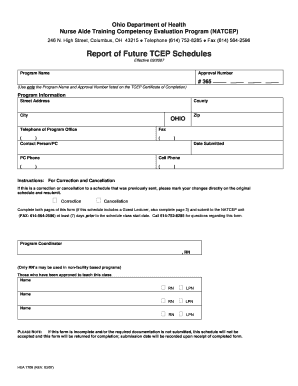
2007 ohio future tcep fillable

Illinois prior authorization form

Human services department joliet illinois

Form drowning form
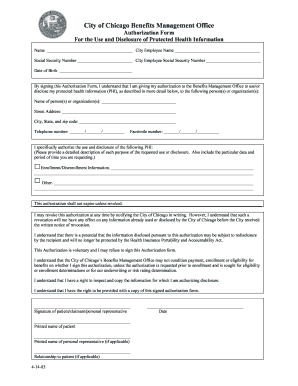
Authorization disclosure protected form benefits management print
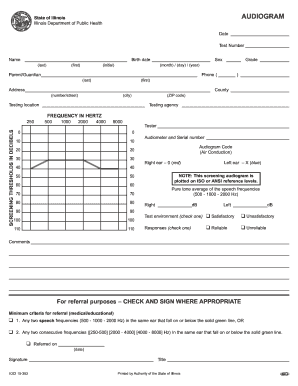
Illinois audiogram form
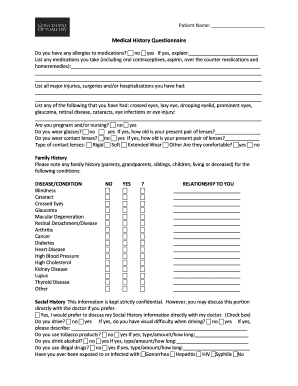
Medical History Questionnaire - Concourse Optometry

Ca low income assistance
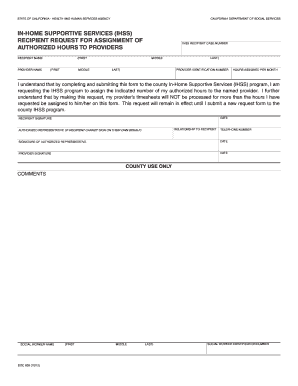
Soc 838

Written application certified

Ca form confidential morbidity get
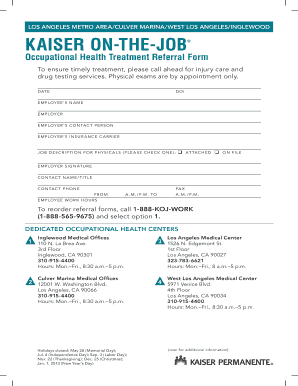
2012 kaiser on the job occupational health los angeles form
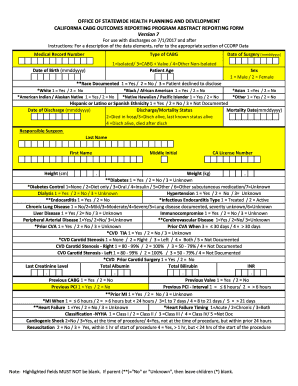
California abstract reporting form
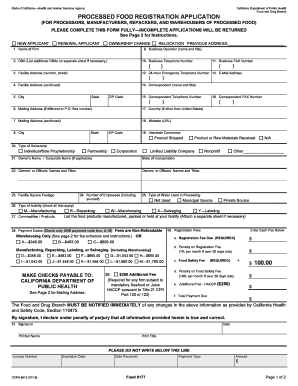
California public health processed
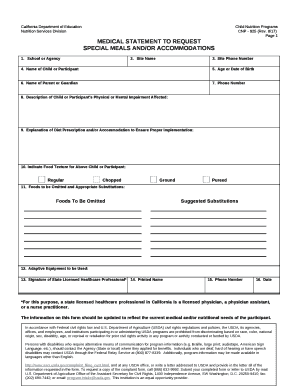
Cnp 925
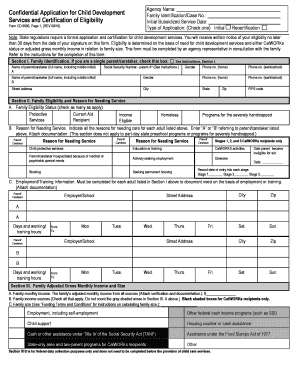
Elcd 9600
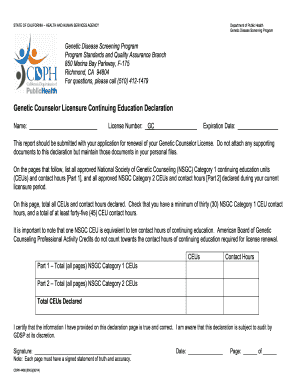
California continuing declaration form
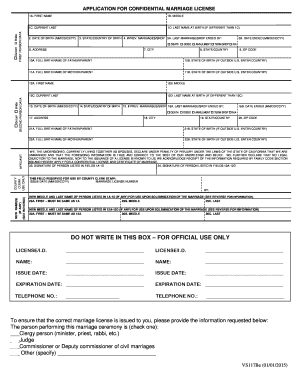
Application marriage san benito county
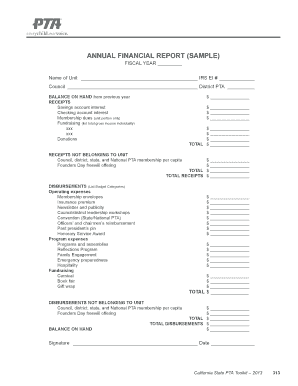
Pta financial sample
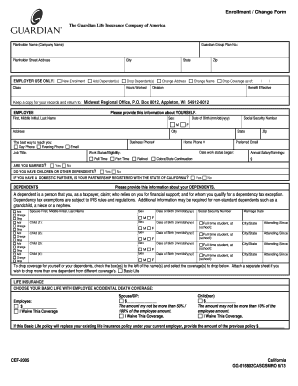
Guardian cef life insurance form
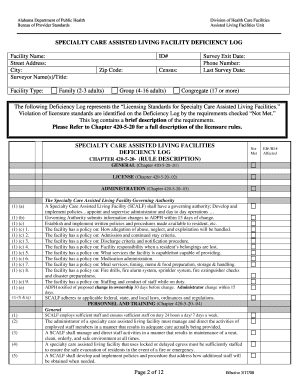
Adph online incident reporting

Doh 4362
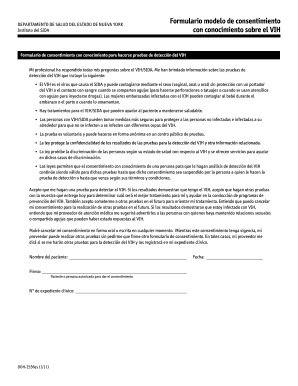
Doh2556es
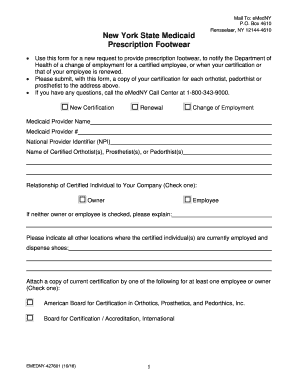
Ny medicaid footwear form get

New york beneficiary designation form life
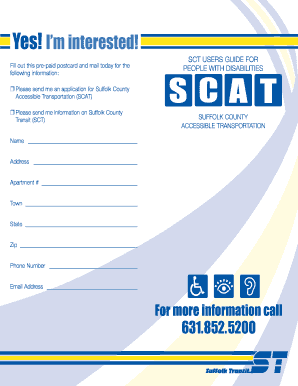
Scat application 2022
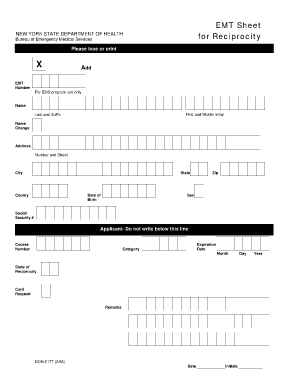
Sheet reciprocity health form
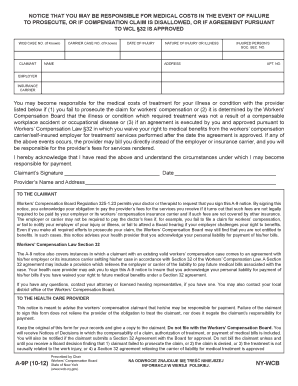
9p 10 workers

Ny agreement direct deposit pension form

Ldss child born of wedlock
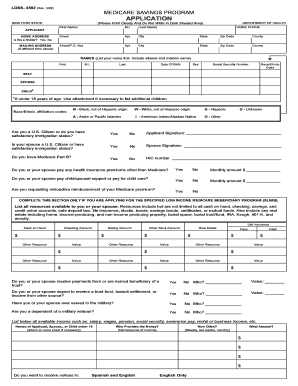
Savings program application get
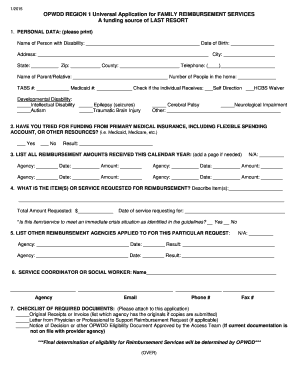
Opwdd universal services resort
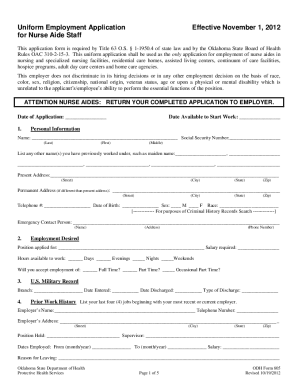
Aide application nurse

Daas 8191

Daas 6219
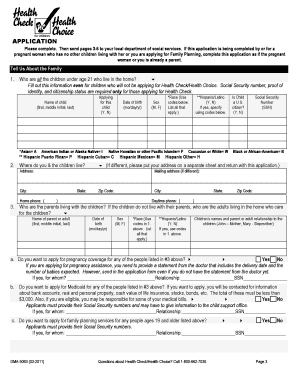
Nc health children application

Dhhs child protocol form 1432 online

Missouri dnr card

Provider adjustment request form

Missouri community bases setting form

Vaccine Management Plan Templates Routine Vaccine Storage and Handling PlanEmergency Vaccine Storage
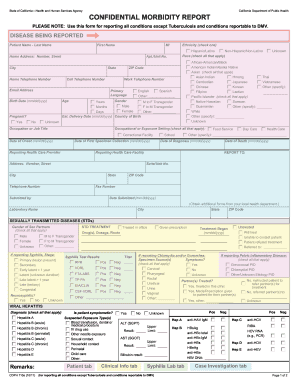
2011 CA CDPH 110a (Formerly PM 110)
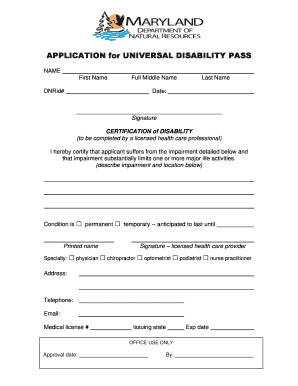
Maryland application disability pass
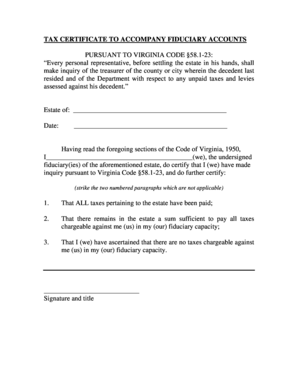
Tax certificate to accompany fiduciary accounts

1040me instructions

2017 FR-800Q Sales and Use Tax Quarterly Return Fill-in Version - otr cfo dc
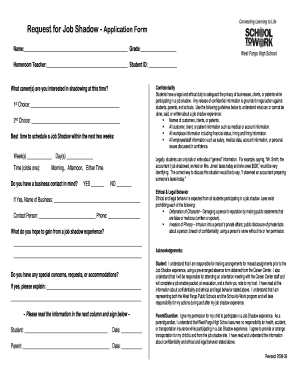
Request for Job Shadow - Application Form - nd

FormsNorth Dakota Insurance Department - ND
PDF fee waiver application(grades 7-12) - Granite School District
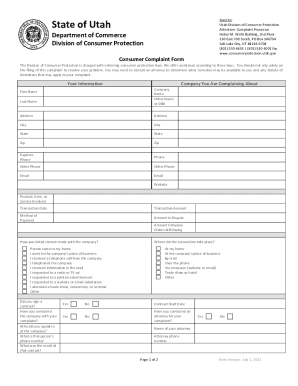
Utah consumer complaint form
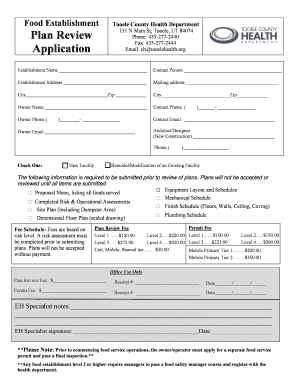
Food Establishment Restaurant InspectionsTooele County

Logan City School District Harassment Complaint Form Harassment

Recreational Marijuana in MaineMaine State Legislature
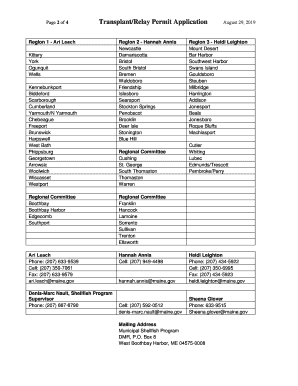
Permit application form
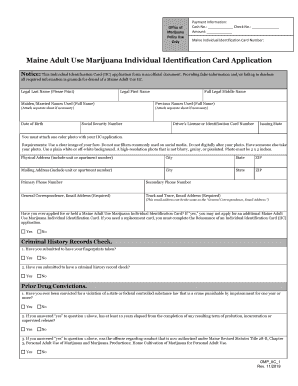
Maine identification card

PDF State of Maine Ryan White CAREWare User Guidance - Maine

DHHS-OADS Event Form
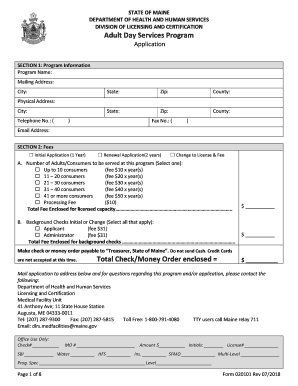
Adult services program

Puc hawaii
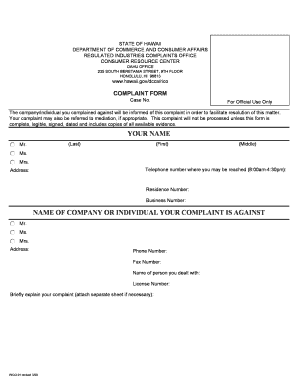
RICO Complaint Form - Large Print - Department of Commerce and

Request for Waiver of Faculty Qualifications

Free Montana Bill of Sale Templates (PDF & DOCX)FormSwift

Superfine! DC 2018 Exhibitor Application + Agreement - Squarespace

Out of state supplier report of alcoholic beverages - Delaware
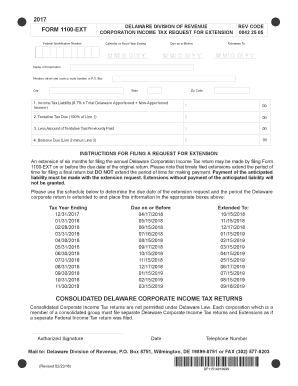
De ext form

1902b form

Ohio dte homestead
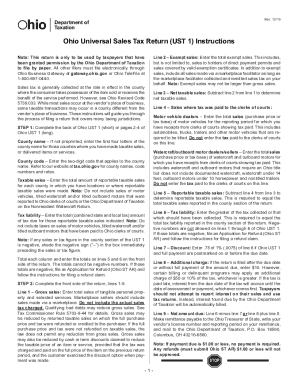
Ust 1 instructions

433 - State of West Virginia - state wv
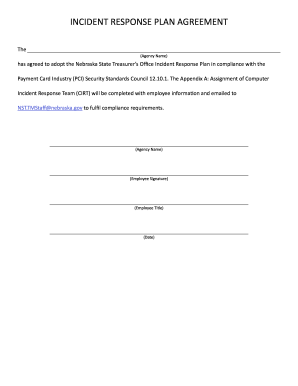
INCIDENT RESPONSE PLAN AGREEMENT
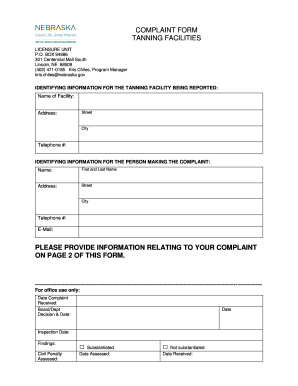
Fillable Online Notice of Installation (Form T) Fax Email
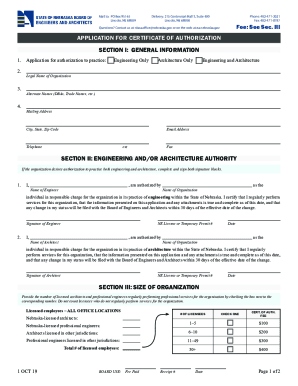
PDF APPLICATION FOR CERTIFICATE OF AUTHORIZATION SECTION I
Benefit from the DocHub online library of fillable PDF forms
Searching the PDF forms doesn't have to be a tedious and time-consuming process. With the DocHub online library, it has become easier to find the fillable PDF forms and modify them in your browser. The service allows you to adjust the document to your needs using powerful editing tools.
You can use online document editing features to modify almost any type of document with ease. You just need to find the template of your choice, open it in the editor, and use the toolbar to make the necessary corrections.
Follow this guide to get your document done with DocHub:
- Find the PDF template you need.
- Click the Get Form button to open the file in the editor.
- Use the toolbar to fill out and edit the document.
- Easily add and highlight text, insert images, checkmarks, and symbols.
- Drop new fillable fields, and rearrange or delete pages from your file.
- Save changes and download your record.
DocHub empowers everyone to streamline document editing, signing, and distribution, and form completion. Create an account and benefit from our well-organized PDF Forms library and comprehensive editor.