
Get any PDF form from the DocHub library of ready-made templates - Page 773

4580, 2023 Michigan Business Tax Unitary Business Group Combined Filing Schedule for Standard Member
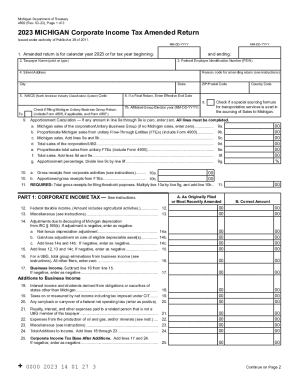
4892, 2023 Michigan Corporate Income Tax Amended Return 4892, 2023 Michigan Corporate Income Tax Ame
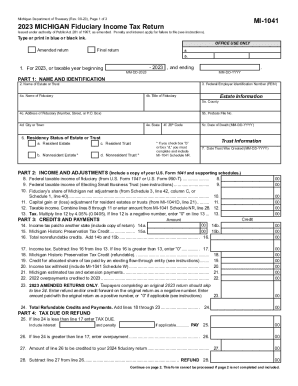
MI-1041 2023 MICHIGAN Fiduciary Income Tax Return
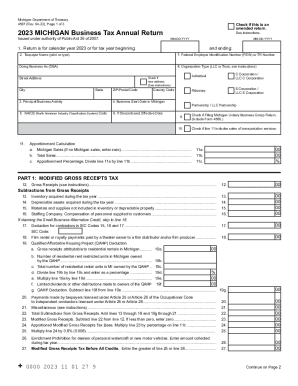
4567, 2023 Michigan Business Tax Annual Return
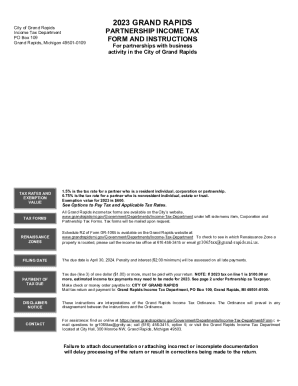
Grand Rapids Income Tax
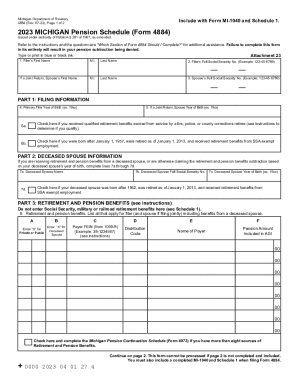
Unknown Article Translation (Michigan Form 4884

City Treasurer &

4582, 2023 Michigan Business Tax Penalty and Interest Computation for Underpaid Estimated Tax

City of Grand Rapids Income Tax Resident Form
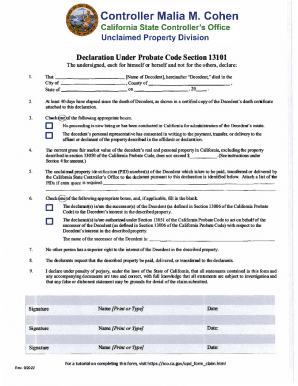
Affidavit under california probate code section
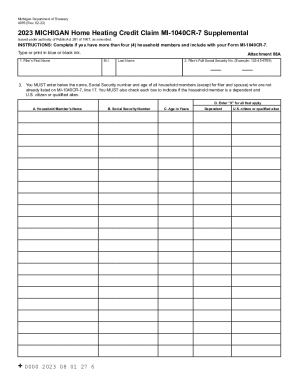
4976, 2023 MICHIGAN Home Heating Credit Claim MI-1040CR-7

4891, 2023 Michigan Corporate Income Tax Annual Return

State Tax Form Software Updates
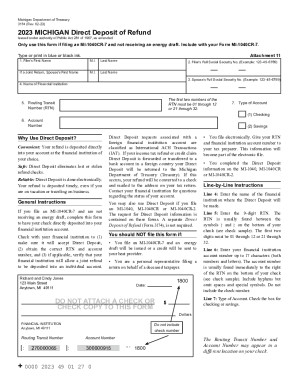
2023 MICHIGAN Direct Deposit of Refund 3174
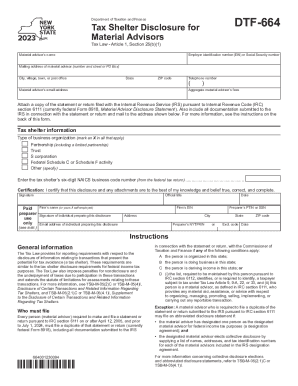
Form DTF-664 Tax Shelter Disclosure for Material Advisors Tax Year 2023
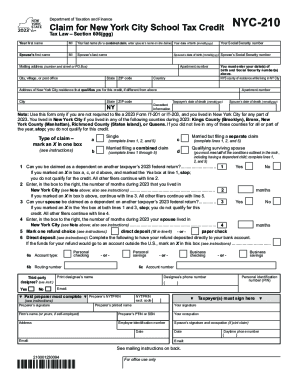
Form NYC-210 Claim for New York City School Tax Credit Tax Year 2023

2023 MICHIGAN Adjustments of Capital Gains and Losses MI-1041D

2023 Michigan Farmland Preservation Tax Credit Claim MI-1040CR-5

Michigan Underpayment of Estimated Income Tax Form MI-2210
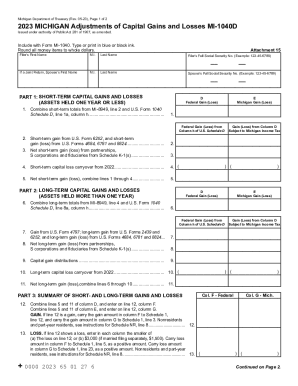
2023 MICHIGAN Adjustments of Capital Gains and Losses MI-1040D
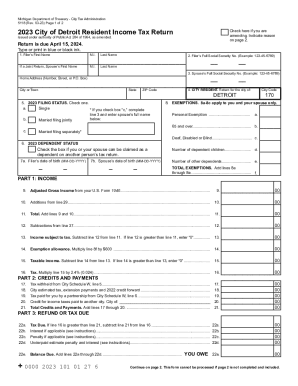
Mailing Address - Individual Fiduciary Income Tax

THE CITY OF SAGINAW
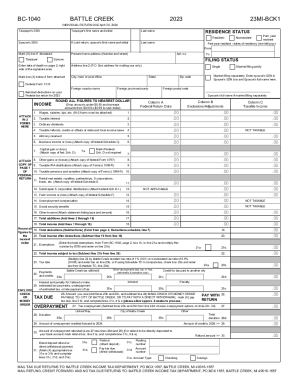
ALL PERSONS HAVING BATTLE CREEK TAXABLE INCOME IN 2023 MUST FILE A RETURN
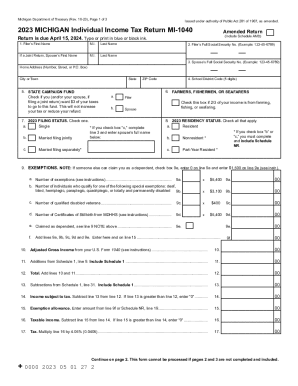
2023 Michigan Individual Income Tax Return MI-1040
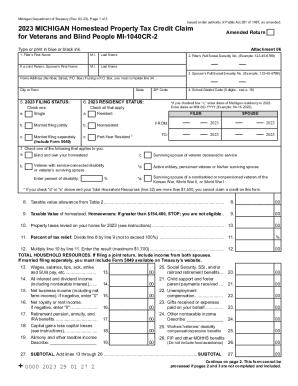
2023 Michigan Homestead Property Tax Credit Claim for Veterans

F1040 PDFPDFIrs Tax FormsTax Deduction
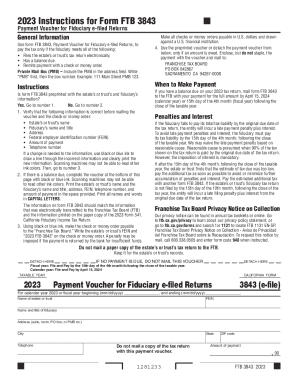
Form 3893: Fill out & sign online
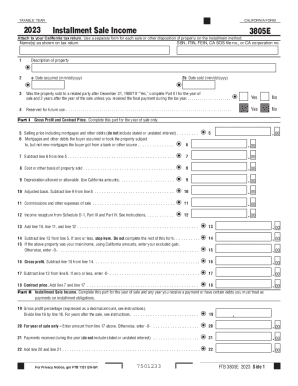
Form 6252: Installment Sale Income: What it is, How it Works
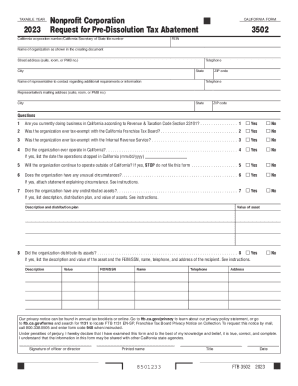
2023 Form 3502 Nonprofit Corporation Request for Pre-Dissolution Tax Abatement
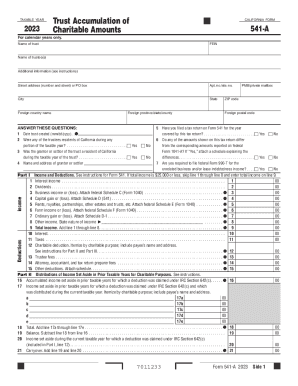
CA-State-Charitable-Trust-Form
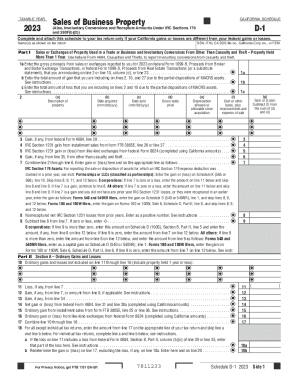
2023 Schedule D-1 Sales of Business Property 2023 Schedule D-1 Sales of Business Property
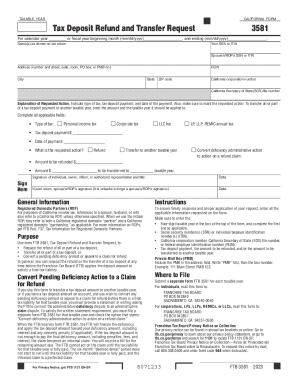
2023 Form 3581 Tax Deposit Refund and Transfer Request 2023 Form 3581 Tax Deposit Refund and Transfe
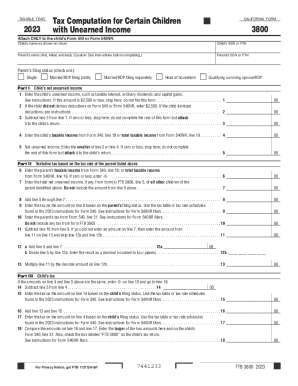
2023 Form 3800 Tax Computation for Certain Children with Unearned Income

2023 Form 3801-CR Passive Activity Credit Limitations 2023 Form 3801-CR Passive Activity Credit Limi

2023 Form 3805P Additional Taxes on Qualified Plans (Including IRAs) and Other Tax-Favored Accounts

What's a California Franchise Tax Board Form 3832?

501(c)(6), 501(c)(7), or 501(c)(19) Federal Determination Letter
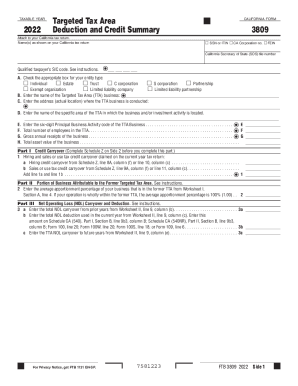
2022 California Form 3809 Targeted Tax Area Deduction and Credit Summary
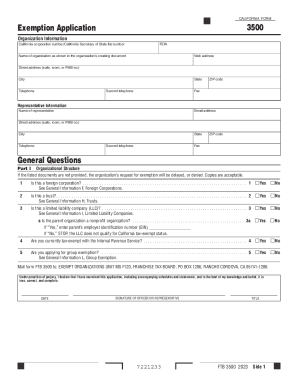
How To File A Statement of Information Online

Qualifications for filing a California Form 540 2EZ
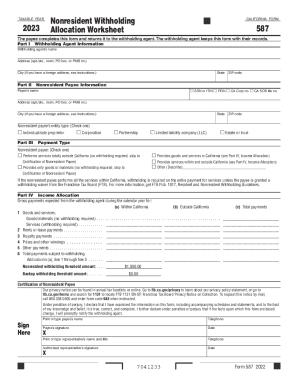
2023 FORM 587 Nonresident Withholding Allocation Worksheet CALIFORNIA

Net Worth Tax for Corporations - FAQDepartment of Revenue
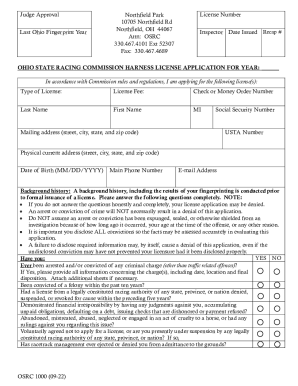
Tools for the Justice System

Nebraska Form 1040NFill Out and Use This PDF
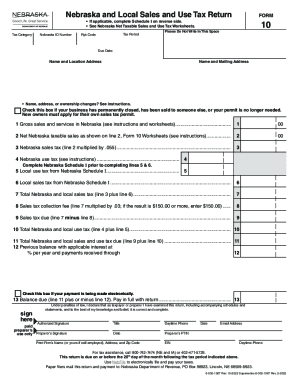
State and Local Tax Weekly for June 2 and June 9
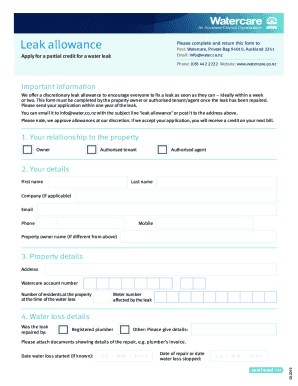
Leak allowance
Flatten pdf online

Subway sandwich recipes pdf

Single Class Drop Form - Ranger College

Affidavit of Identity - Sample, Template - Word and PDF9+ Sworn Affidavit Form Examples - PDFExample
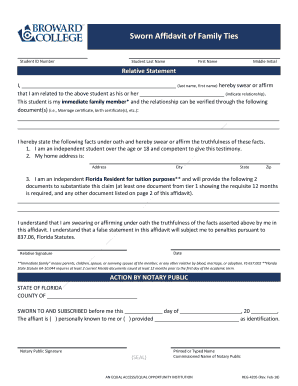
Sworn affidavit of family ties

DocHub form-library166323-newNew Mexico Real Property Transfer Declaration Affidavit
Verification of Rent Paid

LOW INCOME HOUSING TAX CREDIT LIHTC COMPLIANCE TRAINING - pahra
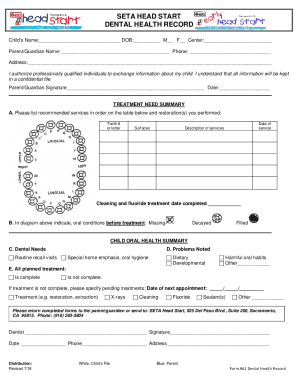
DENTAL HEALTH RECORD - Fill and Sign Printable Template

DENTAL HEALTH RECORD

SETA HEAD START DENTAL HEALTH RECORD

Motor Vehicle Division - Georgia Department of Revenue
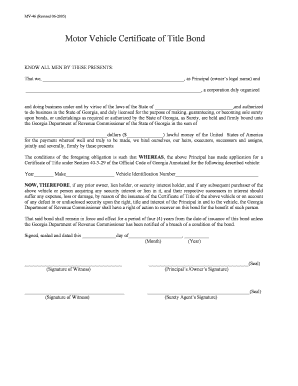
Mv 46 form ga
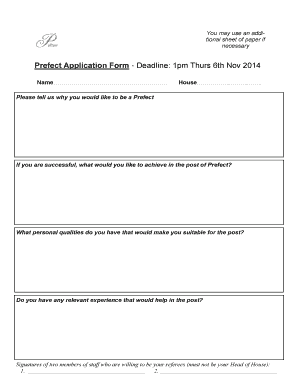
Prefect Application Form Deadline 1pm Thurs 6th Nov 2014

Rochdale council discretionary housing payment

Patuharakeke Whale Stranding Guidelines 160310docx - patuharakeke maori

APPLICATION FORM RON PAMBRUN SCHOLARSHIP AWARD - cmgca

Fillable Online APPLICATION FORM RON PAMBRUN
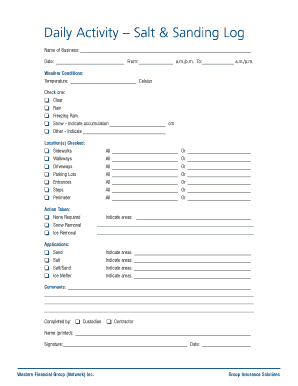
Daily Activity Salt Sanding Log
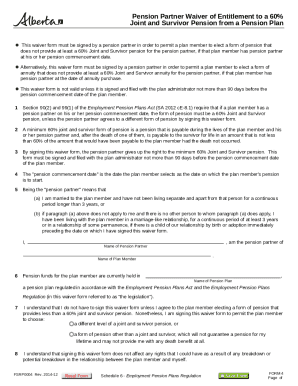
Form 5A - Waiver of 60% Joint Survivor Pension for

Flight dispatch release form
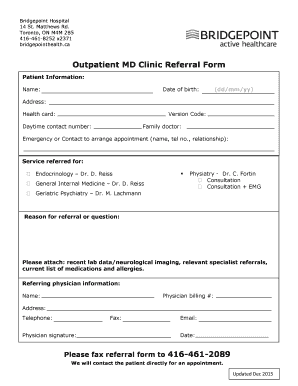
Outpatient MD Clinic Referral Form - Bridgepoint Health

Outpatient MD Clinic Referral Form
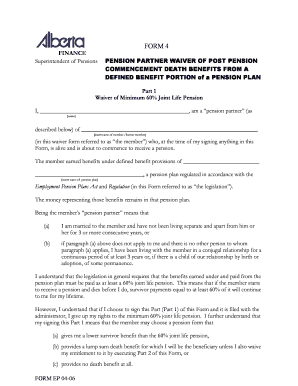
Alberta Finance - Pension Form 04

Templateroller template2315762Form CU-7 "Virginia Consumer's Use Tax Return for Individuals
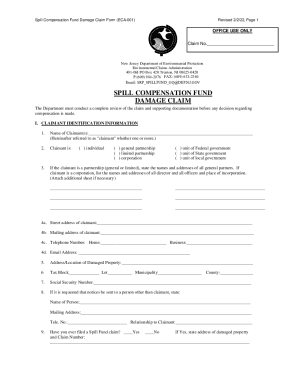
Spill Compensation Fund ("Spill Fund") Damage Claim Form ECA
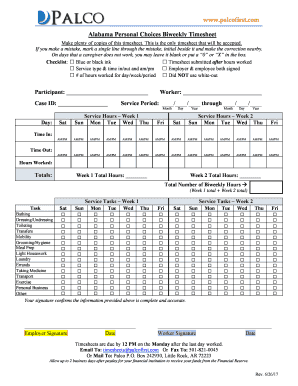
Alabama personal choices timesheet

Paxman hub enrollment form
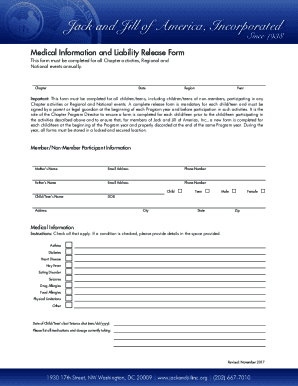
Medical Information and Liability Release Form
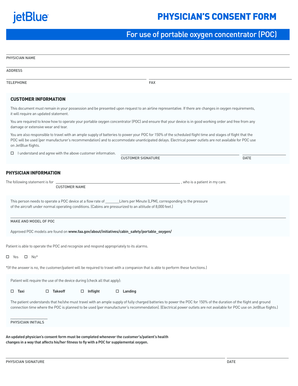
Jetblue portable oxygen concentrator

Request For Reimbursement Request For Reimbursement
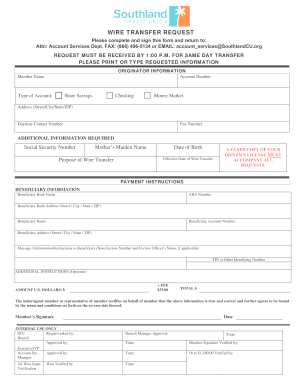
Attn: Account Services Dept
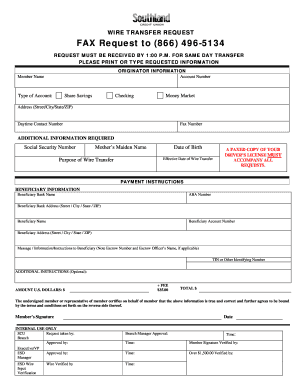
Wire Transfer Request Form - Outgoing - Southland Credit Union - southlandcu
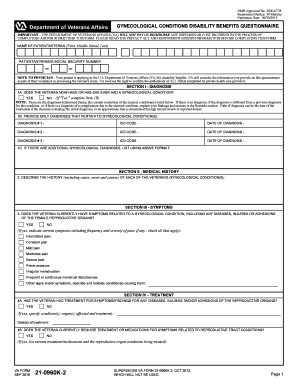
VA Form 21-0960K-2 - Veterans Benefits Administration
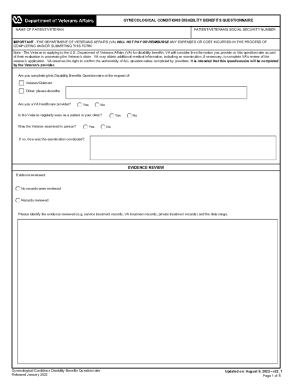
GYNECOLOGICAL CONDITIONS DISABILITY BENEFITS

RRTP Application - Marion VA Medical Center

Ulster county absentee ballot
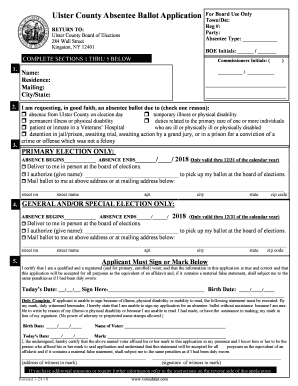
Board elections absentee ulster county
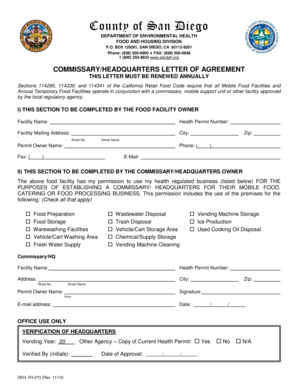
BOX 129261, SAN DIEGO, CA 92112-9261
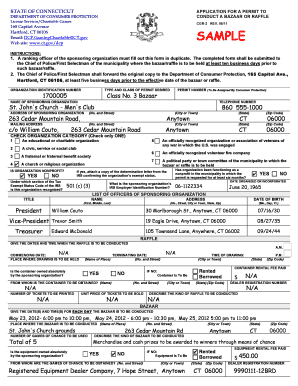
Fill up form

INSPECTION FORM - Self-Retracting Lifelines

Self retracting lifeline inspection form

Fertilitetsklinikken Trianglen Lundevangsvej 12 - DK-2900 Hellerup T: +45 3940 7000 - E: info triang
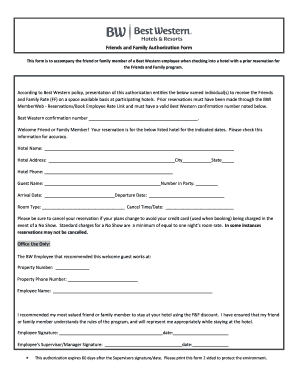
Friends and Family Authorization Form

The effect of endometrial thickness and pattern measured

05 2019 Toys for Tots Online Donation Form

Golden empire council
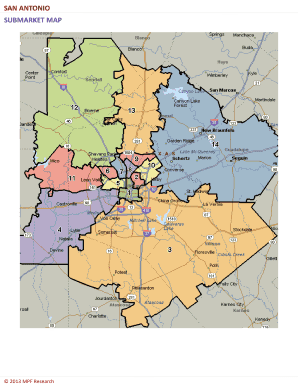
SAN ANTONIO SUBMARKET MAP - RealPage
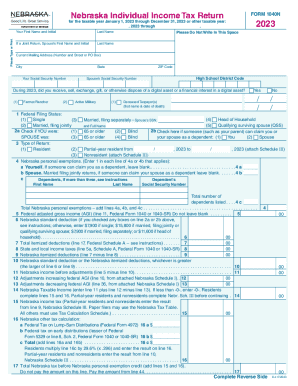
Tax Forms - Nebraska Public Employees Retirement Systems

Connecticut Department of Public Health , Epidemiology Program
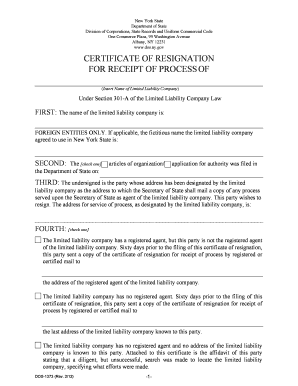
Under Section 301-A of the Limited Liability Company Law - dos ny
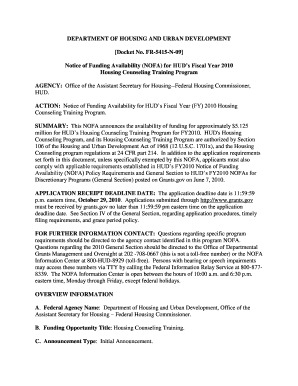
FR-5415-N-09 Notice of Funding Availability (NOFA) for HUD's Fiscal Year 2010 Housing Counseling Tra
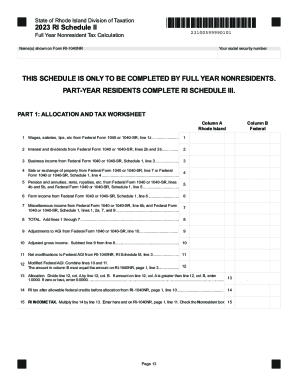
2023 Rhode Island Schedule II

Form RI W-3
Benefit from the DocHub online library of fillable PDF forms
Searching the PDF forms doesn't have to be a tedious and time-consuming process. With the DocHub online library, it has become easier to find the fillable PDF forms and modify them in your browser. The service allows you to adjust the document to your needs using powerful editing tools.
You can use online document editing features to modify almost any type of document with ease. You just need to find the template of your choice, open it in the editor, and use the toolbar to make the necessary corrections.
Follow this guide to get your document done with DocHub:
- Find the PDF template you need.
- Click the Get Form button to open the file in the editor.
- Use the toolbar to fill out and edit the document.
- Easily add and highlight text, insert images, checkmarks, and symbols.
- Drop new fillable fields, and rearrange or delete pages from your file.
- Save changes and download your record.
DocHub empowers everyone to streamline document editing, signing, and distribution, and form completion. Create an account and benefit from our well-organized PDF Forms library and comprehensive editor.